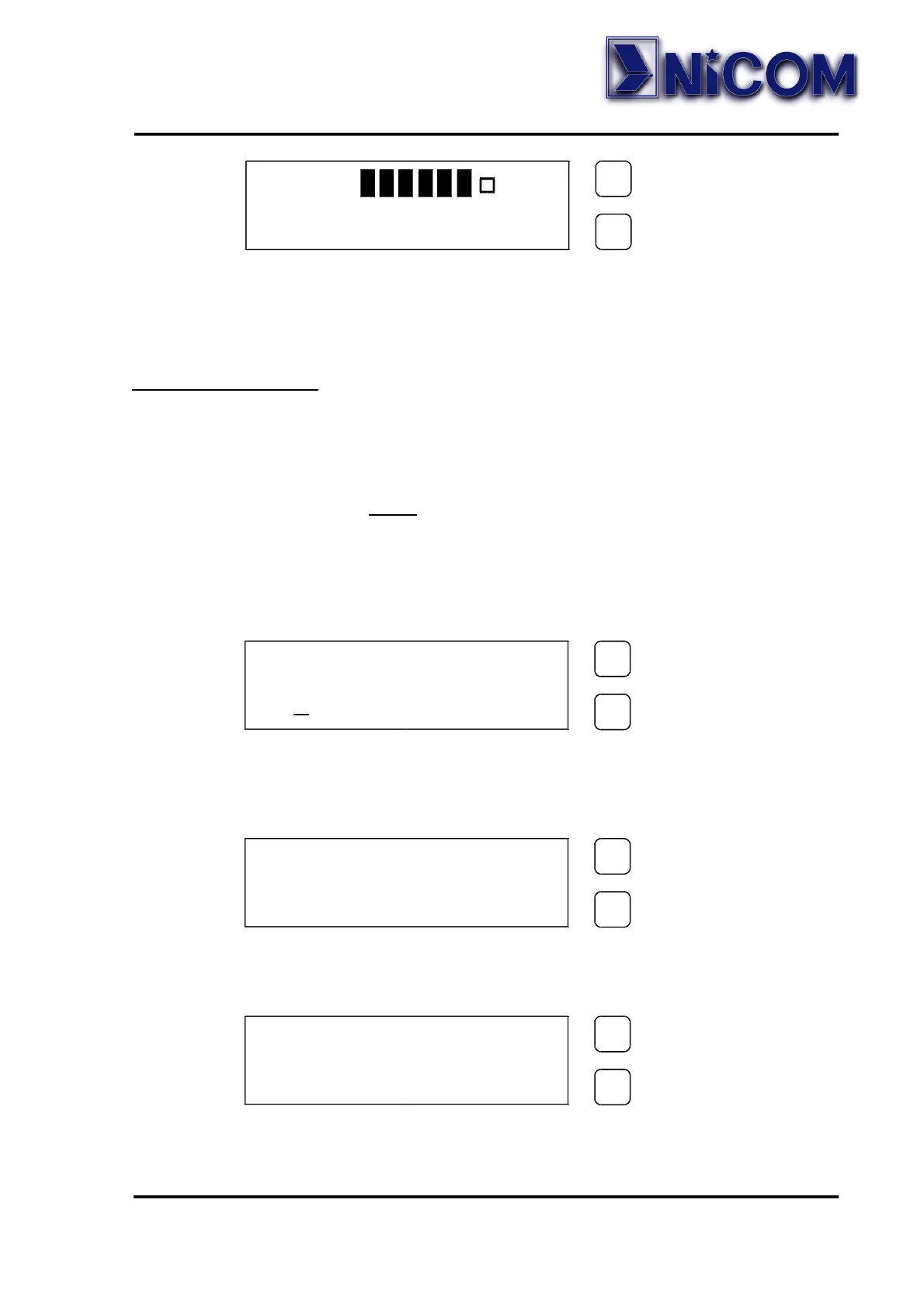
To display the frequency push and hold the SET key.
In order to display the parameter push and hold the SELECT key.
Display Password
The Password is factory set to enable, and is not possible change this
SET.
The default password is 1 2 3.
The way for changing the password is the following:
• Press for 3 seconds the SELECT key;
• Press the SELECT key for move the underscore character position at
the default digit, and press the SET key to confirm the digit.
Carry out the same operation for the two remaining digits.
• If the password is corrected press SET key to confirm, otherwise
press SELECT key to leave the function.
PASSWORD
0 1 2 3 4 5 6 7 8 9
SELECT
SELECTSELECT
SELECT
SET
SETSET
SET
PASSWORD
0 1 2 3 4 5 6 7 8 9
SELECT
SELECTSELECT
SELECT
SET
SETSET
SET
*
PASSWORD
0 1 2 3 4 5 6 7 8 9
SELECT
SELECTSELECT
SELECT
SET
SETSET
SET
*
*
*
MOD >
SGN 50dBuV
SELECT
SELECTSELECT
SELECT
SET
SETSET
SET


 To Next Page