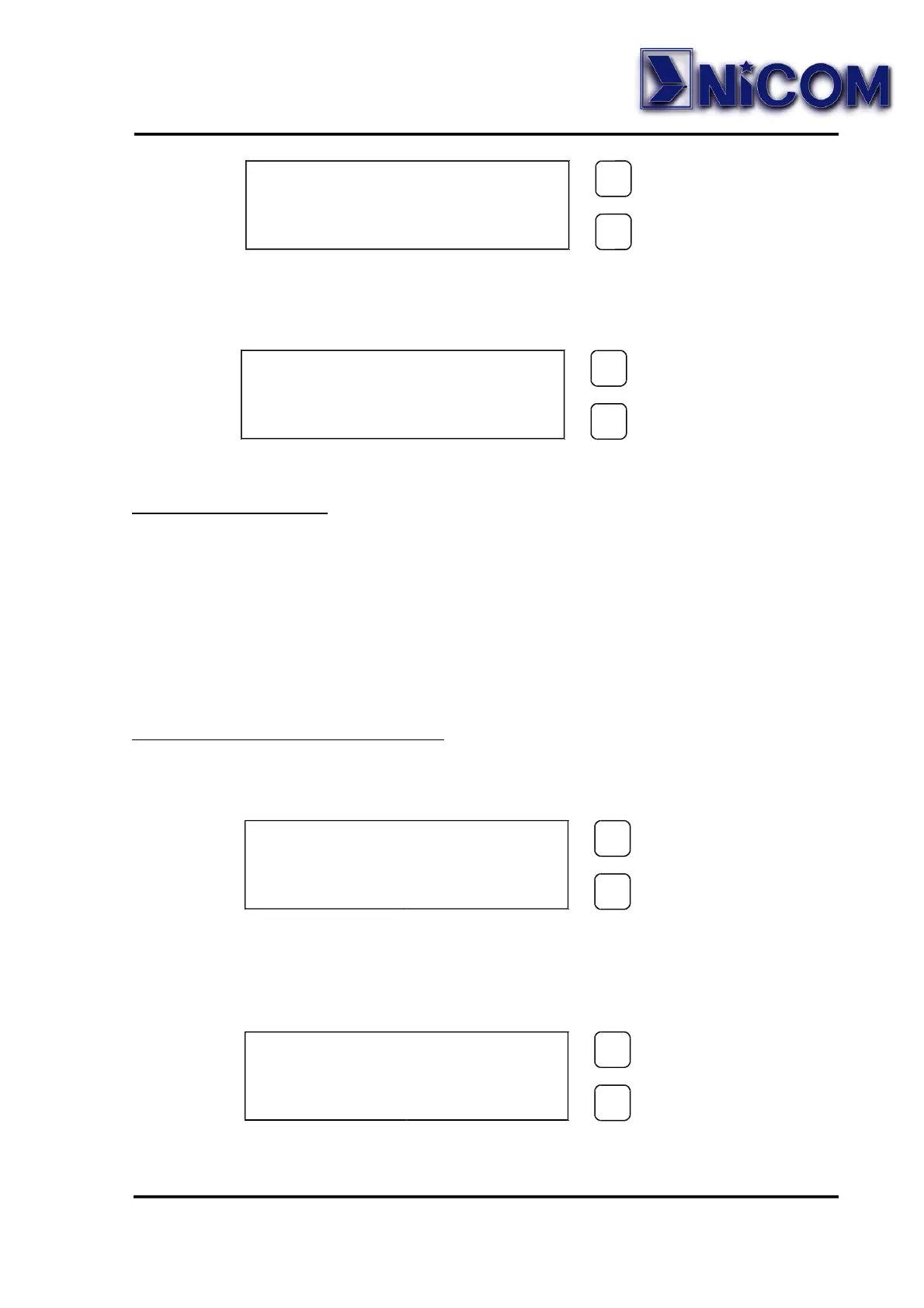
If the confirmation password is wrong the display will show:
IMPORTANT NOTE
! BE CAREFUL !
Once the password is set, it must be remembered otherwise neither can
the frequency be changed or a new password entered and you will need
to return the unit to the Factory for a complete reset.
Display Change of Frequency.
• Press 3 seconds the SELECT key and put the correct password, at
this point press again the SELECT key:
• Press the SELECT key to change the digit and press the SET key to
confirm the digit.
The underscore character move the position one place to the left.
STORED
NEW PASSWORD
SELECT
SELECTSELECT
SELECT
SET
SETSET
SET
ERROR
CONFIRMATION
SELECT
SELECTSELECT
SELECT
SET
SETSET
SET
NEW PASS . = SEL .
NEW FREQ . = SET .
SELECT
SELECTSELECT
SELECT
SET
SETSET
SET
FREQUENCY ?
MHz 950.000
SELECT
SELECTSELECT
SELECT
SET
SETSET
SET


 To Next Page