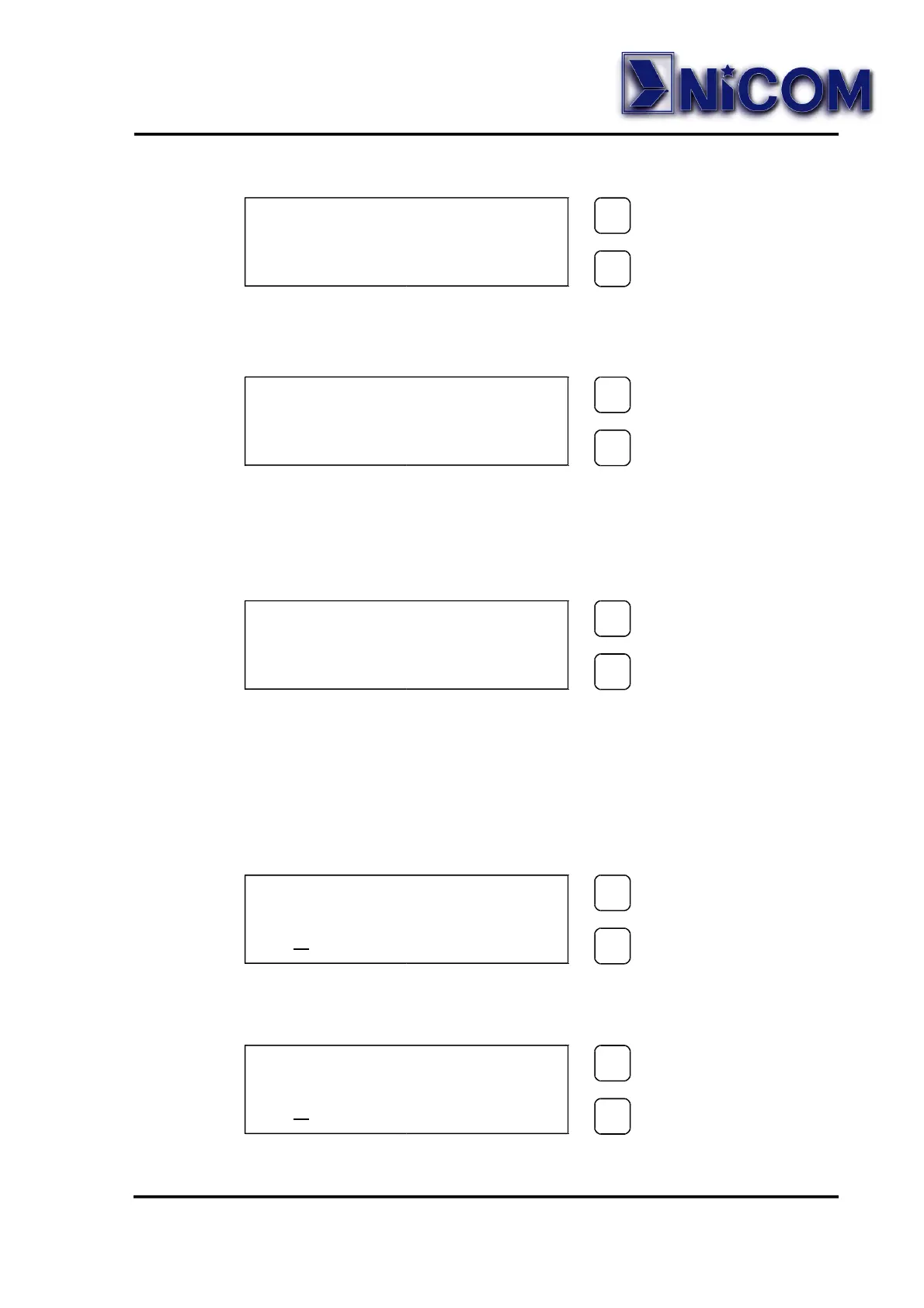
If the password is not corrected an error is displayed:
After few seconds display will show again the parameters.
• When the password is corrected the display will show:
To change the password press the SET key.
To change the frequency press the SELECT key.
• For changing the password use the same method for the default
password:
The confirmation password will be required.
If the password is corrected the display will show:
CONFIRM (Y/N) ?
N=SEL. Y=SET.
SELECT
SELECTSELECT
SELECT
SET
SETSET
SET
NEW PASS . = SEL .
NEW FREQ . = SET .
SELECT
SELECTSELECT
SELECT
SET
SETSET
SET
ERROR
PASSWORD
SELECT
SELECTSELECT
SELECT
SET
SETSET
SET
NEW PASSWORD
0 1 2 3 4 5 6 7 8 9
SELECT
SELECTSELECT
SELECT
SET
SETSET
SET
CONFIRMATION
0
1 2 3 4 5 6 7 8 9
SELECT
SELECTSELECT
SELECT
SET
SETSET
SET


 To Next Page