Setting Up an iView PC
42-02-7223 C1 8-5
8
iControl DC
*192.168.191.101 is typically used for the iView PC.
To set the iView PC’s IP Address:
1. Start the PC.
2. From the Windows Start menu, double click Control Panel.
3. Double click Network and Sharing Center to open the Network and Sharing Center dia-
log.
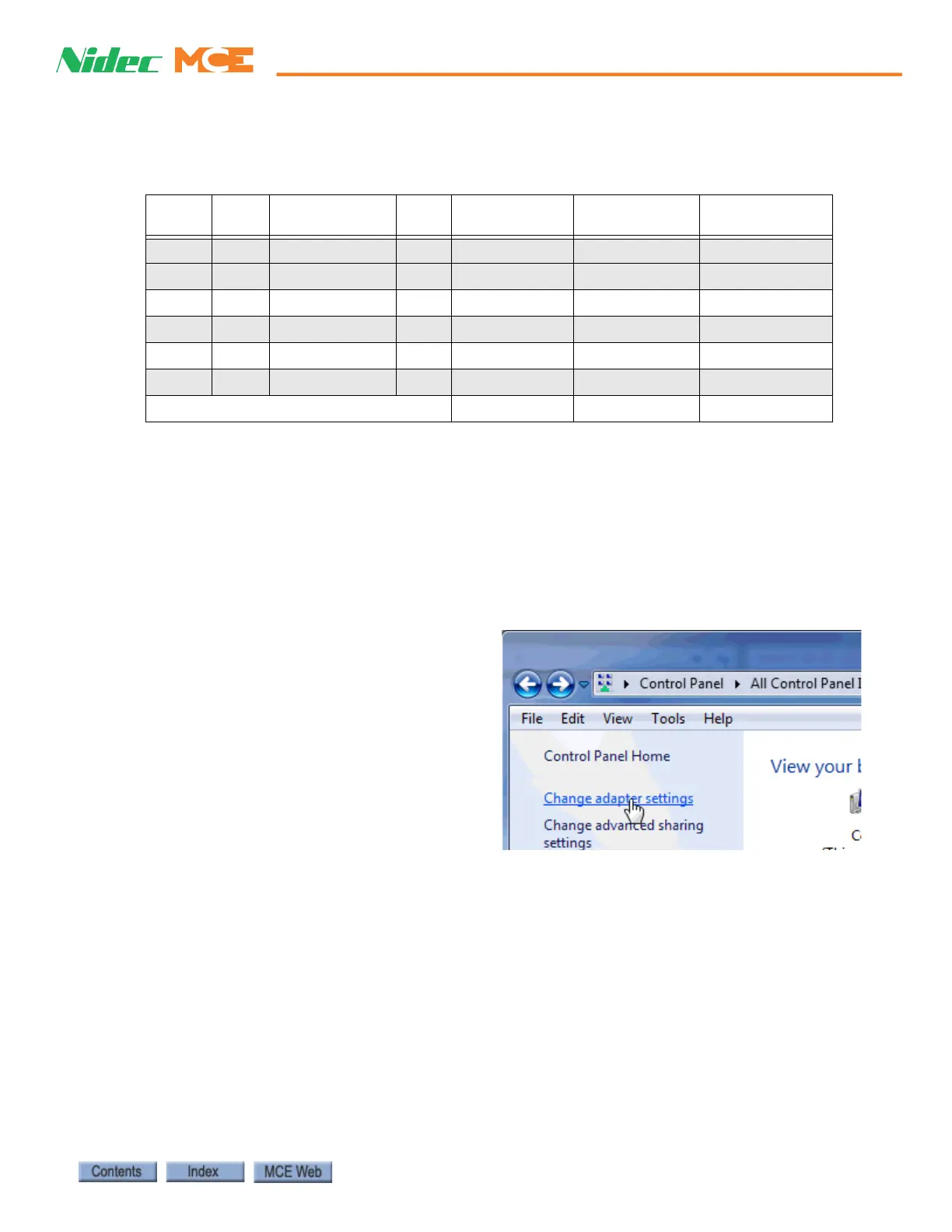
4. Click Change adapter settings to
open the Network Connections dialog.
5. Double-click the Local Area Connection icon to open the Local Area Connection Status
dialog.
Table 8.1 System, LAN, & 3=PC TCP/IP Addresses
Hub Group
Group IP, Primary
& Backup
Car ID Car IP
System/Serial
Hall Call Bus 1 - 4
iView PC
System all 192.168.192.201-202 1-20 192.168.192.001-020 192.168.192.211-214
LAN A 192.168.191.201-202 1-20 192.168.191.001-020 192.168.191.101-200*
LAN B 192.168.191.203-204 1-20 192.168.191.021-040
LAN C 192.168.191.205-206 1-20 192.168.191.041-060
LAN D 192.168.191.207-208 1-20 192.168.191.061-080
LAN E 192.168.191.209-210 1-20 192.168.191.081-100
Port #3 = PC (iBox ONLY), NO HUB 192.168.193.001



 To Next Page