Setting Up an iView PC
42-02-7223 C1 8-9
8
iControl DC
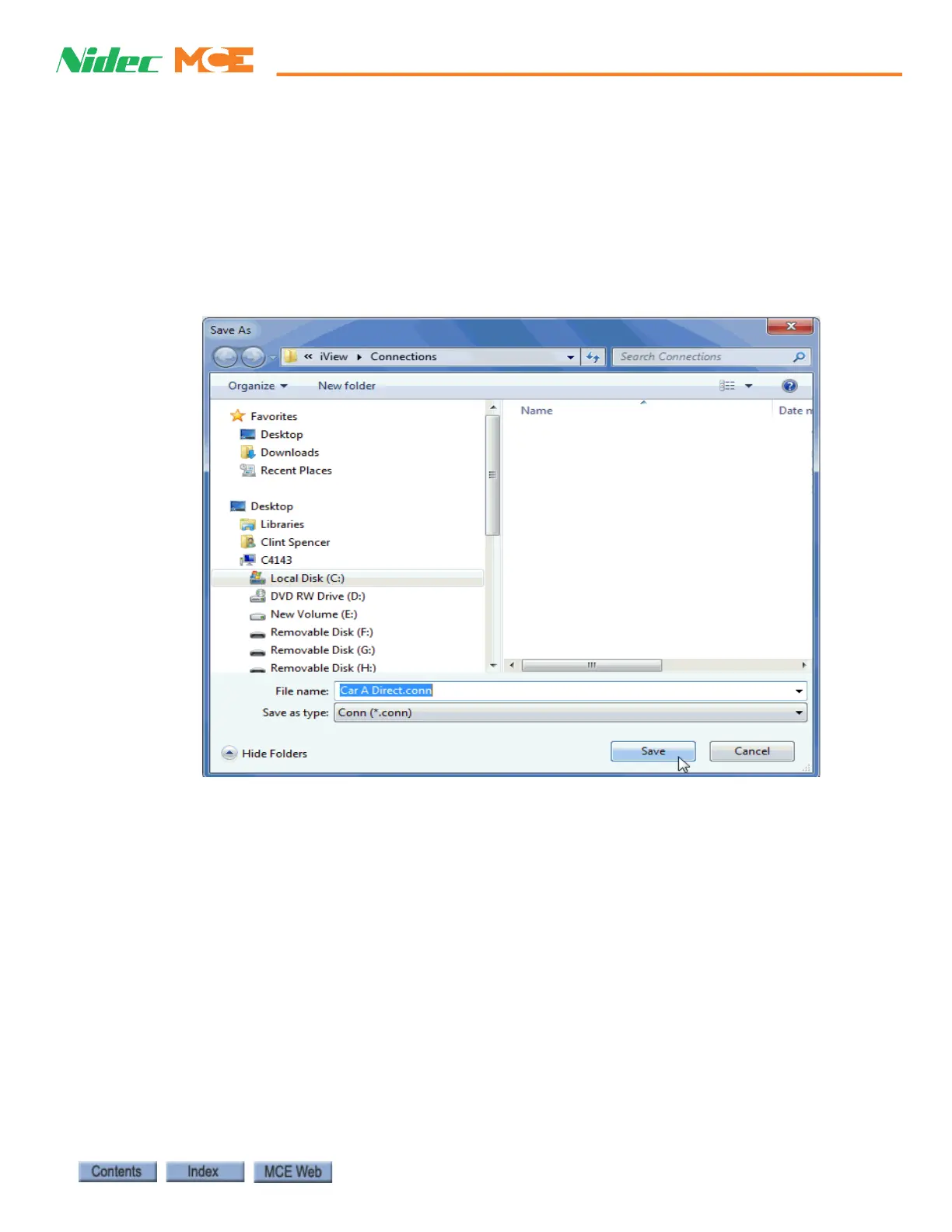
8. Enter a File name for this connection in the Save As dialog. When creating direct con-
nections, it is a good practice to name them clearly so they are easy to distinguish (i.e.,
“CarA Direct”).
9. The suggested (default) location for connections is the Connections folder (My Docu-
ments > Motion Control Engineering > iView > Connections). You may choose another
location using standard windows methods. You may also create sub-folders inside the
iController Connections folder in which groups of connections can be stored.
10. Click Save to save the connection.



 To Next Page