Setting Up an iView PC
42-02-7223 C1 8-11
8
iControl DC
5. When iView is communicating with a controller, this symbol
is displayed in the bottom left corner of the iView screen.
6. When iView is not communicating with a controller, this
symbol is displayed in the bottom left corner of the
iView screen.
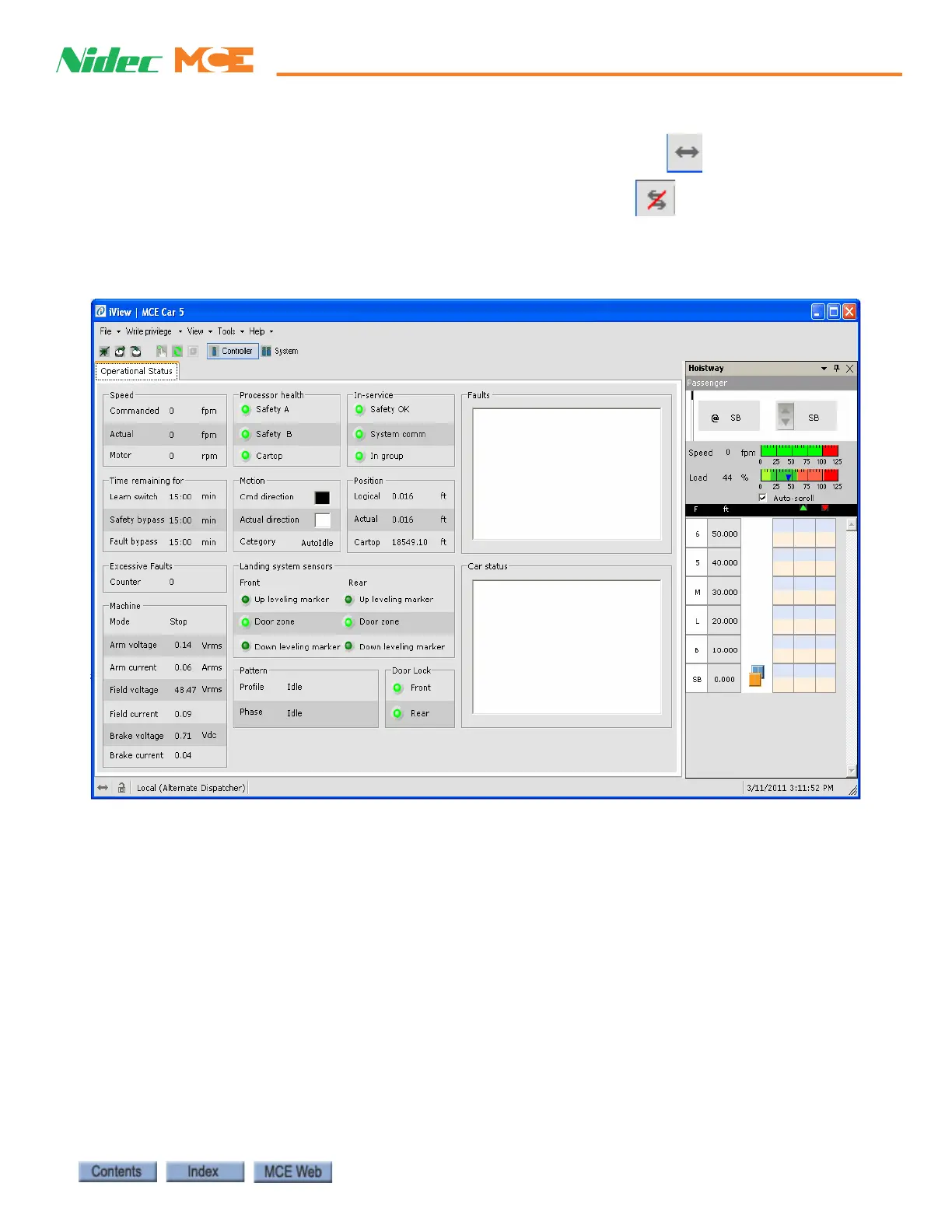
7. When the connection is established, the Operational Status tab and Hoistway window
are displayed.



 To Next Page