EasyManua.ls Logo

Nidek Medical NT-510 - User Manual

Nidek Medical NT-510
100 pages
Print Icon
To Next Page IconTo Next Page
Loading...
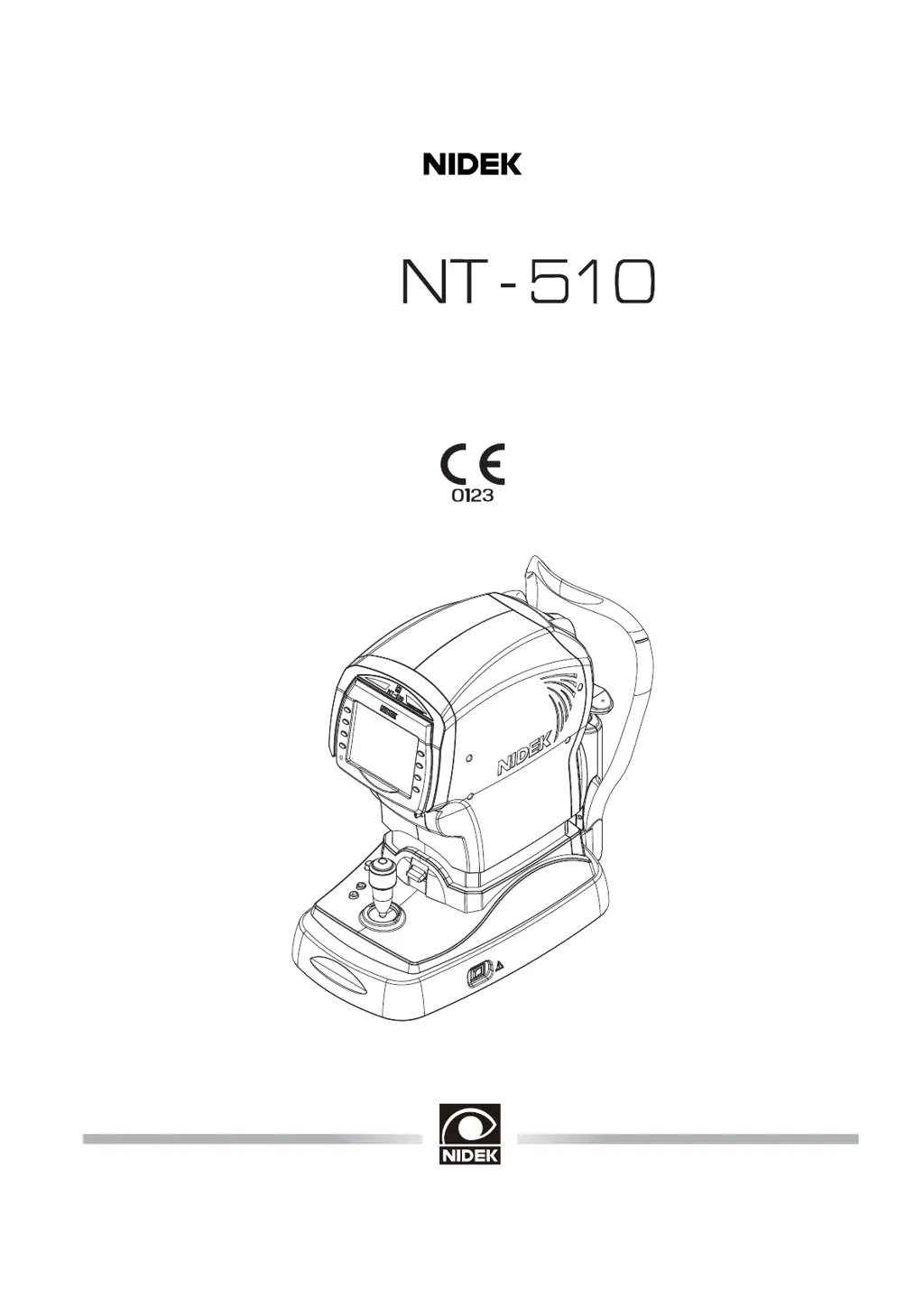
NON CONTACT TONOMETER
Model
OPERATOR’S MANUAL

Other manuals for Nidek Medical NT-510

Questions and Answers

  • J
    jeremy35Aug 16, 2025
    What to do if a measurement error appears on Nidek Medical NT-510?
    • D
      Dr. Jason YoungAug 17, 2025
      A measurement error might appear on the Nidek Medical Blood Glucose Meter if the patient blinked during measurement. To resolve this, instruct the patient not to blink and try the measurement again. It can also happen if the eyelid or eyelashes obstruct the measurement. In this case, instruct the patient to open his/her eye wider, or gently lift the patient’s lid, being careful not to press against the eyeball. Also, the data may exceed the measurable limit.
  • L
    Leslie WilliamsAug 19, 2025
    What to do if Nidek Medical NT-510 Blood Glucose Meter shows “ERROR” or “NO PAPER”?
    • D
      Deanna JonesAug 19, 2025
      If you see “ERROR” or “NO PAPER” on your Nidek Medical Blood Glucose Meter, even with paper loaded, ensure the printer cover is securely closed. Open the printer cover and close it securely. Also, avoid pressing the print button immediately after closing the cover, as the printer requires a moment to get ready.
  • R
    rkimAug 22, 2025
    How to fix Nidek Medical NT-510 Blood Glucose Meter when data is not printed out?
    • Z
      Zachary GarciaAug 22, 2025
      If data is not printing from your Nidek Medical Blood Glucose Meter, first check the printer paper and load new paper if it has been used up. Also, verify that the PRINT parameter is not set to NO and reset it if necessary.
  • L
    Loretta SweeneyAug 25, 2025
    Why is auto-tracking not working on my Nidek Medical Blood Glucose Meter?
    • Z
      zbassAug 26, 2025
      If the auto-tracking or auto-shooting function isn't working on your Nidek Medical Blood Glucose Meter, first ensure these functions are turned on using the auto button. If the issue persists, room illumination might be reflecting on the cornea; try changing the device's location. These functions may also not work on some eyes, such as those with keratoconus or recently-operated corneas; in such cases, turn off the auto-tracking function and start measurement manually. The same applies to patients with substantial ocular ataxia or who cannot fixate their eyes. Also, if the device is exposed to sunshine, light interference may adversely affect these functions. Change the installed position of the device and start measurement again.
  • J
    Jordan MccoyAug 27, 2025
    How to turn on the LCD display on Nidek Medical NT-510 Blood Glucose Meter?
    • P
      Philip DavisAug 28, 2025
      If the LCD display of your Nidek Medical Blood Glucose Meter does not turn on, ensure the power cord is securely connected. Also, check that the power switch is turned on.
  • T
    Tyler BarnesAug 30, 2025
    What to do if printer paper does not feed in Nidek Medical NT-510 Blood Glucose Meter?
    • B
      brookskatieAug 30, 2025
      If the printer paper does not feed in your Nidek Medical Blood Glucose Meter, the paper may be loaded in a tilted position, or the core of the roll may not be placed properly. Open the printer cover and make sure that the printer paper is properly loaded.
  • D
    David WoodwardSep 2, 2025
    Why Nidek Medical NT-510 printer operates but doesn't print results?
    • E
      Emily OnealSep 2, 2025
      If the printer on your Nidek Medical Blood Glucose Meter operates but doesn't produce results, the printer paper may be loaded with the wrong side up. Ensure the paper is loaded with the correct side facing up.
  • C
    Crystal WintersSep 4, 2025
    What does “PRESSURE PEAK ERROR” mean on Nidek Medical NT-510 Blood Glucose Meter?
    • A
      Alexis AdamsSep 5, 2025
      If you receive errors like "PRESSURE PEAK ERROR", “PRESSURE SLOPE ERROR" or “NO PRESURE UP" on your Nidek Medical Blood Glucose Meter at start-up, turn off the power while in Measurement mode and clean any contamination from the air nozzle.
  • N
    Nancy GatesSep 7, 2025
    Why does the screen disappear suddenly on Nidek Medical Blood Glucose Meter?
    • K
      Kevin WilliamsSep 7, 2025
      If the screen on your Nidek Medical Blood Glucose Meter disappears suddenly, sleep mode may have been activated. Press any button to exit from sleep mode.
  • T
    Tiffany AndersonSep 12, 2025
    Why is Nidek Medical NT-510 Blood Glucose Meter LCD display not clear?
    • H
      Hannah RosalesSep 12, 2025
      If the LCD display on your Nidek Medical Blood Glucose Meter is not clear even when the power is on, the sleep function may have been activated. Try to recover the monitor ON condition by pressing any button.

Summary

Safety precautions

Use precautions

Before Use

CAUTION Do not use the device for other than the intended purpose.

During Use

After Use

Maintenance

Disposal

Follow local governing ordinances and recycling plans regarding disposal or recycling of device components.

Patient environment

1. BEFORE USE

1.1 Outline of device

Description of the NT-510 non-contact tonometer, its components, and key features.

1.2 Indications for Use

Specifies the medical apparatus's purpose and its function in measuring intraocular pressure.

1.3 Principles

Explains the Imbert-Fick principle and APC function used for intraocular pressure measurement.

1.4 Device Description

Detailed description of the NT-510 device, including front view components and their functions.

1.5 Measurement Screen Description

Description of the NT-510 measurement screen, detailing various indicators and controls.

1.6 Labels and Indications on Device

Explanation of important labels and indications found on the NT-510 device.

1.7 Checking Contents

Lists the items included in the standard configuration of the NT-510 device.

1.8 Before First Use

Instructions on how to place and connect the NT-510 device before its initial operation.

2. OPERATING PROCEDURES

2.1 Operation Flow

Overview of the sequence of operations for the NT-510, from power on to shutoff.

2.2 Preparation for Measurement

Steps to prepare the NT-510 and the patient for measurement.

2.3 Measurement

Detailed procedure for performing the actual intraocular pressure measurement.

2.3.1 Measuring puffed air pressure check during startup

Procedure for checking puffed air pressure automatically during device startup.

2.4 Completion of Measurements

Procedures for properly finishing measurements and shutting down the device.

2.4.1 Normal shutoff

Steps for performing a normal shutdown of the device after use.

2.4.2 Shutoff before transporting the device

Procedure to put the device into packing mode for safe transportation.

2.5 Selecting Mode

Instructions on selecting different operational modes for the NT-510.

2.5.1 Sleep mode

Description of the automatic sleep mode function to save power.

2.5.2 Eyelid detection mode

Explanation of the eyelid detection mode and how to activate/cancel it.

2.6 Printing

Procedures related to printing measured data and parameter settings.

2.6.1 Printing measured data

Instructions on how to print measured data and sample printout format.

2.6.2 Printing parameter settings

Guide to printing the current parameter settings, including a list of parameters.

2.7 Parameter Settings

Guide to checking and changing various operational parameters of the NT-510.

2.7.1 Parameter tables

Detailed tables listing all parameters and their available settings.

2.7.2 Setting Network function

Steps for setting up the network (LAN) connection for the NT-510.

2.7.3 Setting date and time

Procedure to set the correct date and time for the NT-510 printout.

2.7.4 Entering comments

Instructions for changing and entering custom comments for printouts.

3. OPERATION WHEN PERIPHERAL DEVICES ARE CONNECTED

3.1 Connecting to Computer

Overview of connecting the NT-510 to a computer for data export.

3.1.2 RS-232 C connection

Procedure for connecting the NT-510 to a computer using an RS-232C cable.

3.1.3 Network connection (LAN)

Procedure for connecting the NT-510 to a computer via a LAN cable.

3.2 Connecting Barcode; Magnetic Card Reader

Instructions for connecting and using barcode or magnetic card readers with the NT-510.

3.2.1 Outline

Introduction to reading patient ID using optional barcode or magnetic card readers.

3.2.2 Connecting procedure

Steps for connecting the USB cable of a barcode or magnetic card reader.

3.2.3 Operating procedure of barcode; magnetic card reader

How to read patient ID using the barcode or magnetic card reader.

4. MAINTENANCE

4.1 Troubleshooting

Table of common symptoms and remedies for NT-510 device issues.

4.2 Error Messages and Countermeasures

List of NT-510 error codes, their causes, and recommended countermeasures.

4.3 Replacing Printer Paper

Step-by-step instructions for replacing the printer paper roll in the NT-510.

4.4 Fixing Chinrest Paper

Procedure for attaching chinrest paper using fixing pins.

4.5 Cleaning

Instructions for cleaning various parts of the NT-510 device.

4.5.1 Cleaning air nozzle

Procedure for cleaning the air nozzle of the NT-510, especially after patient contact.

4.5.2 Cleaning printer

Instructions for cleaning the printer and its auto cutter.

4.5.3 Cleaning forehead rest and chinrest

Procedure for cleaning the forehead rest and chinrest after patient use.

4.6 List of Replacement Parts

List of consumable parts that can be replaced on the NT-510.

5. SPECIFICATIONS AND ACCESSORIES

5.1 Classifications

Classification of the NT-510 device according to medical device regulations and standards.

5.2 Safety Features

Description of safety features like patient sensor and safety stopper.

5.3 Specifications

Technical specifications of the NT-510, including measurement ranges and dimensions.

5.4 Standard Configuration

Lists standard accessories and optional accessories for the NT-510.

5.4.1 Standard accessories

List of items included in the standard configuration of the NT-510.

5.4.2 Optional accessories

List of optional accessories available for the NT-510.

6. EMC (ELECTROMAGNETIC COMPATIBILITY)

7. GLOSSARY

Nidek Medical NT-510 Specifications

General IconGeneral
BrandNidek Medical
ModelNT-510
CategoryBlood Glucose Meter
LanguageEnglish