Syntronics, LLC
Night Vision Systems Division
3
4.4 BATTERY REPLACEMENT
The viewer is powered by two AA alkaline batteries. To replace the batteries,
remove the viewer handle by unscrewing the big screw on the underside of the
viewer. Unscrew the silver knob below the lens to reveal the battery
compartment. Remove the batteries and replace with new ones, matching the
polarity as indicated on the blue label. Then screw the battery compartment
cover back on, and re-attach the handle.
4.5 CHANGING FILTERS
*****CAUTION: MAKE SURE THE POWER IS OFF*****
BEFORE REMOVING THE FILTER!
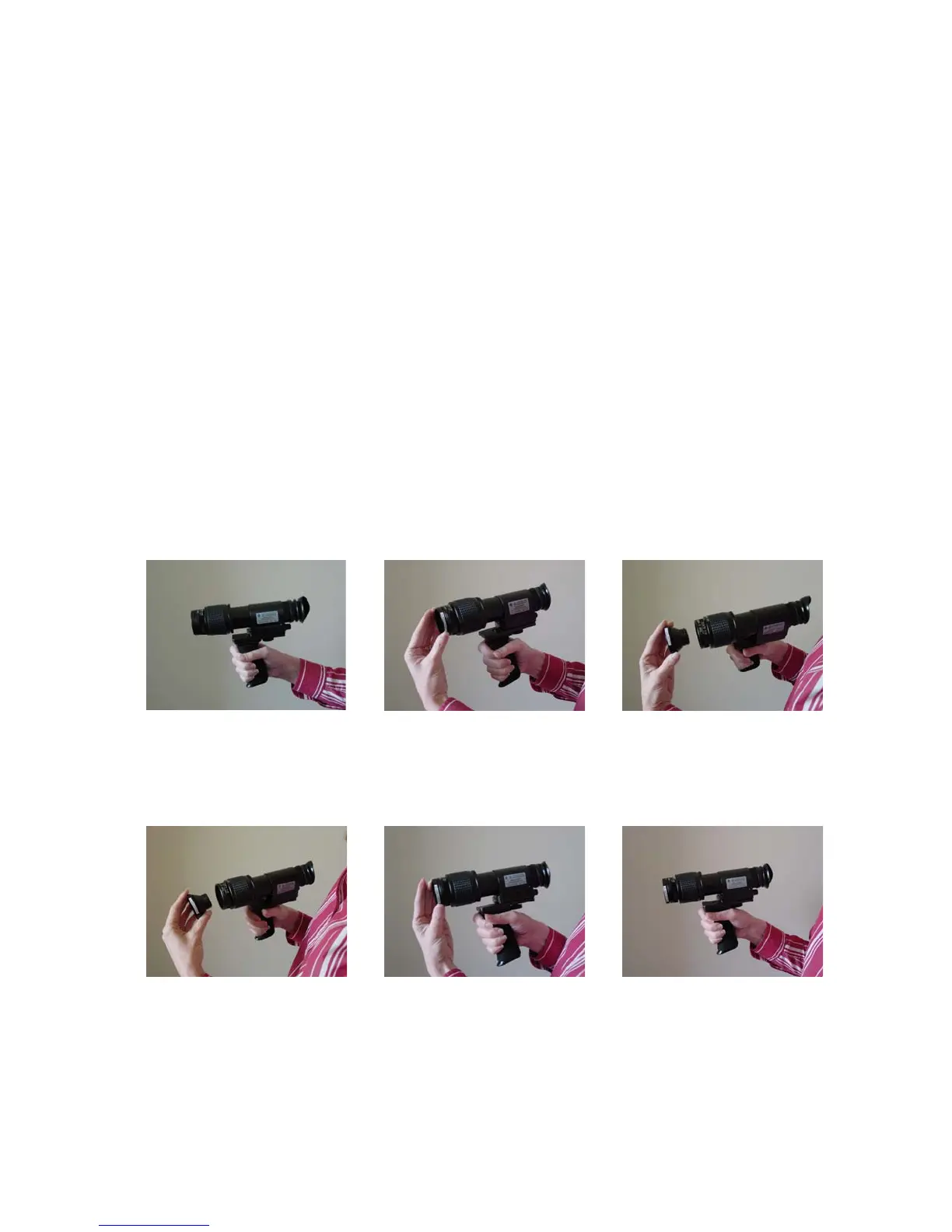
To swap filters, simply unscrew the filter housing on the UV lens and screw in
a different one (see pictures).
1. Remove filter, as shown below.
2. Attach new filter, as shown below.



 To Next Page