7
6. OK.
• In Photo mode, OK takes a photo
• In Video mode, OK starts & stops recording
• In Gallery mode, OK opens up the opon menu, to play
or delete the displayed video
• In Sengs mode, OK selects opons on the displayed
menu
7. IR. To see at night, Press IR for 7 levels of brightness (0->1->2-
>3>4>5>6>7>0…)
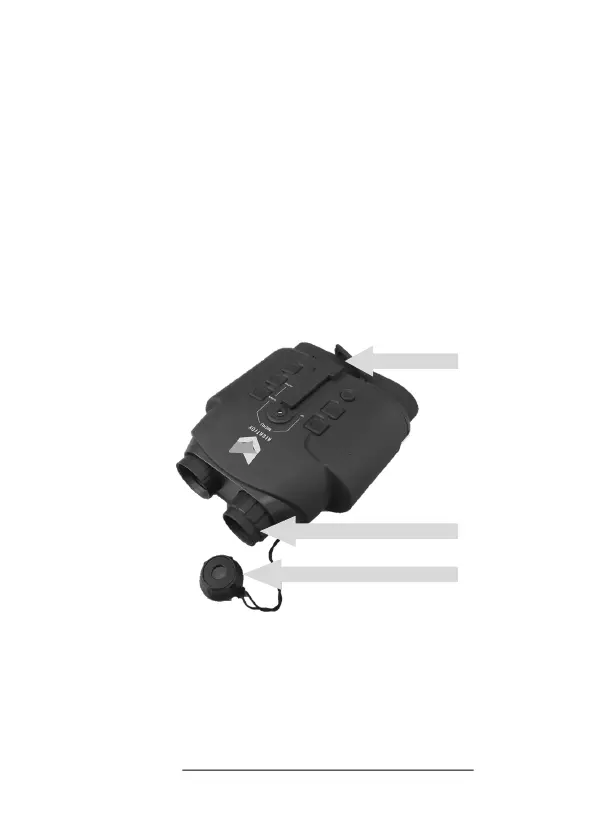
8. Micro SD card and USB slot. With gold pins facing downwards,
push your Micro SD card into the slot unl it clicks into place.
9. Focus wheel. Turn by hand to focus the image.
10. Lens cap. The lens cap lter must be removed at night.
8
9
10


 To Next Page