3
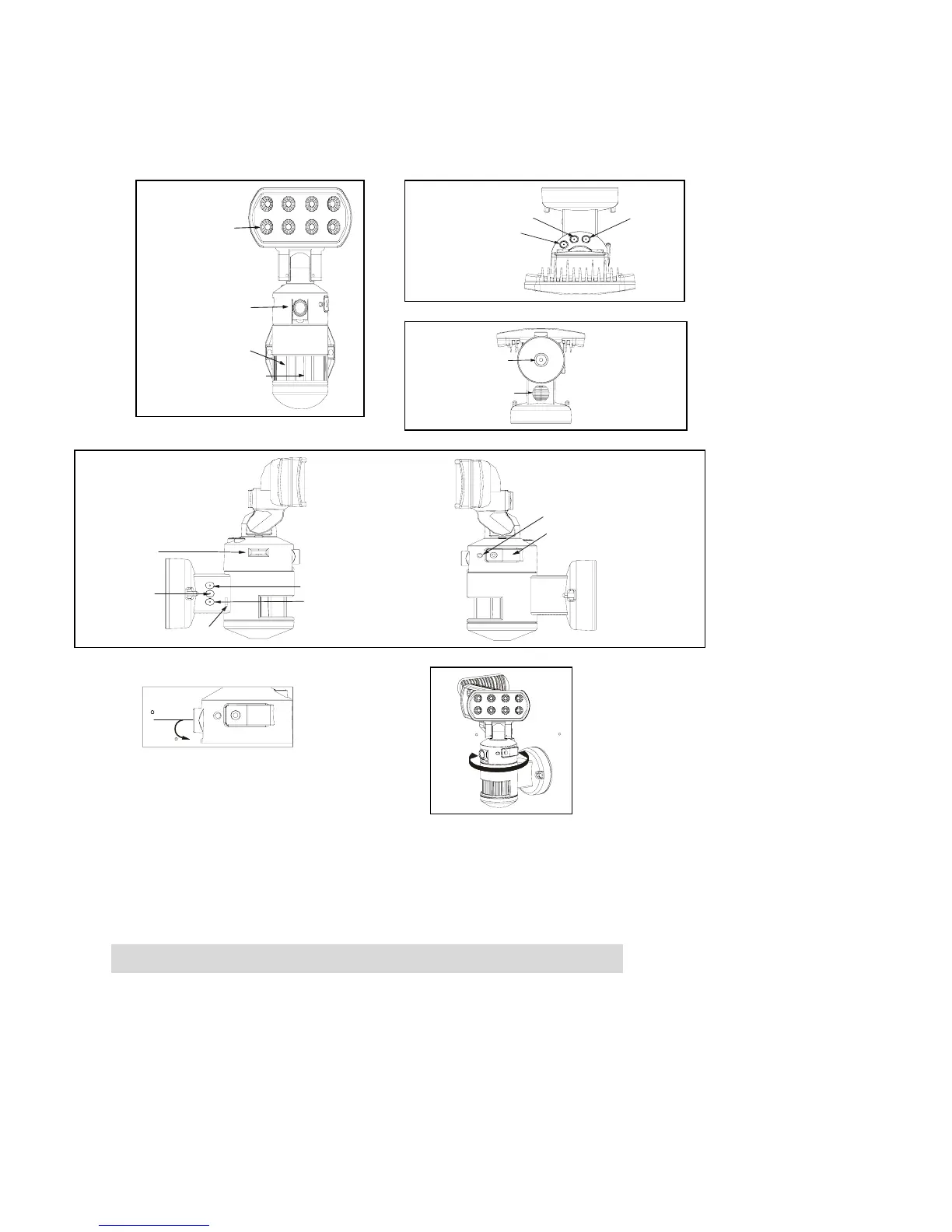
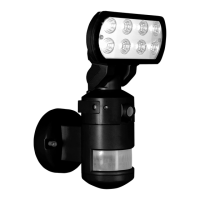
Nightwatcher NW700 Overview
Installation
Step 1. Insert/remove Micro SD card (see fig. 1):
If the Nightwatcher is powered, press the push-button on the bottom of the unit for 3 seconds to stop the
light turning before attempting to insert or remove Micro SD card and the hidden LED will flash in orange.
To resume to work, push the push-button again and hidden LED will stop flash.
If you need to remove the Micro SD card, please press OFF/REC button and take it out within 30
seconds.
Camera
3 motion sensors
Mode LED Indicator
(hidden inside)
LED
TIME/DATE SET
OFF/REC
RESET
Mode push-button
Speaker
AUDIO MODE
SET/REC
PLAY/ERASE
MIC
LCD
Waterproofed cover
LED indicator
Side view
Left 70
Right 70
0
25
Camera angle adjustable
down 25°
Front view
Top View
Bottom View


 To Next Page