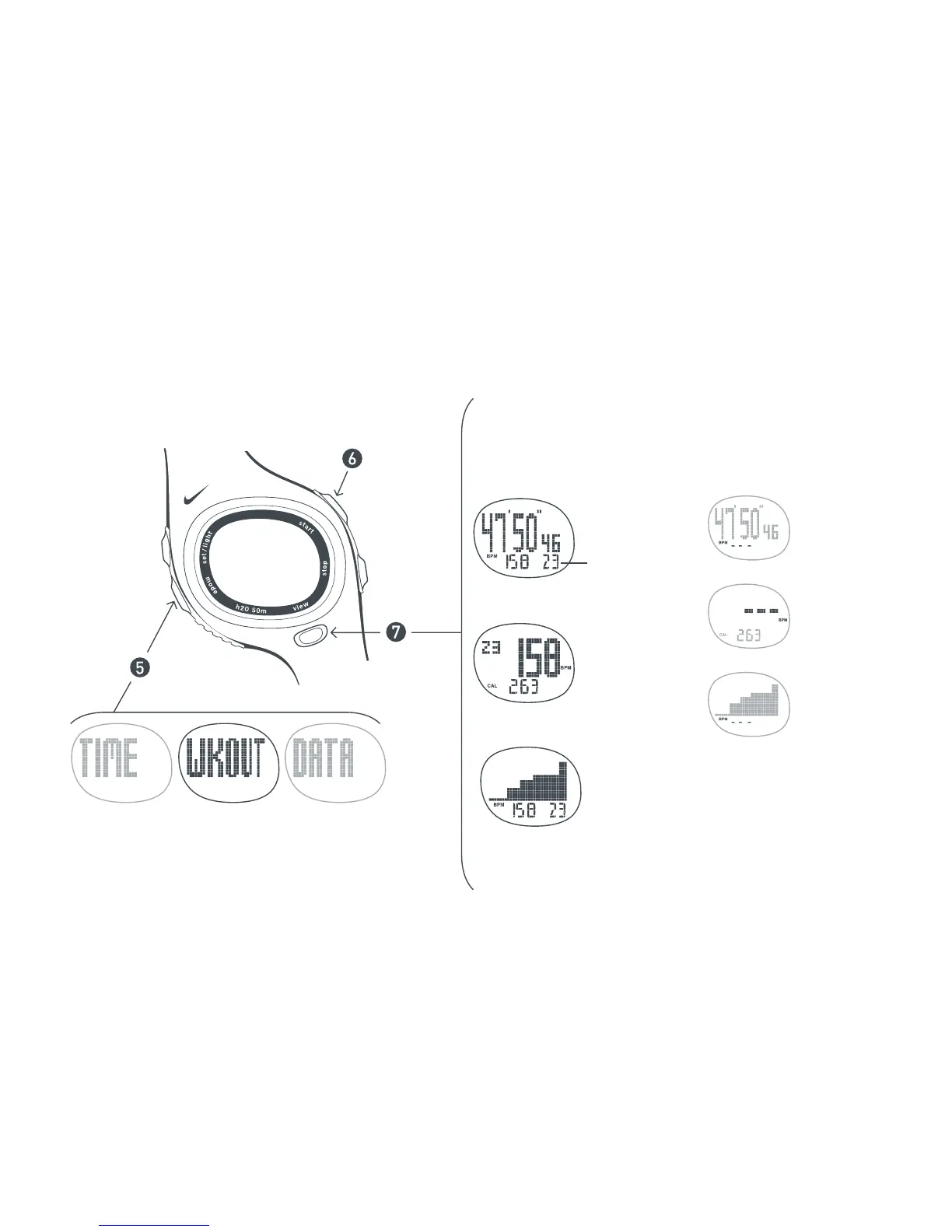
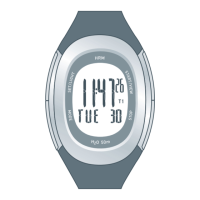
In WORKOUT mode , you can
VIEW your information in 3
different ways. Pick the VIEW that
displays the information most
relevant to you.
Scroll to
WORKOUT mode
Graph View
Each bar is your heart rate
average for 2 minutes.
Start Workout
Chronograph
View
or
or
Heart Rate /
Calories View
No Heart Rate Displayed
If you see three blinking lines
in the display, the watch is not
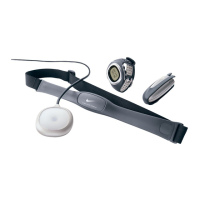
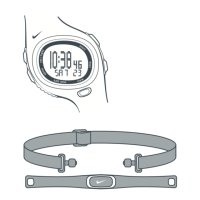
receiving transmission from
the Heart Rate Transmitter.
Run through the Quick Start again
or see page 14 Troubleshooting
Zone Number
Displays in
which zone you
are exercising.


 To Next Page