6.5. Setting the alarm
Note! Turn the radio off before proceding.
Caution! You can set and activate two alarms.
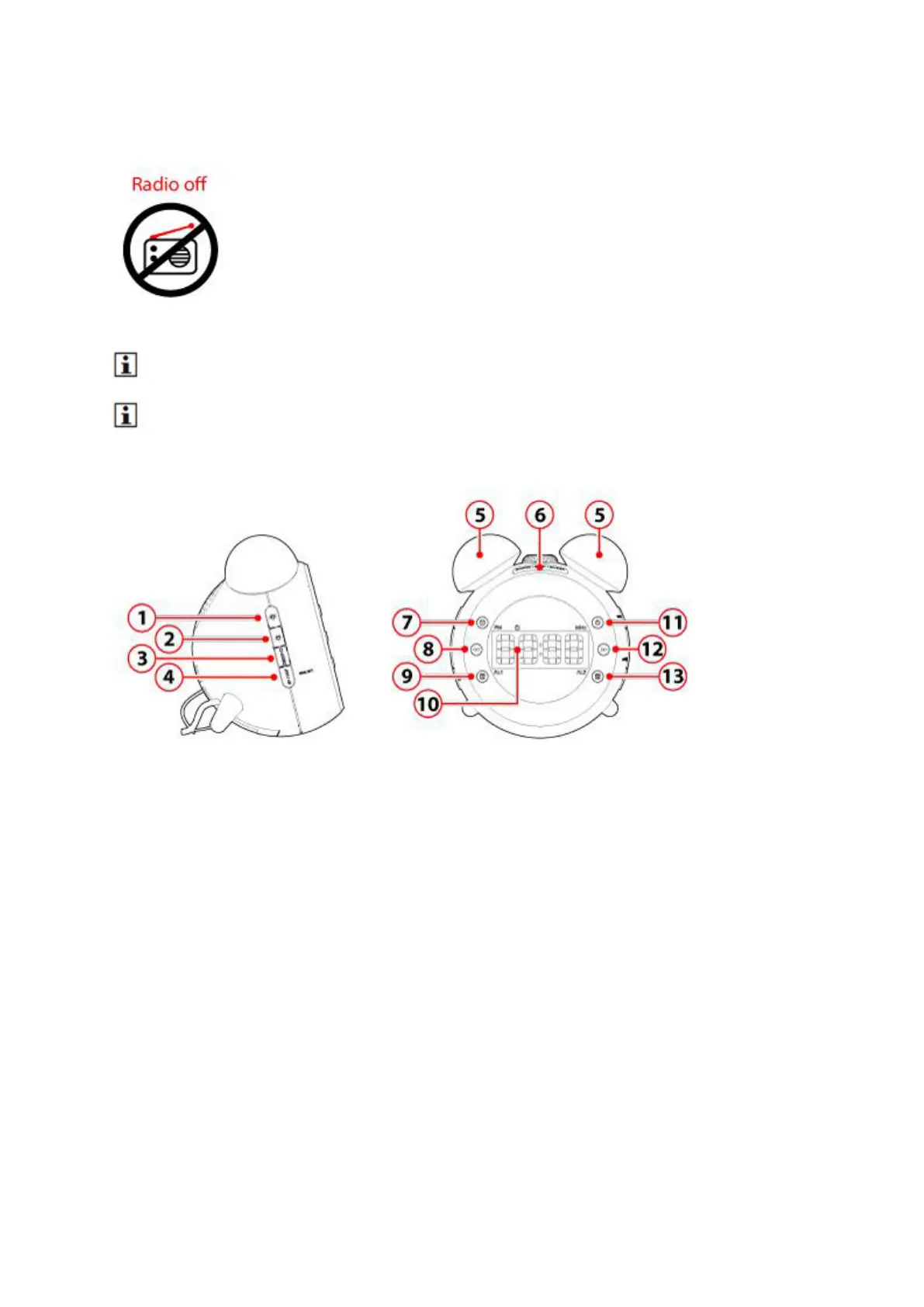
Press the (9) button .
An orange bar appears in the display above AL1, the alarm is now activated.
"7:00" appears on the display.
Keep key (9) pressed for 2 seconds
The hours are flashing on the display.
Press the (8) or (12) key to set the desired hour.
Press (9) to confirm.
The minutes are flashing on the d
isplay.
Press the (8) or (12) key to set the desired minutes.
Press (9) to confirm.
"1-5" is flashing on the display.
Here you can set which days the alarm goes off.



 To Next Page