74
U
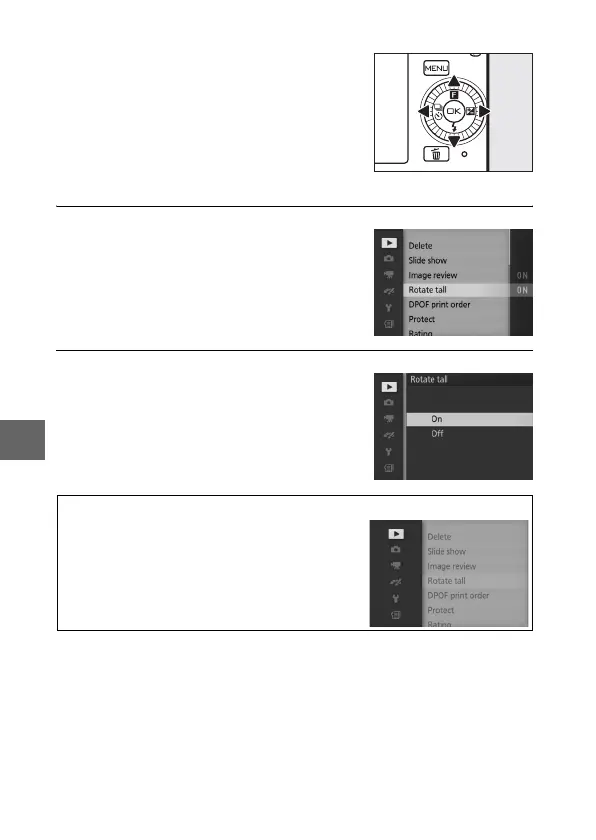
❚❚ Using the Menus
1
Select an item.
2
Select an option.
Use the multi selector to navigate the
playback, shooting, movie, image pro-
cessing, and setup menus.
Multi selector
Press 1 or 3 to highlight menu items
and press 2 to view options for the
highlighted item.
Press 1 or 3 to highlight the desired
option and press J to select.
A
Choosing a Menu
To display another menu, press 4 in Step 1
and then press 1 or 3 to highlight the
desired icon. Press 2 to position the cursor in
the highlighted menu.



 To Next Page