CaptureNX-D Reference Manual
2
Introduction Viewing Pictures Filters Image Adjustment Other Features Menu Guide
What CaptureNX-D Can Do for You
CaptureNX-D lets you retouch pictures by, for example, adjusting brightness
and hue, and can also be used to edit RAW images taken with Nikon digital cam-
eras and save them in other formats.
Retouch Pictures
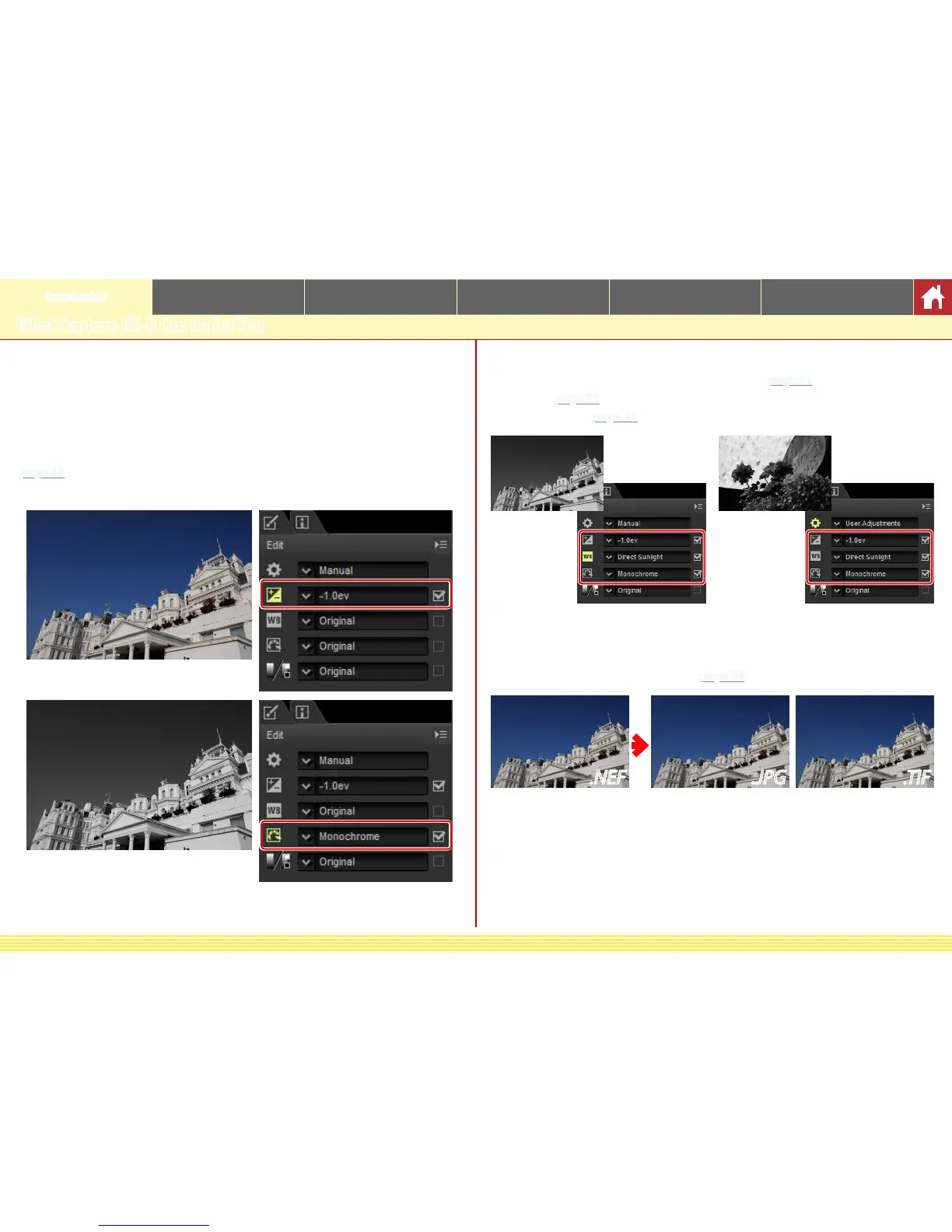
With CaptureNX-D, it’s easy to adjust such settings as brightness and white balance
(
page 18). Certain settings, such as exposure compensation and PictureControls,
are available only with RAW images.
Copy Adjustments
Save adjustments and apply them to other images (page 31) or copy them to other
computers (
page 33). Saved adjustments can be applied to multiple images using
batch processing (
page 37).
Save Pictures in Other Formats
Retouched or processed RAW (NEF/NRW) images can be saved in JPEG or TIFF
formats for use in other applications (
page 34).
.NEF .JPG .TIF











 To Next Page