The camera
User's Manual
Check the current camera firmware version
1
Turn the camera on.
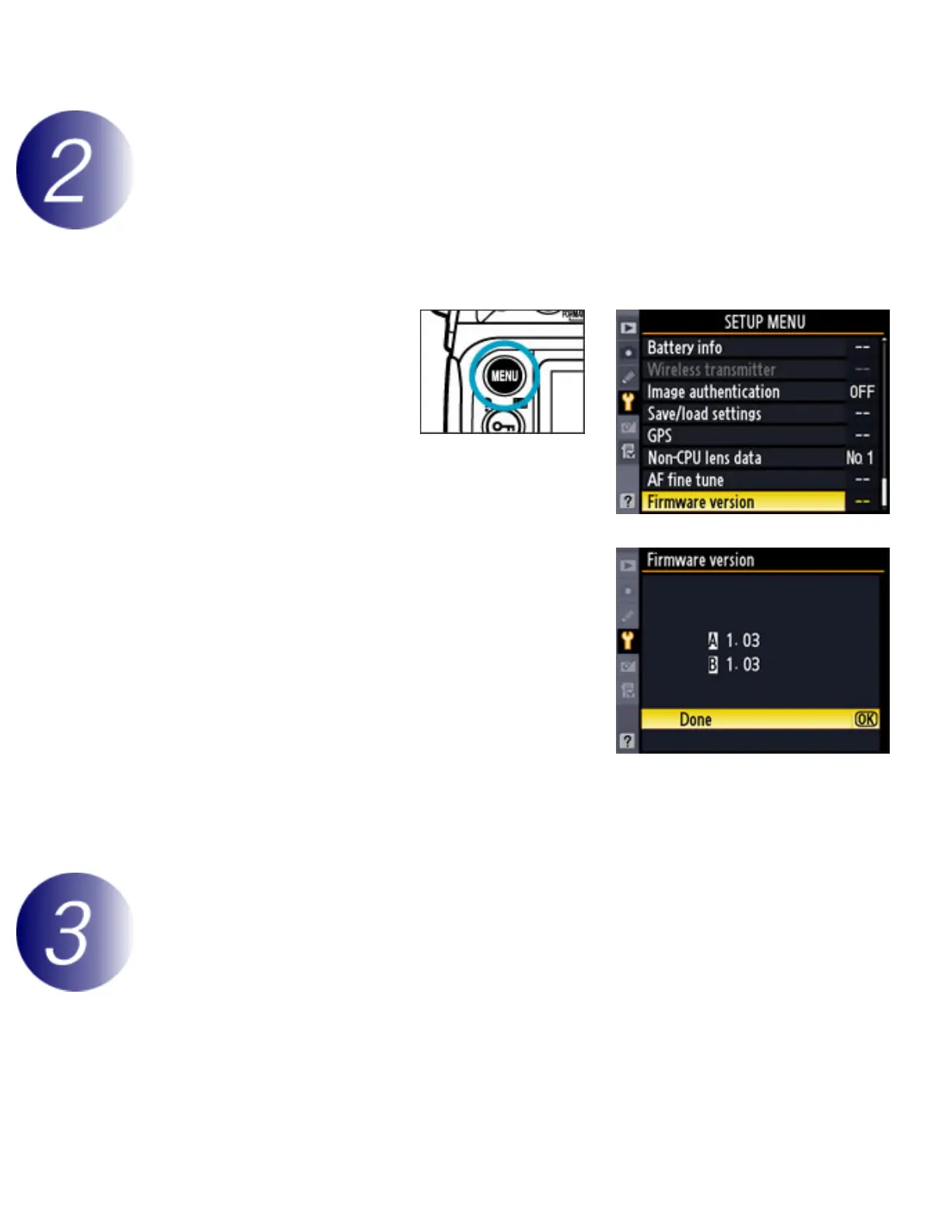
2
Press the MENU
button and select
Firmware version
in the setup menu.
3
Two firmware versions (A and B) will be
displayed. Both should be earlier than 1.03.
4
Press OK and turn the camera off.
Download and extract the new firmware
1
Right-click an empty area of the desktop and select New > Folder from the menu
that appears. Name the folder as desired.



 To Next Page