126
r
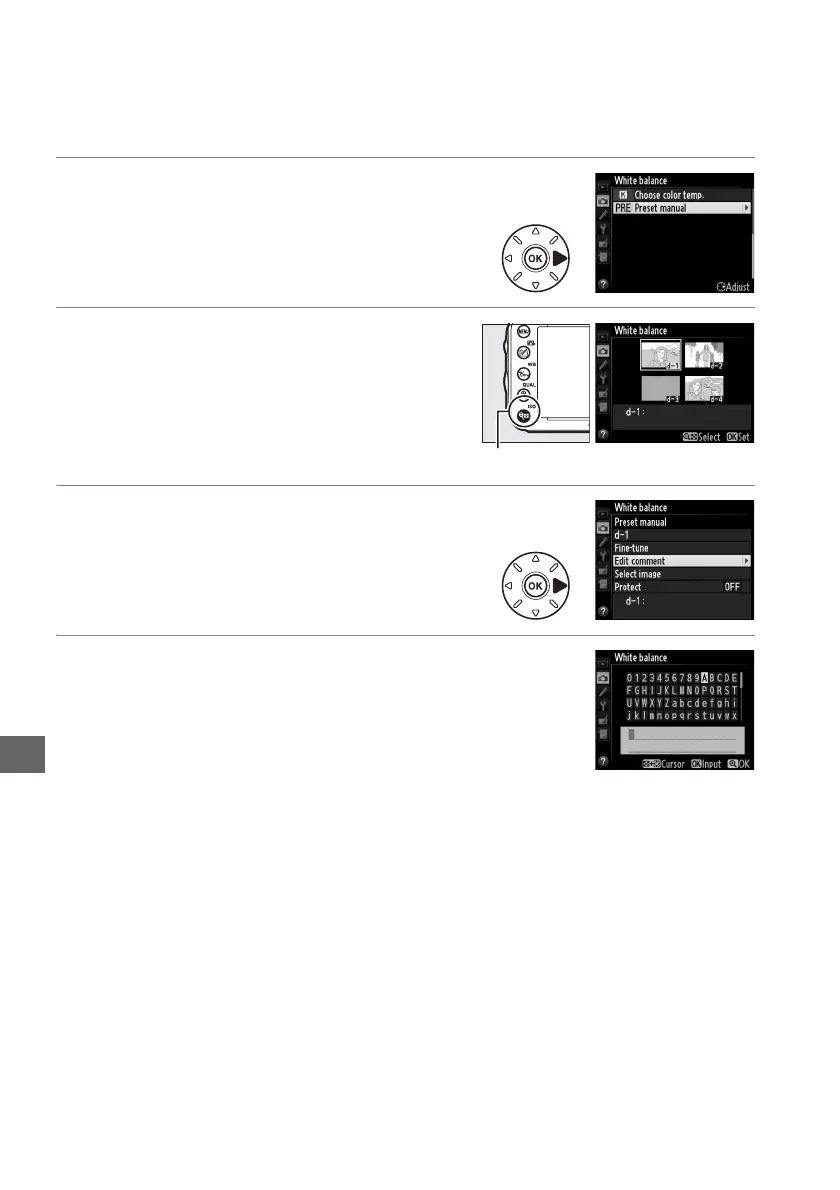
❚❚ Entering a Comment
Follow the steps below to enter a descriptive comment of up to thirty-six characters
for a selected white balance preset.
1 Select L (Preset manual).
Highlight Preset manual in the white
balance menu and press 2.
2 Select a preset.
Highlight the desired preset and press
W (S).
3 Select Edit comment.
Highlight Edit comment and press 2.
4 Edit the comment.
Edit the comment as described on page 135.
W (S) button



 To Next Page