14
X
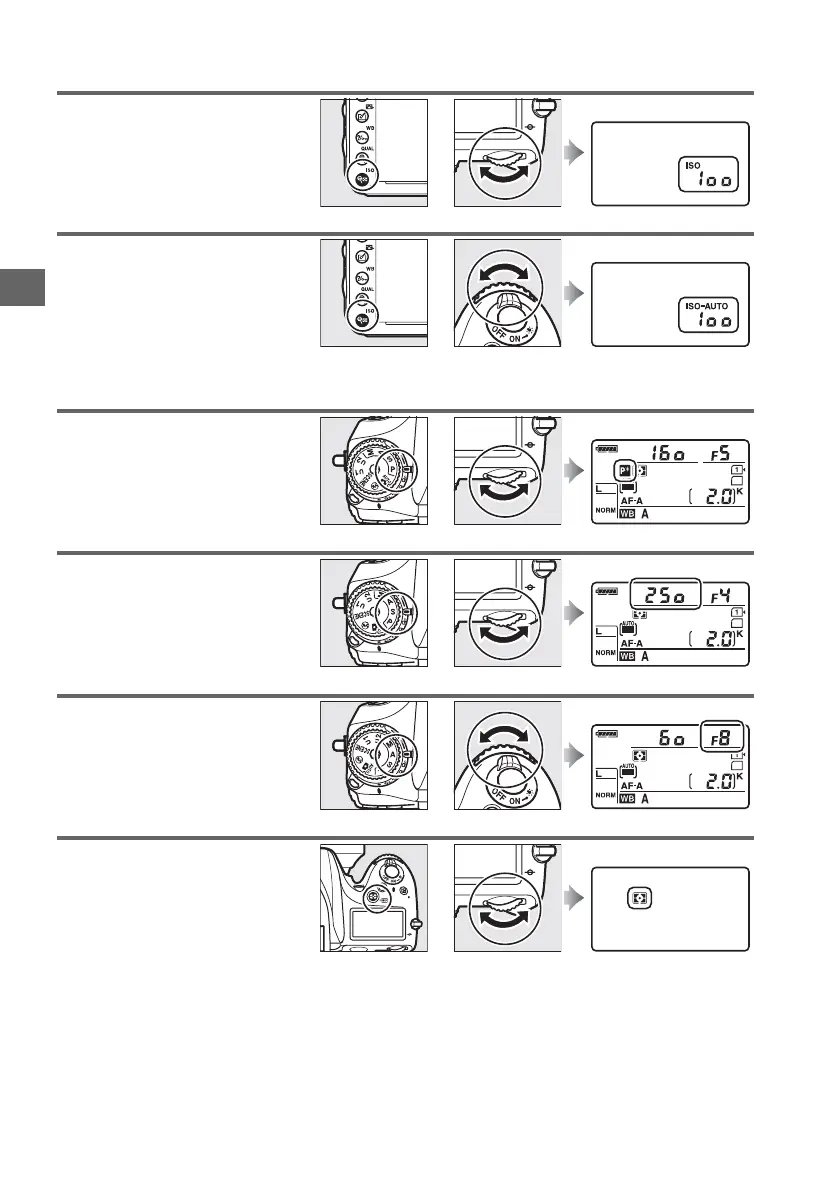
❚❚ ISO Sensitivity
❚❚ Exposure
Set ISO sensitivity (0 105).
+
W (S) button Main command dial Control panel
Set auto ISO sensitivity control
(0 107).
+
W (S) button Sub-command dial Control panel
Choose a combination of
aperture and shutter speed
(mode P; 0 75).
Mode P Main command dial Control panel
Choose a shutter speed (mode S
or M; 0 76, 78).
Mode S or M Main command dial Control panel
Choose an aperture (mode A or
M; 0 77, 78).
Mode A or M Sub-command dial Control panel
Choose a metering option
(mode P, S, A, or M; 0 109).
+
Z (Q) button Main command dial Control panel



 To Next Page