15
X
❚❚ White Balance
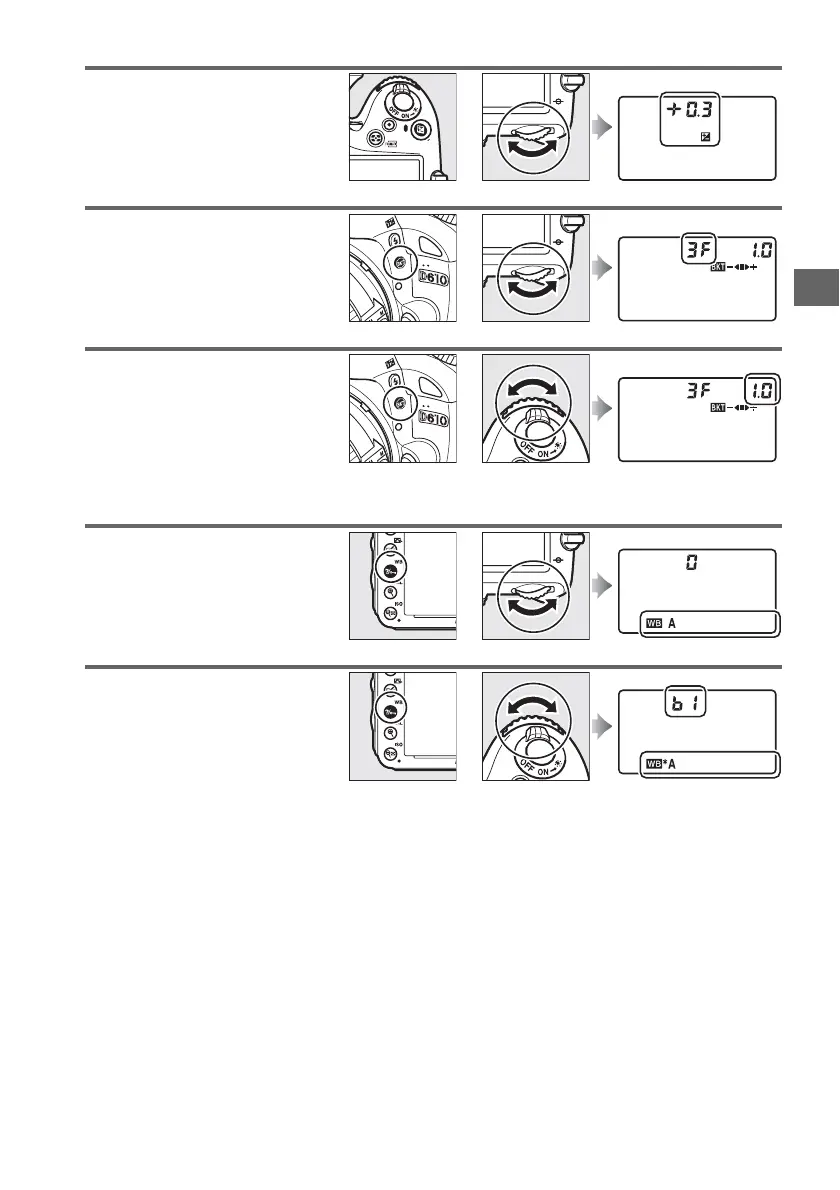
Set exposure compensation
(mode P, S, A, or M; 0 112).
+
E button Main command dial Control panel
Activate or cancel bracketing/
select number of shots in
bracketing sequence (mode P, S,
A, or M; 0 153).
+
D button Main command dial Control panel
Select bracketing increment
(mode P, S, A, or M; 0 154).
+
D button Sub-command dial Control panel
Choose a white balance option
(mode P, S, A, or M; 0 115).
+
L (U) button Main command dial Control panel
Fine-tune white balance
(0 117), set color temperature
(0 120), or choose a white
balance preset (0 121) in mode
P, S, A, or M.
+
L (U) button Sub-command dial Control panel



 To Next Page