Installation and Startup
1
Installation and Startup
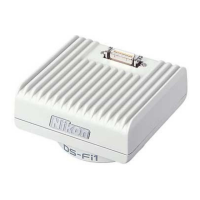
NOTE: In this manual, the term "DS camera head" collectively refers to the following models:
DS-5M, DS-2Mv, DS-2MBW, DS-5Mc, and DS-2MBWc.
1
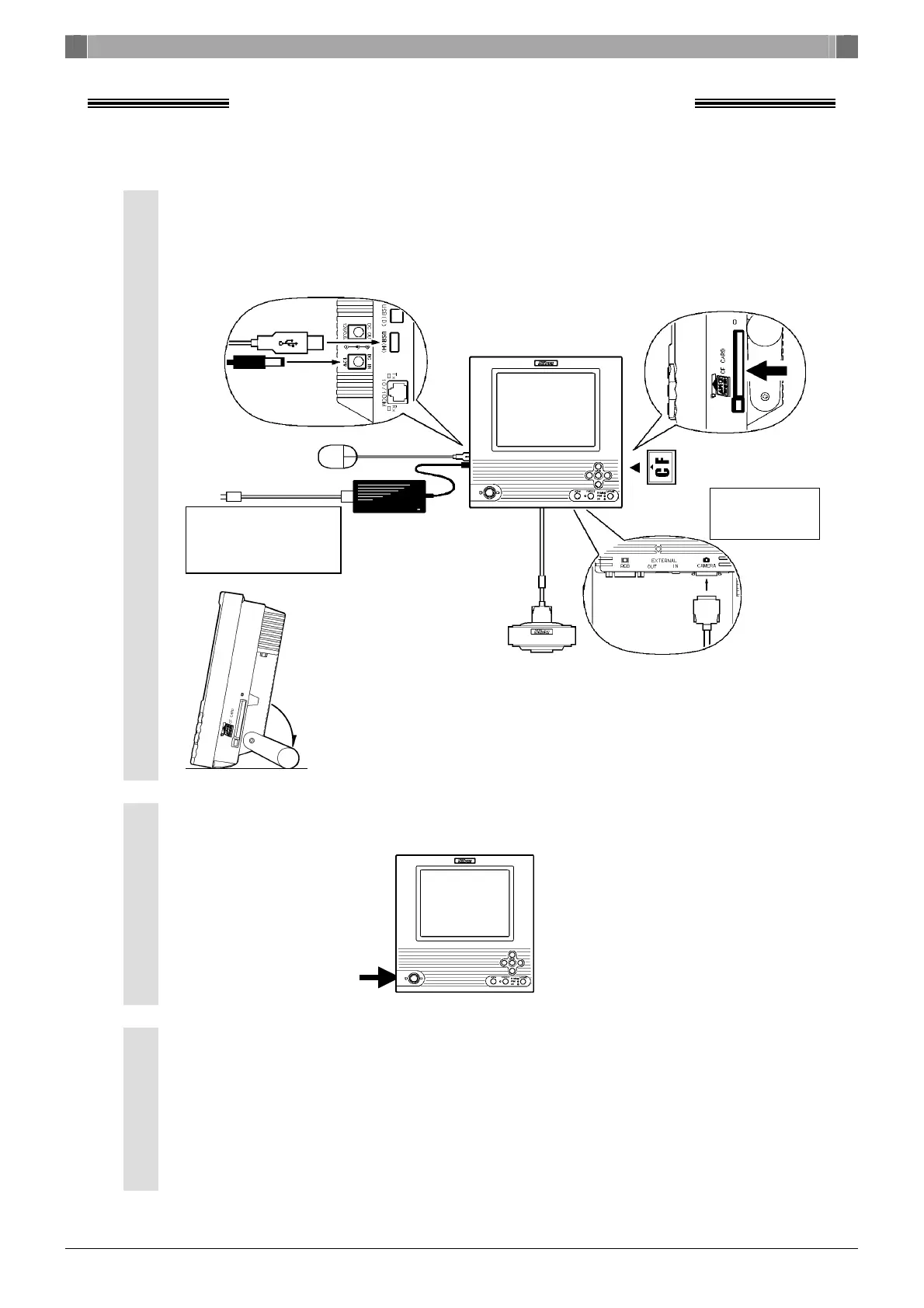
Set up the peripheral equipment. ················································
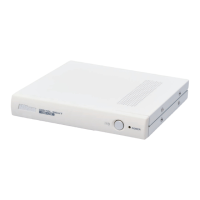
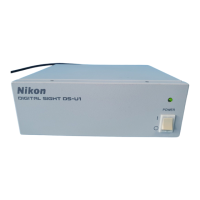
Connect the DS camera head, DS AC adapter, and the USB mouse to
the DS-L1, then insert a CF card into the card slot of the DS-L1.
Extract the arm from the DS-L1 and set it in place.
2
Press the POWER switch on the DS-L1 to turn it on. ···················
3
Display a menu.···········································································
Move the mouse pointer to the top third of the screen and right-click
in that area to bring up a menu.
(To hide the menu being displayed, right-click anywhere outside the menu
area.)
* Make sure the power
outlet has its
grounding terminal
grounded to earth.
USB mouse
DS AC adapter
DS camera head
DS-L1
Left side
Right side
Rear
Camera cable
CF card
* Insert the
conneting side
into the unit.




 To Next Page