r PRINT
"
-II'
~
-,
'jj=
;,-,
;,
,]
4M.,.,.
SELECT
ADJUST
• • •
g
gg
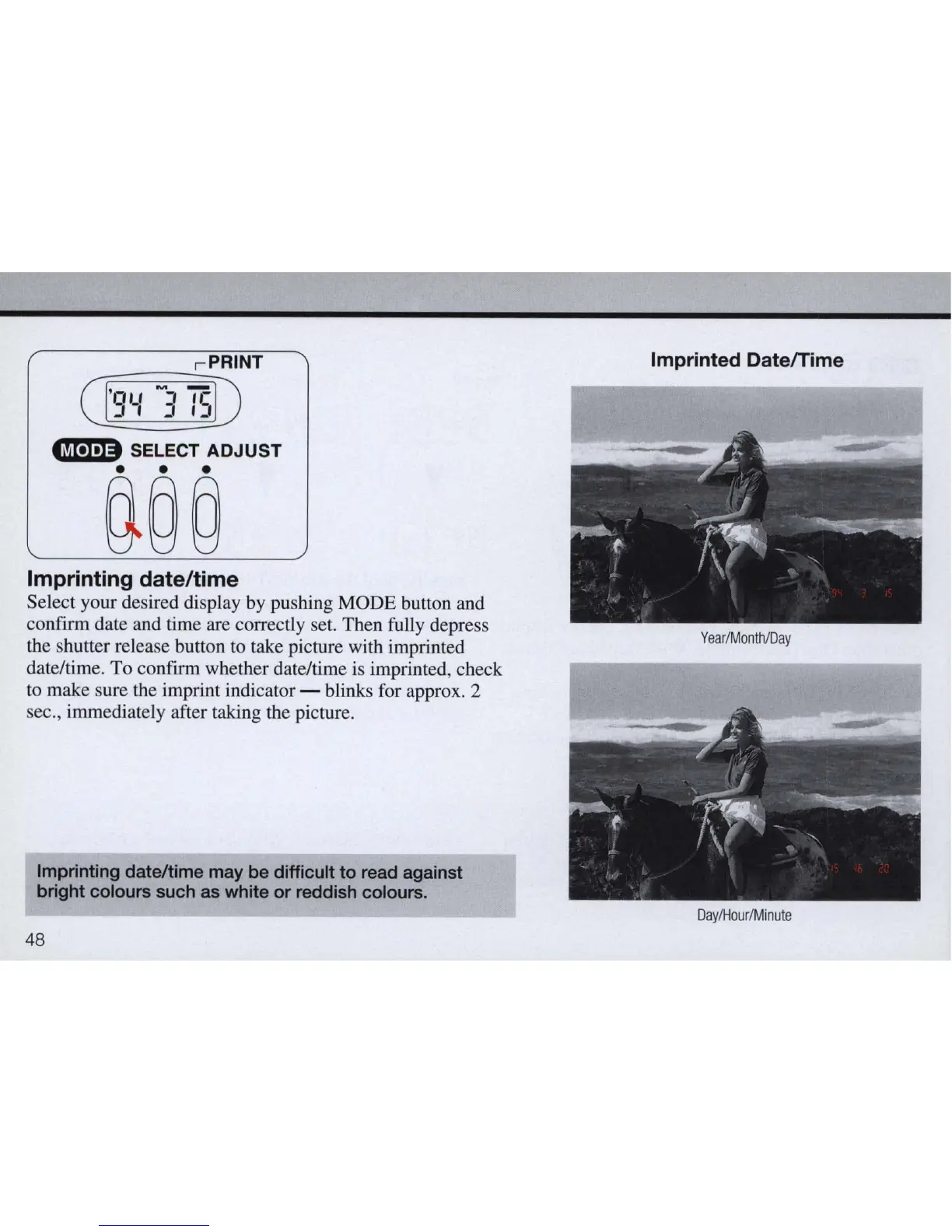
Imprinting date/time
Select your desired display
by
pushing MODE button and
confirm date and time are correctly set. Then fully depress
the shutter release button
to
take picture with imprinted
date/time. To confirm whether date/time is imprinted, check
to
make sure the imprint indicator - blinks for approx. 2
sec., immediately after taking the picture.
Imprinting
date/time
may
be
difficult
to
read
against
bright
colours
such
as
white
or
reddish
co
l
ours.
48
Imprinted DatelTime
Year
/
Month
/Day
DaylHour/Minute



 To Next Page