5756
TTL Auto Flash Mode: For F-601/N6006 and F-601
M/N6000 Users
Chapter
3
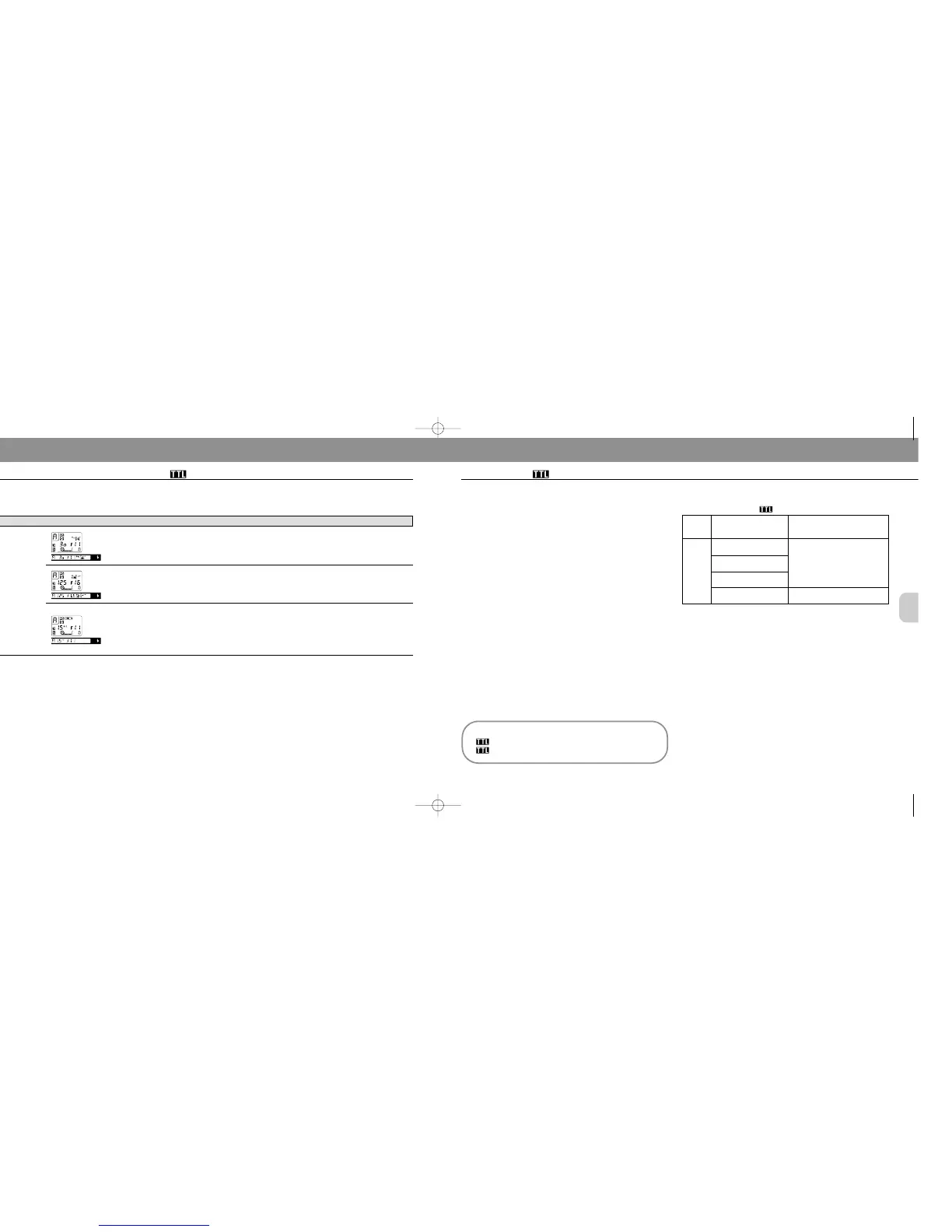
Exposure mode/LCD panel/Viewfinder Cause Troubleshooting
F-601/N6006 and F-601
M/N6000 warning indications (continued)
Aperture-priority
auto
Scale appears
Background may
be underex-
posed.
If necessary, select a wider aperture. If
under exposure display stays on, change
from normal to slow sync, though shutter
speed becomes slower.
“+” value appears in electronic
analog display.
“HI” appears in shutter speed
position (F-601
M/N6000).
Background may
be overexposed.
If necessary, select a smaller aperture
(larger f-number).
Shutter speed display blinks
Selected shutter
speed may be too
slow for hand-
held photography
or for movement
of subject
Select a wider aperture.
Choosing A Flash Method
The SB-25 enables you to perform Matrix Balanced or
Center-Weighted Fill-Flash. These functions are described
in detail on pages 10 and 11.
You can choose Matrix Balanced Fill-Flash when using
programmed auto, shutter-priority or aperture-priority expo-
sure mode, or Center-Weighted Fill-Flash when using man-
ual exposure mode (see the chart at right).
Flash Methods in TTL Auto Flash Mode
Matrix Balanced Fill-Flash
Center-Weighted Fill-Flash
1) Suitable lenses and use depend on the camera; see instruction manual for
information.
2) Except AF lenses for F3AF cameras.
TTL Auto flash mode with F-401x/N5005
Lens in
Use
1)
AF
Nikkor
lenses
2)
AI-P
lenses
Camera’s Exposure
Mode
Programmed auto
(P)
Shutter-priority auto
(S)
Aperture-priority auto
(A)
SB-25 Flash
Matrix Balanced Fill-Flash
Center-Weighted Fill-Flash
Manual (M)
TTL Auto Flash Mode: For F-401x/N5005 Users
SB-25_En 03.1.14 8:18 PM Page 56














 To Next Page