7574
TTL Auto Flash Mode: For F-401/N4004 and F-401s/N4004s Users
Chapter
3
Guide to determining aperture
Use these suggestions as a guide for choosing aper-
ture.
In programmed auto (ISO 100)
For subjects backlit by the sun f/16
For outdoor subjects on a sunny day f/8
For subjects beside a bright window f/5.6
For indoor subject f/5.6
In shutter-priority auto
For subjects backlit by the sun f/16 at 1/100 sec.
For outdoor subjects on a sunny day f/8 at 1/100 sec.
For subjects beside a bright window f/5.6 at 1/100 sec.
For indoor subjects f/5.6 at 1/30 sec.
8
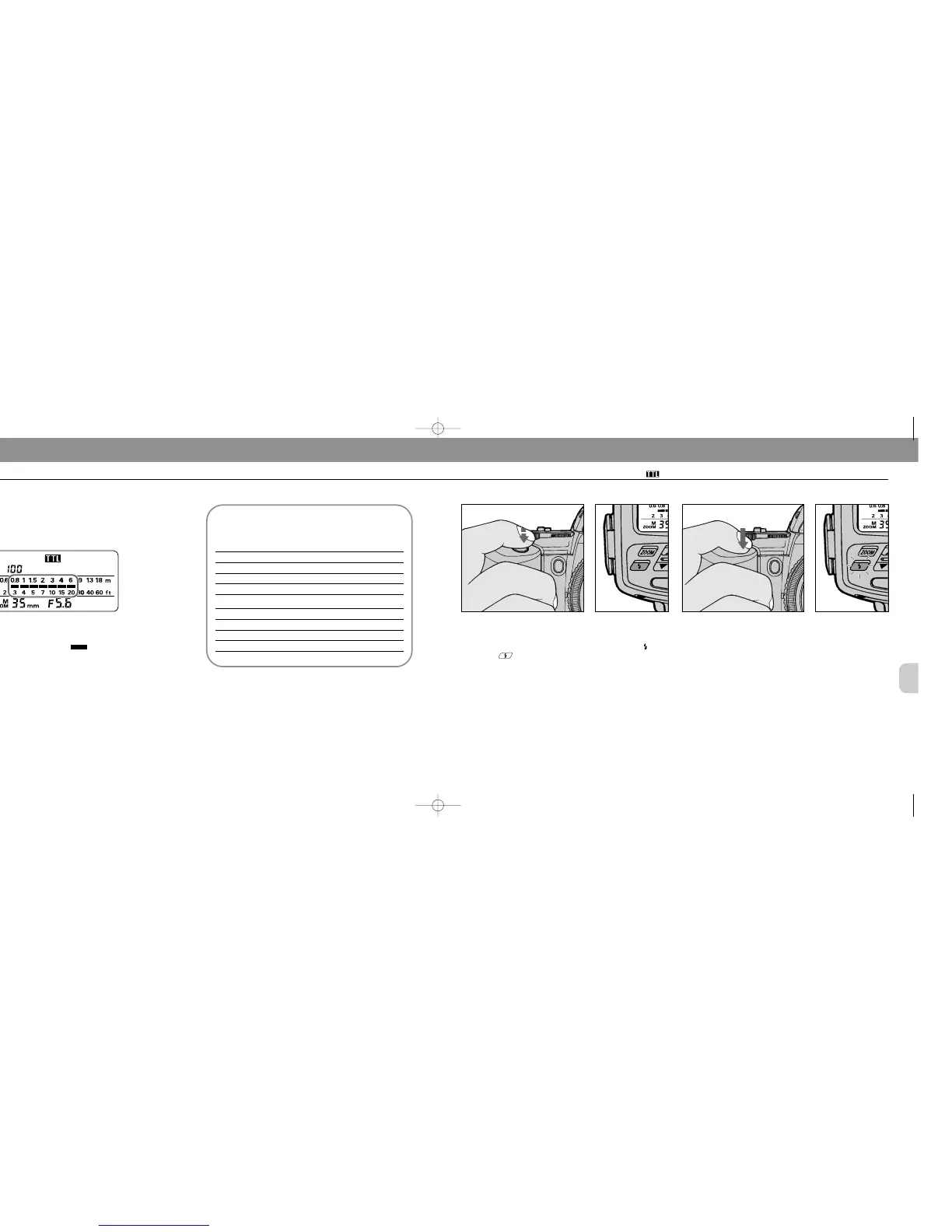
Confirm shooting distance.
Check whether subject falls within the range of the shooting
distance indicator bars in the SB-25’s LCD panel. If
not, move closer to subject or select a wider aperture (when
aperture-priority auto or manual exposure mode), then
repeat steps 7 and 8.
10
Fully depress the shutter release button to fire flash.
11
Recheck ready-light to see if it is blinking.
If ready-light blinks for a few seconds after shooting, the
flash has fired at its maximum output but the light may have
been insufficient.
Reconfirm shooting distance and, if necessary, move closer
to the subject or select a wider aperture (in aperture-priority
auto manual exposure mode) to compensate underexpo-
sure.
Firing Flash
9
Look into camera viewfinder, compose and lightly
press the shutter release button.
Confirm ready-light has come on and subject is in focus.
Confirm ready-light is on in the camera’s viewfinder or on
the SB-25 .
Check whether subject is in focus by using the in-focus
indicator I in the camera’s viewfinder
SB-25_En 03.1.14 8:18 PM Page 74














 To Next Page