6160
TTL Auto Flash Mode: For F-401x/N5005 Users
Chapter
3
Confirm Settings
7
Look into camera viewfinder, compose and lightly
press the shutter release button.
Confirm exposure indicator LEDs (+, R, –) in the viewfinder
appear, and make adjustments if necessary.
Use the following chart to read LEDs.
Quick reference on the relationship between
usable apertures and flash shooting distance
Use table on page 142 in this instruction manual.
8
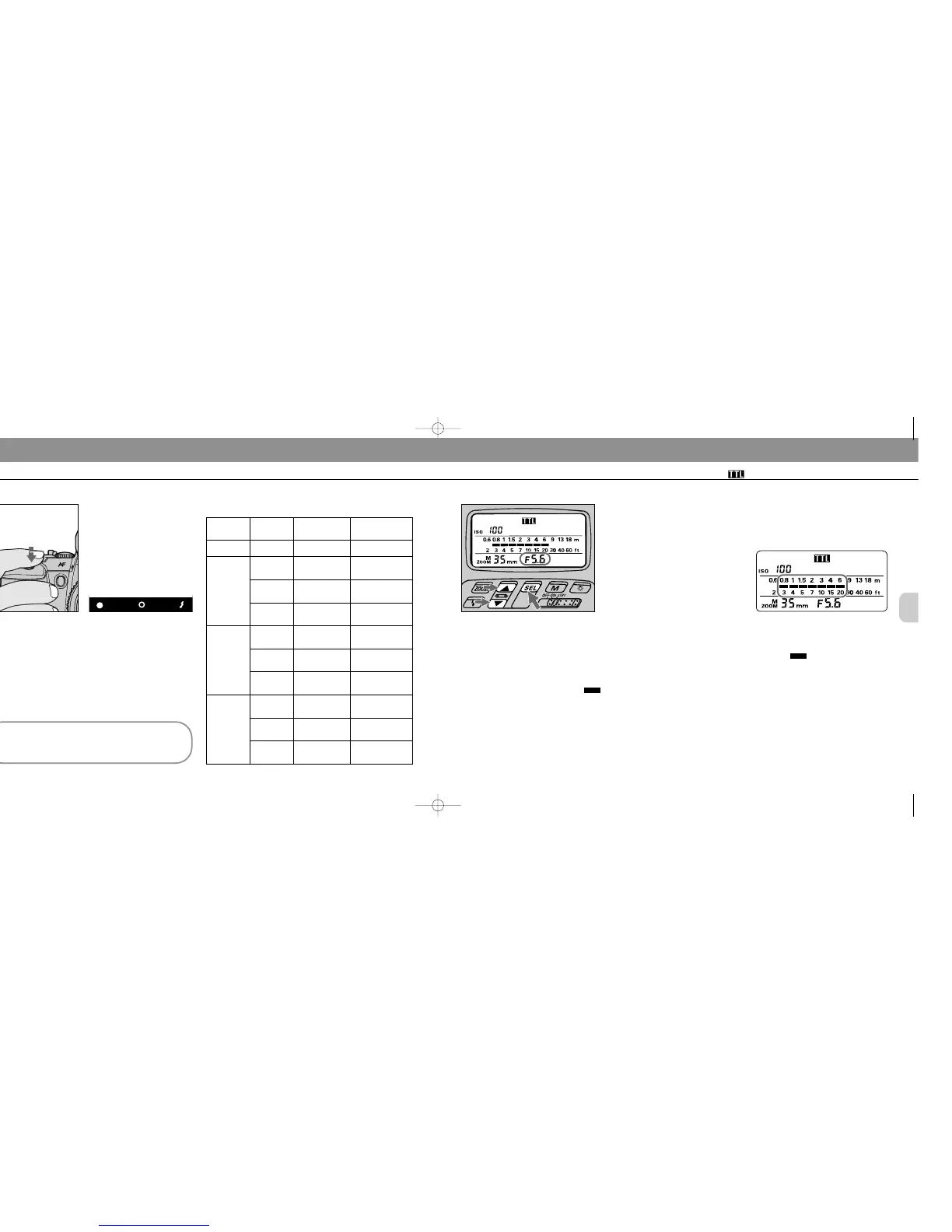
Set aperture in the SB-25’s LCD panel*, then read the shooting distance
range.
For instruction, see “Setting Aperture Value (Manual Adjustment),” pages 28 to 29.
In aperture-priority auto or manual exposure mode, set the aperture value that you
have set on the camera (from step 6).
In programmed auto or shutter-priority auto exposure mode, aperture is automati-
cally controlled by the camera. Choose and set a value, using the “Guide to
determining aperture” in the following page.
Once aperture is set, indicator bars show the shooting distance range.
* This operation is important for reading the appropriate shooting distance from the indicator bars (step 9);
setting a wrong aperture value on the SB-25 does not affect all TTL Auto Flash operations — a shot will be
taken with the aperture set on the camera.
Selected
exposure
mode
Programmed
auto
Shutter-
priority auto
Aperture-
priority auto
Manual
Viewfinder
LED
No
indication
+ or + R
R
– R or –
+ or + R
R
Status/cause
—
Background is
overexposed.
OK: Background
is correctly
exposed
Background is
underexposed
Background is
overexposed
OK: Background
is correctly
exposed
Troubleshooting
—
Select faster shut-
ter speed until only
R appears.
—
Select slower
shutter speed until
only R appears.
Select smaller
aperture until only
R appears.
—
– R or –
+ or + R
R
– R or –
Background is
underexposed
Background is
overexposed
OK: Background
is correctly
exposed
Background is
underexposed
Select larger aper-
ture until only R
appears.
Select faster shut-
ter speed or small-
er aperture.
—
Select slower
shutter speed or
larger aperture.
Warning indications
9
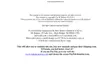
Confirm shooting distance.
Check whether subject falls within the
range of the shooting distance indica-
tor bars in the SB-25’s LCD
panel. If not, move closer to subject or
select a wider aperture (when aper-
ture-priority auto or manual exposure
mode), then repeat steps 8 and 9.
SB-25_En 03.1.14 8:18 PM Page 60














 To Next Page