17
En
Insert batteries ■
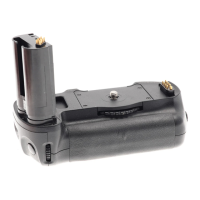
For the SD-9, use one or two set(s) of four AA-type batteries.
Use batteries of the same type and brand for a set. •
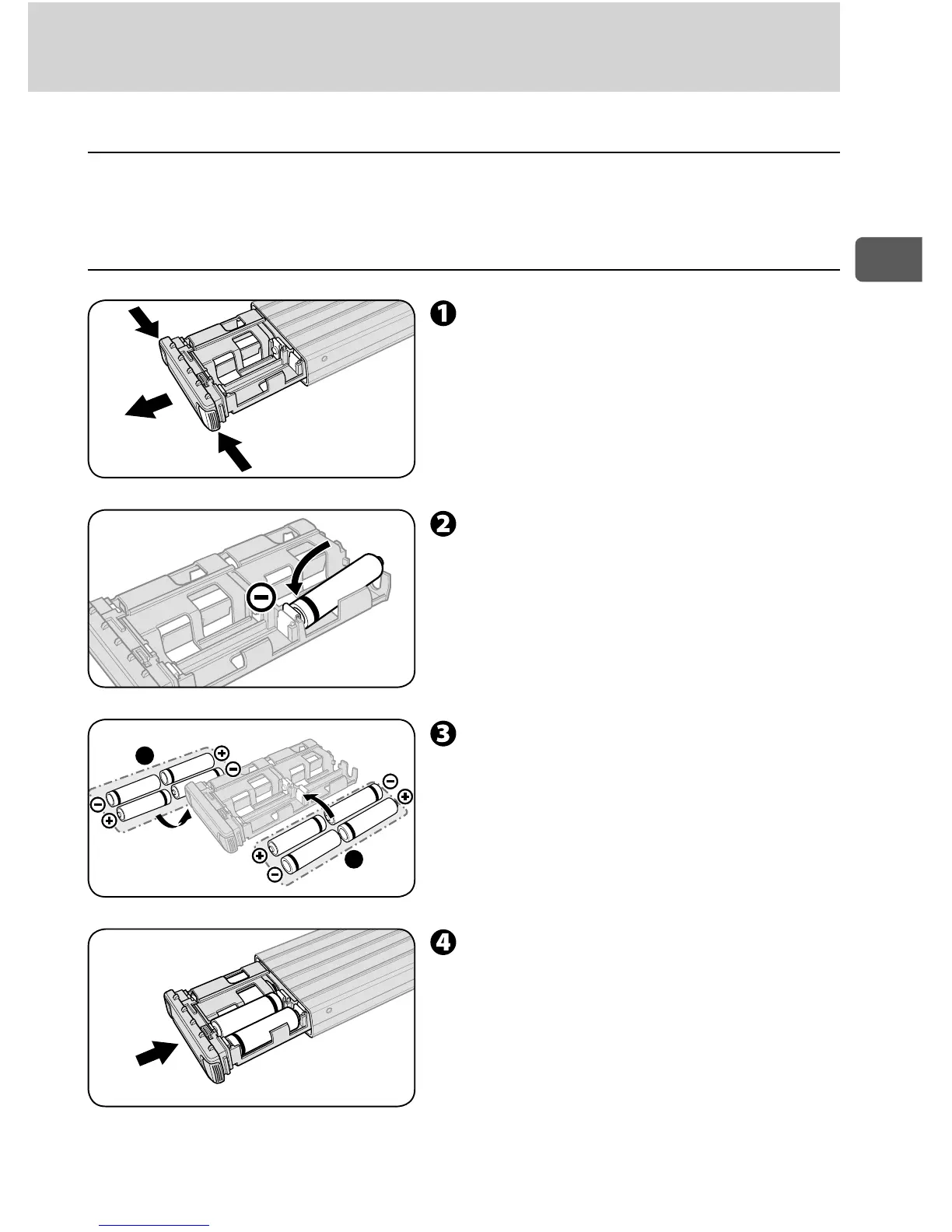
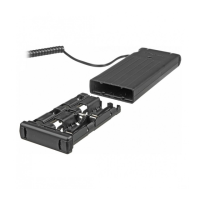
Inserting the batteries ■
Slide the battery case while
pressing the lock release buttons
at the edge of the battery case.
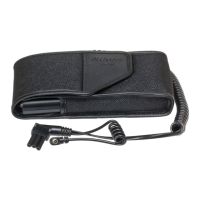
Install batteries according to the
illustration inside the battery case.
Insert battery from the – pole. •
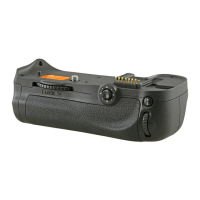
To remove a battery, push it from •
the flip side of the battery case.
Insert four or eight batteries.
Insert the batteries of same type •
and brand for the both A and B
sets.
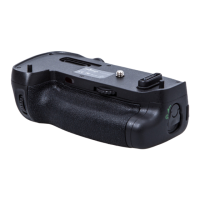
Push the battery case until it
stops with a click.


 To Next Page