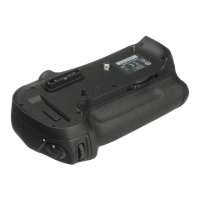
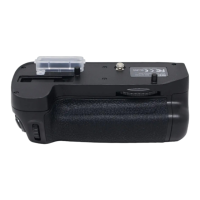
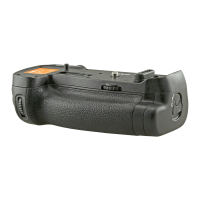
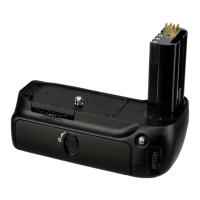
19
En
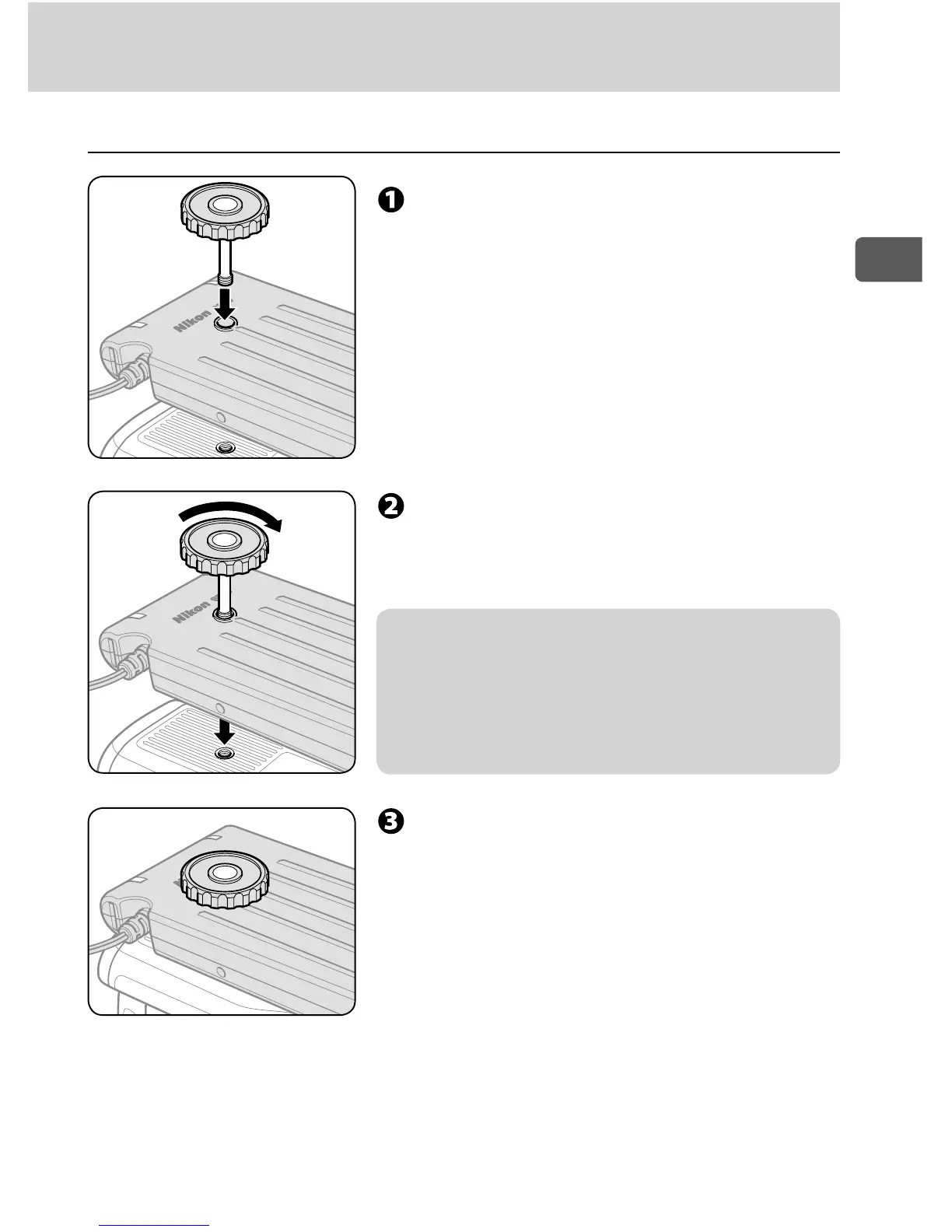
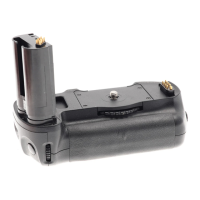
Attach the SD-9 to the camera ■
Insert the supplied camera attach
screw to the SD-9’s tripod socket.
Rotate the camera attach screw
according to the screw thread of the
tripod socket.
v Notes on SD-9’s tripod socket
SD-9’s tripod socket has a screw thread. Rotate the •
camera attach screw while inserting it to the tripod
socket to avoid to damaging the thread.
Follow the same procedure when unscrewing the •
camera attach screw from the tripod socket.
Insert the camera attach screw to the
camera’s tripod socket and fix both
SD-9 and camera using the screw.


 To Next Page