8
BURST MODE
Lets you take 3 photos in sequence every time the shutter button is pressed.
Enable this mode by pressing the key in photo mode.
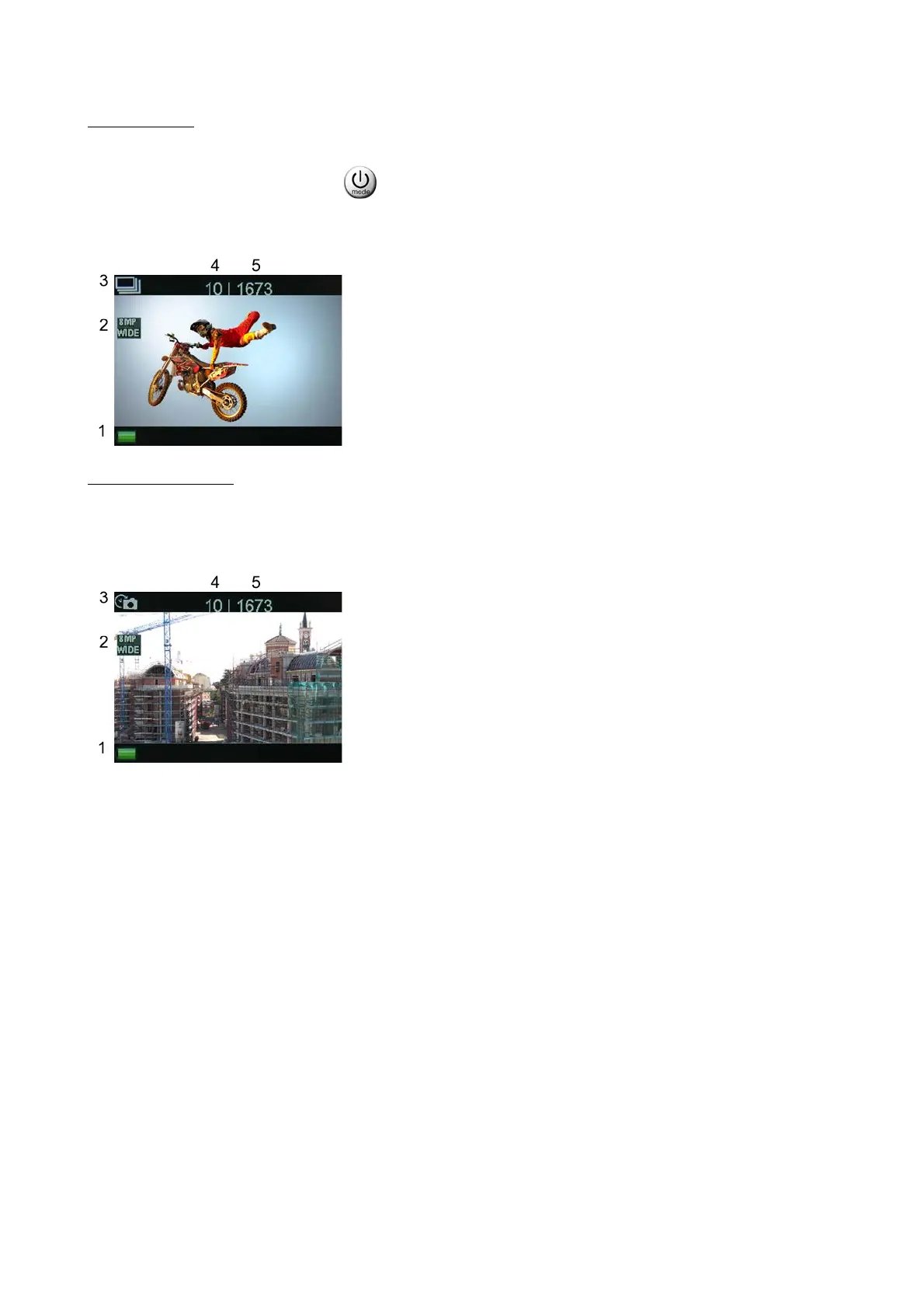
These are the indications that appear on the cam display
The resolution parameters are set in the settings menu
2. Photo resolution.
3. Current mode.
4. Shots taken.
5. Remaining photos (*).
(*) With reference to the set resolution
TIME-LAPSE MODE
Lets you take a series of shots with settable time sequence.
These shots will make up a video.
To correctly set time-lapse mode, following the instructions in the parameter setting menu.
2. Photo resolution.
3. Current mode.
4. Shots taken.
5. Remaining photos (*).
(*) With reference to the set resolution



 To Next Page