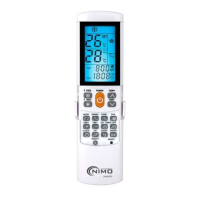
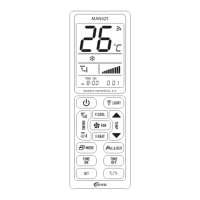
Need help?
Do you have a question about the NIMO MAN2004 and is the answer not in the manual?
Configuring the remote by entering a 3-digit device code from the brand list.
Searching for the correct code when brand codes fail, by manually sending power signals.
Automatically searching for the correct code by transmitting power signals at intervals.
 General
| Brand | NIMO |
|---|---|
| Model | MAN2004 |
| Category | Remote Control |
| Language | English |


 To Next Page