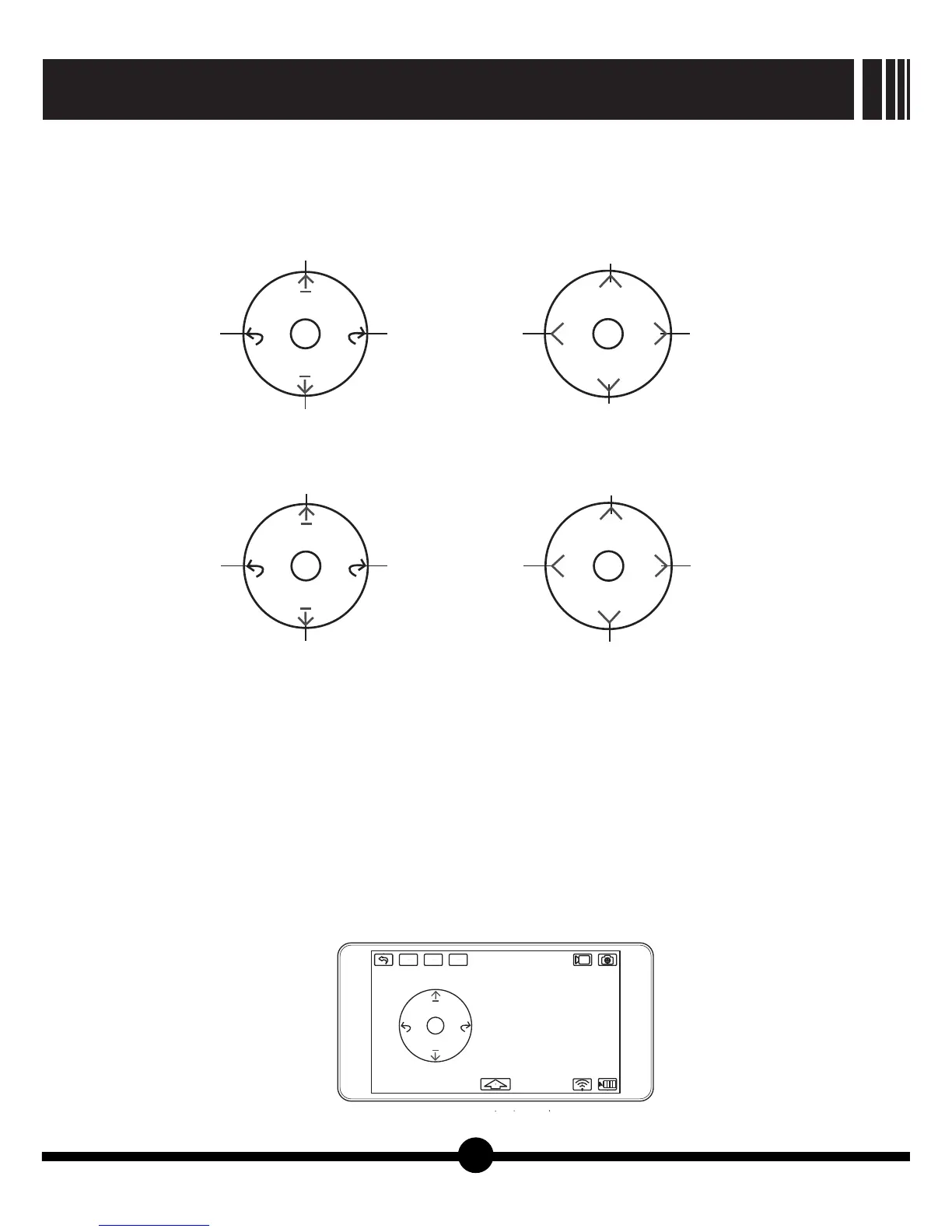
mode 1
Rotate to
left
Right Stick
Climb
Rotate to
right
Descend
Slide to
left
Left Stick
Forward
Slide to
right
Backward
Rotate to
left
Left Stick
Climb
Rotate to
right
Descend
Slide to
left
Right Stick
Forward
Slide to
right
Backward
mode 2
【Picture20】
【Picture21】
12
●Using gravity mode for flying control:
When switching to gravity mode, the control interface only shows throttle stick and rudder stick.
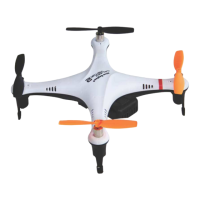
Left or Right: Tilting the mobile device left or right will cause the quadcopter tilt and start moving
that direction.
Forward or Backward: Tilting the mobile device forward or backward will cause the quadcopter to
tilt and start moving that direction.
Climb or Descend: Keep pressing the throttle stick. Then moving it up or down will cause the
quadcopter to climb or descend.
Nose Rotates: Keep pressing rudder stick. Then moving it left or right will cause the quadcopter
nose to rotate that direction.
quadcopter to climb or descend.
Nose Rotates: Keep pressing rudder stick. Then moving it left or right will cause the quadcopter
nose to rotate that direction.
GALAXY VISITOR 7
NE-MASF25
gravity
mode
Trim
Primary
mode


 To Next Page