EasyManua.ls Logo

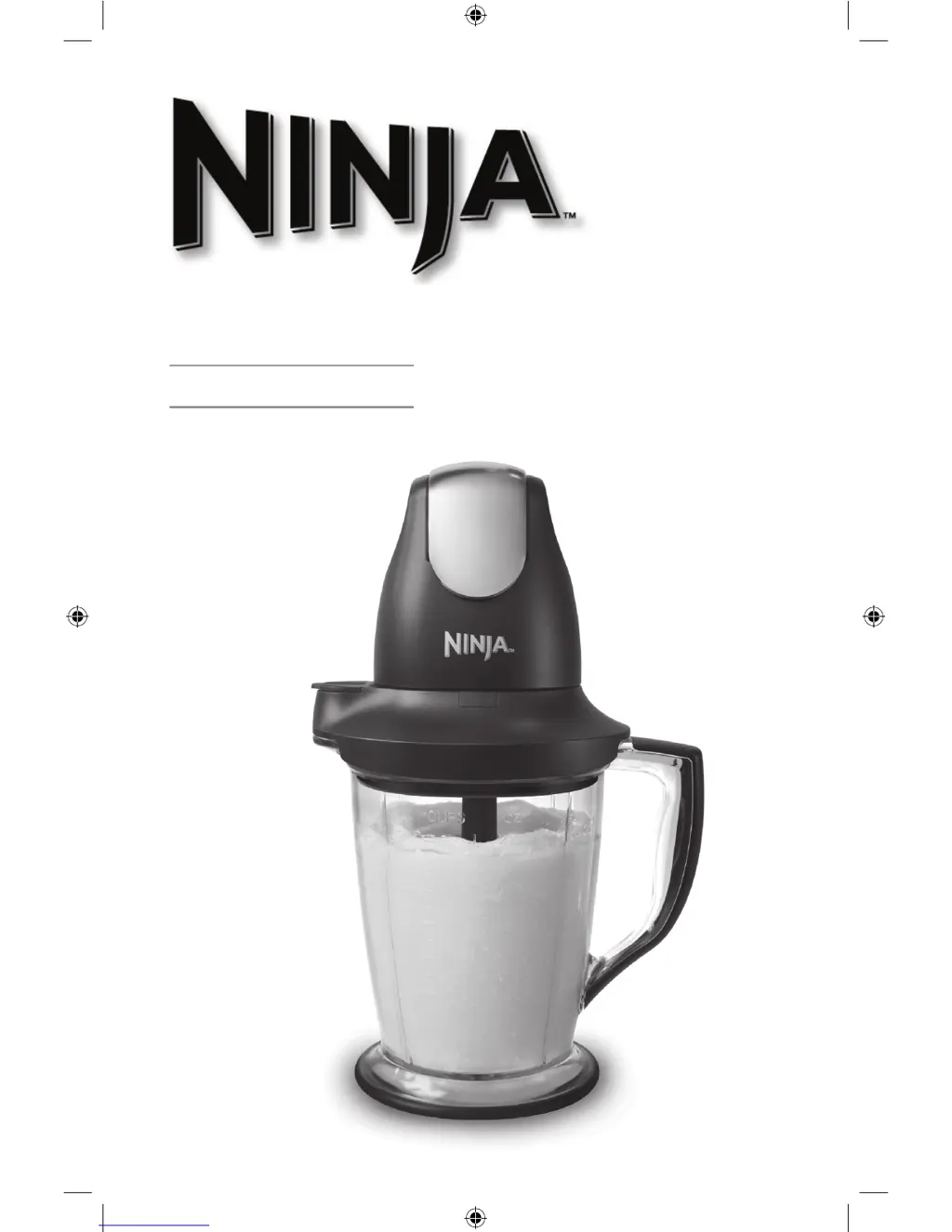
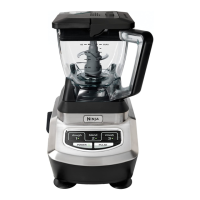
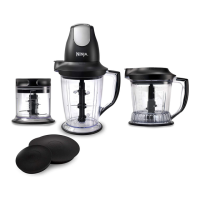
Ninja Master Prep Professional QB1004NZ 30 - User Manual

Ninja Master Prep Professional QB1004NZ 30
16 pages
Print Icon
To Next Page IconTo Next Page
Loading...
Master Prep
Professional
QB1004NZ 30
OWNER’S GUIDE
QB1004NZ_30_IB_120626_2.indd 1 12-06-26 12:59 PM

Questions and Answers

  • E
    Eric HowellJul 31, 2025
    Why won't the motor start on my Ninja Master Prep Professional QB1004NZ 30?
    • K
      Katherine JonesJul 31, 2025
      If the motor of your Ninja Food Processor doesn't start or the blades don't rotate, first ensure the plug is securely inserted into the electrical outlet. Then, check the fuse or breaker and replace the fuse or reset the breaker if necessary. Also, check that the bottom of the motor head is clean and there is no food blocking the connection when placing it on containers. Confirm that the splash guard is securely on the container and the power head is securely placed on the splash guard. If the issue persists, there may be too much food in the container, or the unit may have overheated; unplug it and wait approximately 10 minutes before using it again.
  • J
    John MooreAug 8, 2025
    How to fix unevenly chopped food in Ninja Master Prep Professional QB1004NZ 30 Food Processor?
    • S
      Stephen AdamsAug 8, 2025
      If your Ninja Food Processor is chopping food unevenly, it could be due to processing too much food at once or the pieces not being small enough. Try cutting the food into smaller pieces of even size and processing smaller amounts per batch.
  • J
    John FrazierAug 15, 2025
    Why is my Ninja Food Processor chopping food too fine?
    • M
      Matthew ClayAug 15, 2025
      If your Ninja Food Processor is chopping food too finely or making it too watery, it means the food has been over-processed. To prevent this, use brief pulses or process for a shorter time, and let the blades stop completely between pulses.
  • J
    Jamie LoveAug 22, 2025
    What to do if food collects on the splash guard of my Ninja Master Prep Professional QB1004NZ 30?
    • C
      Corey JonesAug 22, 2025
      If food is collecting on the splash guard/safety cover or on the sides of the pitchers or bowl of your Ninja Food Processor, you may be processing too much food. To resolve this, turn the machine off and wait for the blades to stop rotating. Then, remove the power head and the splash guard, and take out some of the food being processed.

Summary

Important Safety Instructions

General Safety & Electrical Hazards

Covers essential precautions for household appliance use, including electrical hazards and supervision.

Operational Safety & Restrictions

Details safe operating practices, limitations on use duration, contents, and environmental conditions.

Appliance Malfunctions & Reset

Explains how to respond to malfunctions, including overheating and the motor reset procedure.

Power Head Operation and Safety

Blade Safety and Handling

Emphasizes extreme caution when handling sharp blades and advises against sharpening.

Prohibition of Empty Operation

Crucial warning against running the appliance without any contents to prevent damage.

Using the Master Prep Professional Pitchers

Using the Master Prep Professional Bowl

Cleaning and Maintenance

Troubleshooting Common Issues

Motor and Blade Functionality Problems

Troubleshoots motor not starting, blades not rotating, and overheating issues.

Ninja Master Prep Professional QB1004NZ 30 Specifications

General IconGeneral
Power450 watts
Speeds2
FunctionsChopping, blending
Dishwasher Safe PartsYes
Included Accessories48 oz pitcher, 16 oz bowl, blades
Number of Blades2
MaterialPlastic
Capacity48 oz

Related product manuals