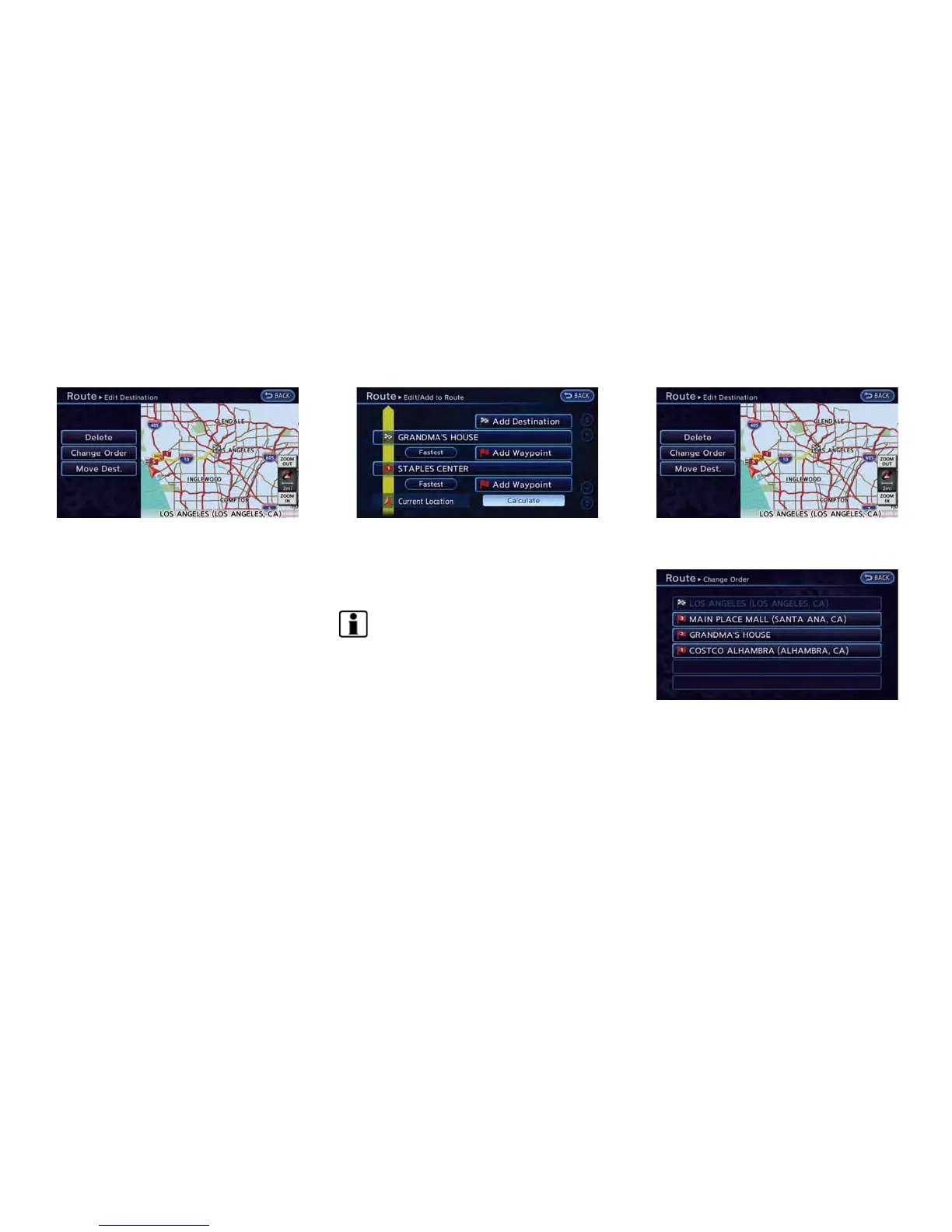
4. Touch the item you would like to set.
Available settings
.
[Move Dest.]:
The location of the destination or way-
point can be adjusted by moving the
cross pointer across the map.
.
[Change Order]:
The order of a destination and waypoints
that have already been set can be
changed.
.
[Delete]:
The destination or waypoint that has
already been set can be deleted.
5. By touching [Calculate], the system will
recalculate the routes. After the route search
is completed, the display will automatically
return to the current location map screen.
INFO:
If the destination is deleted, the final waypoint of
the route becomes the destination.
Changing order of destination and way-
points:
1. Touch a destination or waypoint that is
already set.
2. Touch [Change Order]. A list of the destina-
tion and waypoint.
3. Touch a preferred destination or waypoint to
replace the previously selected destination
or waypoint. A message is displayed and the
order of the destination or waypoint is
changed.
Navigation 3-47



 To Next Page