3-48 Navigation
4. By touching [Calculate], the system will
recalculate the routes. After the route search
is completed, the display will automatically
return to the current location map screen.
Changing route calculation condi-
tions
Each section of the route between waypoints
can have different route calculation conditions.
After setting these conditions, the entire route
can be recalculated.
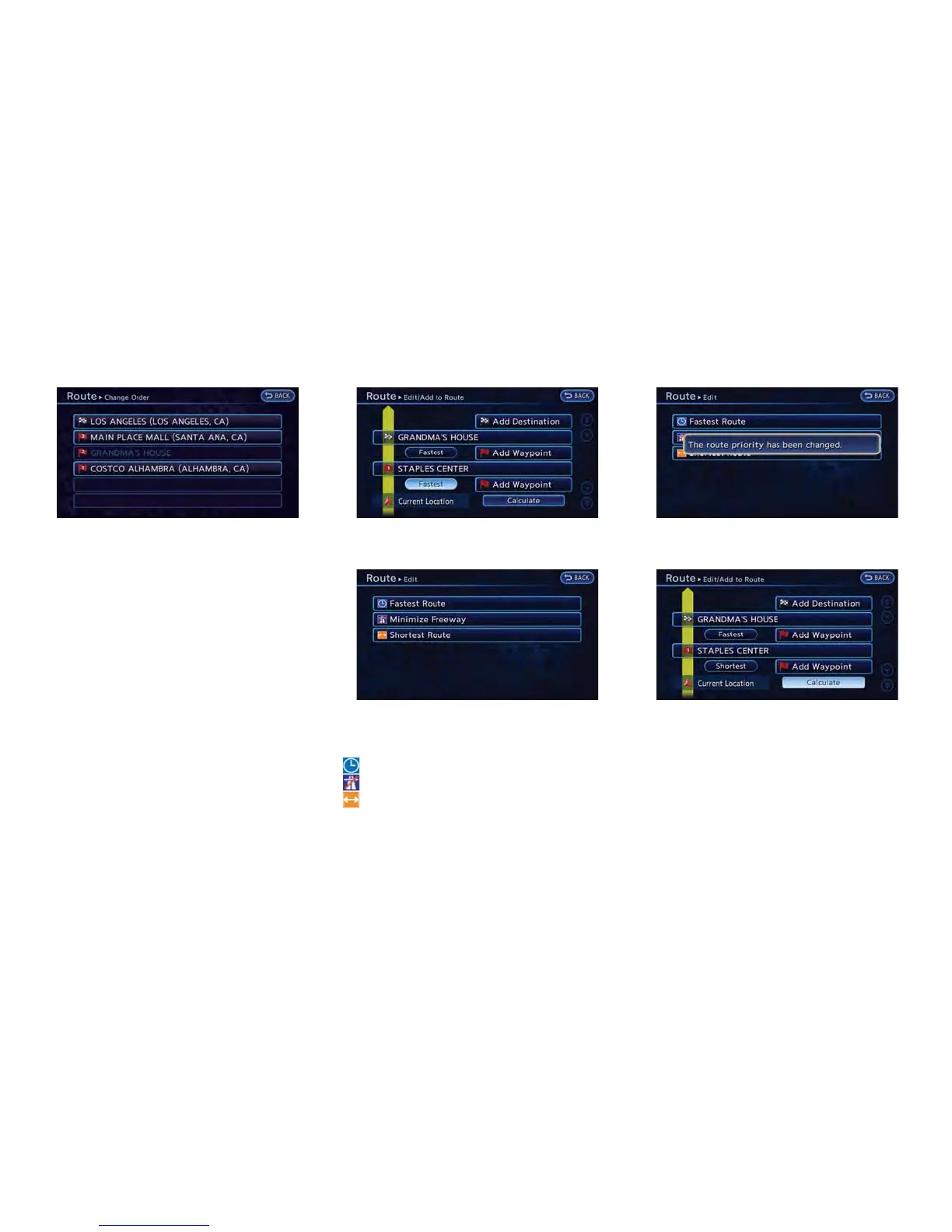
1. Push the MENU button and touch [Route].
2. Touch [Edit/Add to Route].
3. Touch the preferred section of the route to
the destination or waypoint.
4. Touch the preferred condition.
Available conditions
: [Fastest Route]
: [Minimize Freeway]
: [Shortest Route]
5. The conditions have been changed and the
display returns to the Edit Route screen.
6. By touching [Calculate], the system will
recalculate the routes. After the route search
is completed, the display will automatically
return to the current location map screen.



 To Next Page