Audio main operation
To switch to the Bluetooth® audio mode, press
the AUX button repeatedly until the Bluetooth®
audio mode is displayed on the screen.
The controls for the Bluetooth® audio are dis-
played on the screen.
PANDORA® AUDIO (if so equipped)
The vehicle’s audio system is capable of playing
audio streaming through a compatible, USB-
connected audio device using the Pandora® mu-
sic service.
Connecting a device for use with
Pandora® audio
Devices capable of streaming Pandora® audio
can be connected to the vehicle’s audio system
via the USB input jack. The USB input jack is
located in the center console.
Launch the Pandora® application on the phone
and then connect with the USB jack. Once con-
nected, the Pandora® controls will be displayed
on the control panel display screen.
Compatibility
The following iPhone® models are compatible
with the system:
● iPhone® 3GS
● iPhone® 4
● iPhone® 4S
● iPhone® 5
The latest Pandora® application should be in-
stalled on the phone.
Audio main operation
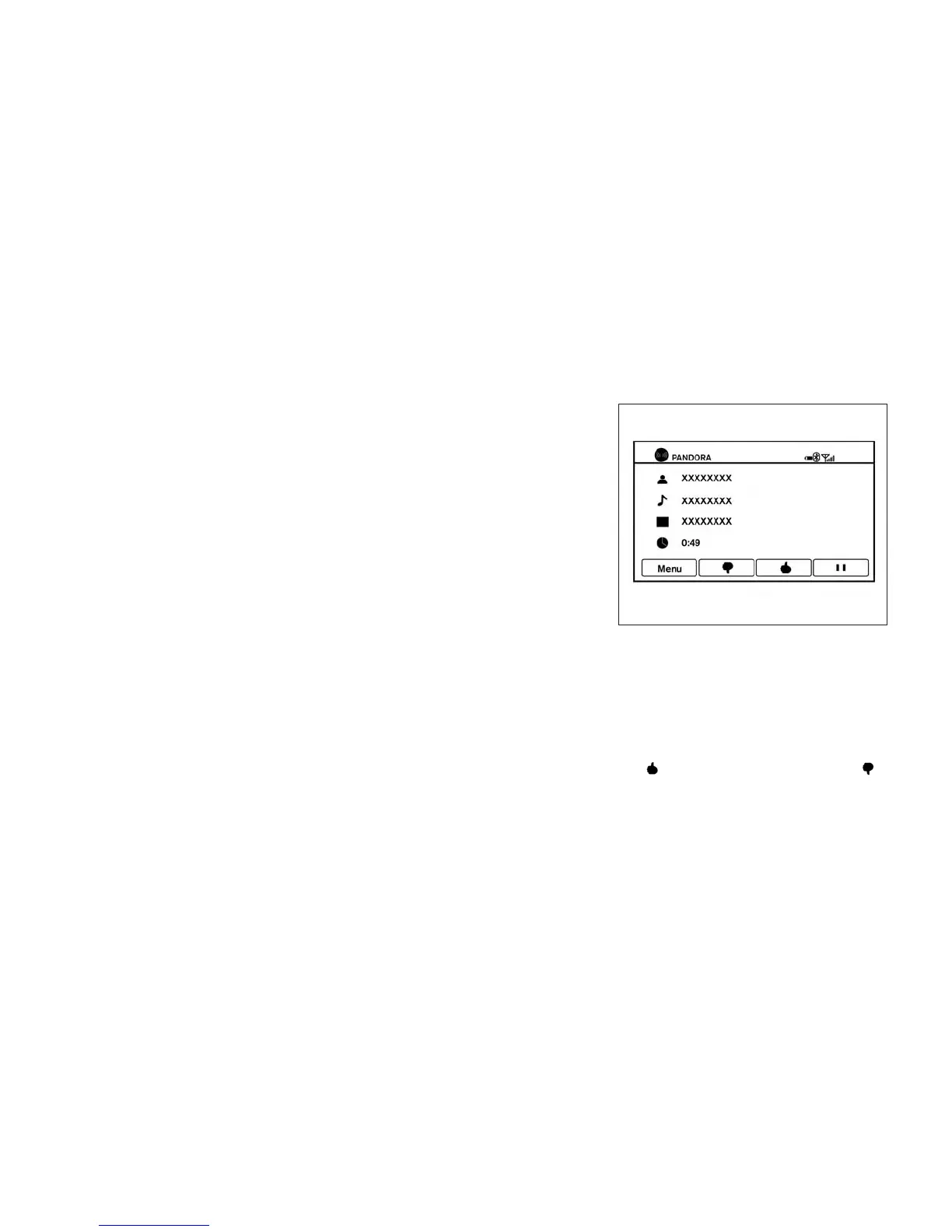
To switch to the Pandora® audio mode, press
the AUX button repeatedly until the Pandora®
audio mode is displayed on the screen.
The controls for the Pandora® audio are dis-
played on the screen. Touch the keys on the
screen to play or pause the audio. Touch
the
key to select “thumbs up” or the
key to select “thumbs down”.
LHA2269
Monitor, climate, audio, phone and voice recognition systems 4-65



 To Next Page