NOTE:
There is a limit of six skips per station per
hour. If a “
” (thumbs down) is given
after the skip limit has been reached, the
current track will continue to play but the
feedback will be saved.
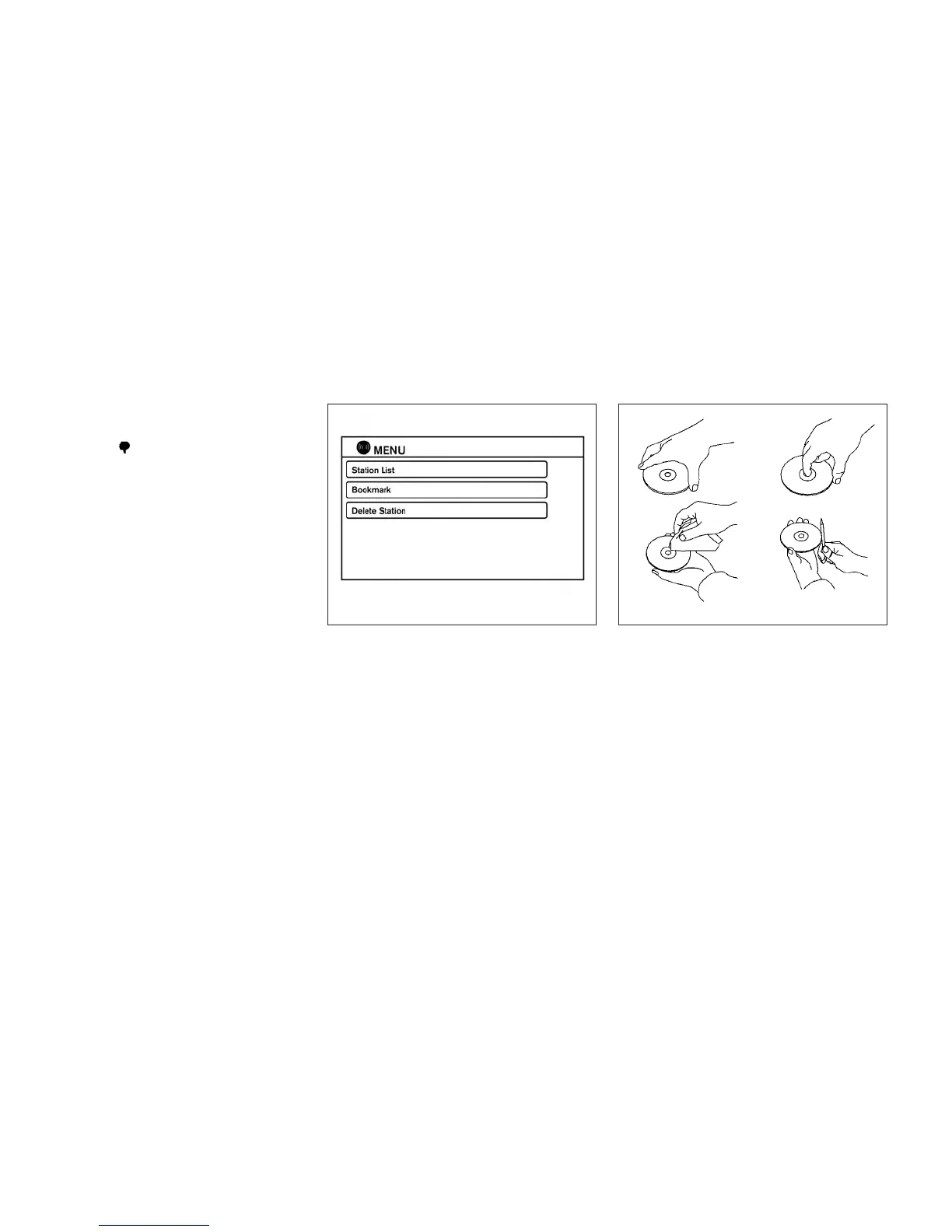
Pandora® audio settings
To adjust the Pandora® audio settings, select the
“Menu” key.
● Station List
Select to display a list of available Pandora®
stations.
● Bookmark
Select to bookmark the current station.
● Delete Station
Select to remove the current station.
CD CARE AND CLEANING
● Handle a CD by its edges. Do not bend the
disc. Never touch the surface of the disc.
● Always place the discs in the storage case
when they are not being used.
● To clean a disc, wipe the surface from the
center to the outer edge using a clean, soft
cloth. Do not wipe the disc using a circular
motion.
● Do not use a conventional record cleaner or
alcohol intended for industrial use.
LHA2270 LHA0049
4-66 Monitor, climate, audio, phone and voice recognition systems



 To Next Page