[ Edit: 2016/ 11/ 24 Model: E12-A ]
2-8 Instruments and controls
Average speed (for Type A)
GUID-875B4793-132A-4496-B747-8877B77BD4C7
The average speed mode shows the average vehicle
speed since the last reset. Resetting is done by
pushing the trip computer mode switch
*
A
for longer
than 1 second.
Elapsed time (for Type A)
GUID-D470C2C0-953A-44B4-B00C-A16E46902E6E
The elapsed time mode shows the time since the last
reset. The displayed time can be reset by pushing the
trip computer mode switch
*
A
for longer than 1
second.
Outside air temperature (if equipped for Type
B)
GUID-79FC8C54-E328-45A6-8CDA-0A893535D3F7
The outside air temperature is displayed in 8C .
When the outside air temperature decreases to 38C
(37 8F) or lower, the outside air temperature display
blinks to give a warning.
The display will stop blinking after 1 minute or when
the outside air temperature increases to 48C (398F) or
above.
For information regarding the outside air temperature
(for Type A), see “Outside air temperature (for Type A)”
(P.2-10).
Clock settings mode (for Type B)
E12-A-120227-6DA75A70-8A09-4385-9CB1-2C37EB8D7763
For clock adjustment, see “Clock” (P.2-25).
Resetting displays
E12-A-120227-9A22C714-4885-436B-BB9A-5B716671193C
Type A:
GUID-95180B60-FAB4-4969-B0B2-396905BB45E3
When average fuel consumption, average speed or
elapsed time is displayed, push the trip computer
mode switch
*
A
for longer than 3 seconds. Average
fuel consumption, average speed and elapsed time will
be reset at the same time.
Type B:
GUID-11F97BB9-9503-47D0-8BB9-62C812293875
When the average fuel consumption or TRIP B is
displayed, push the trip computer mode switch
*
A
for
longer than 3 seconds. The display of average fuel
consumption and trip odometer (TRIP B only) will be
reset at the same time.
MAINTENANCE INFORMATION
E12-A-120227-C72C2B26-BFFE-41A3-B205-EE96A0C477A1
When the ignition switch is placed in the “ON”
position, maintenance information (the wrench symbol
and distance to change a maintenance item)
comes on for about 5 seconds and then turns off.
To set the distance to change an item:
1. Within 5 seconds of placing the ignition switch in
the “ON” position, push the maintenance interval
setting switch for about 3 seconds or more.
(Maintenance information blinks.)
2. Each time the maintenance interval setting switch
is pushed, the distance to change is extended.
The distance is extended by 1,000 km (500 miles)
each time the switch is pushed. The distance to
change can be set to within a range of 0 to
30,000 km (18,000 miles).
3. A new distance to change is set when no
operation is performed for 5 seconds.
If the distance to change is set to 0 (zero), the
maintenance information will not be displayed when
the ignition switch is placed in the “ON” position.
TACHOMETER
E12-A-120227-F01CE1CD-E218-43A5-BB30-B5BEDEE6E743
JVI0467X
Type A
JVI0176X
Type B
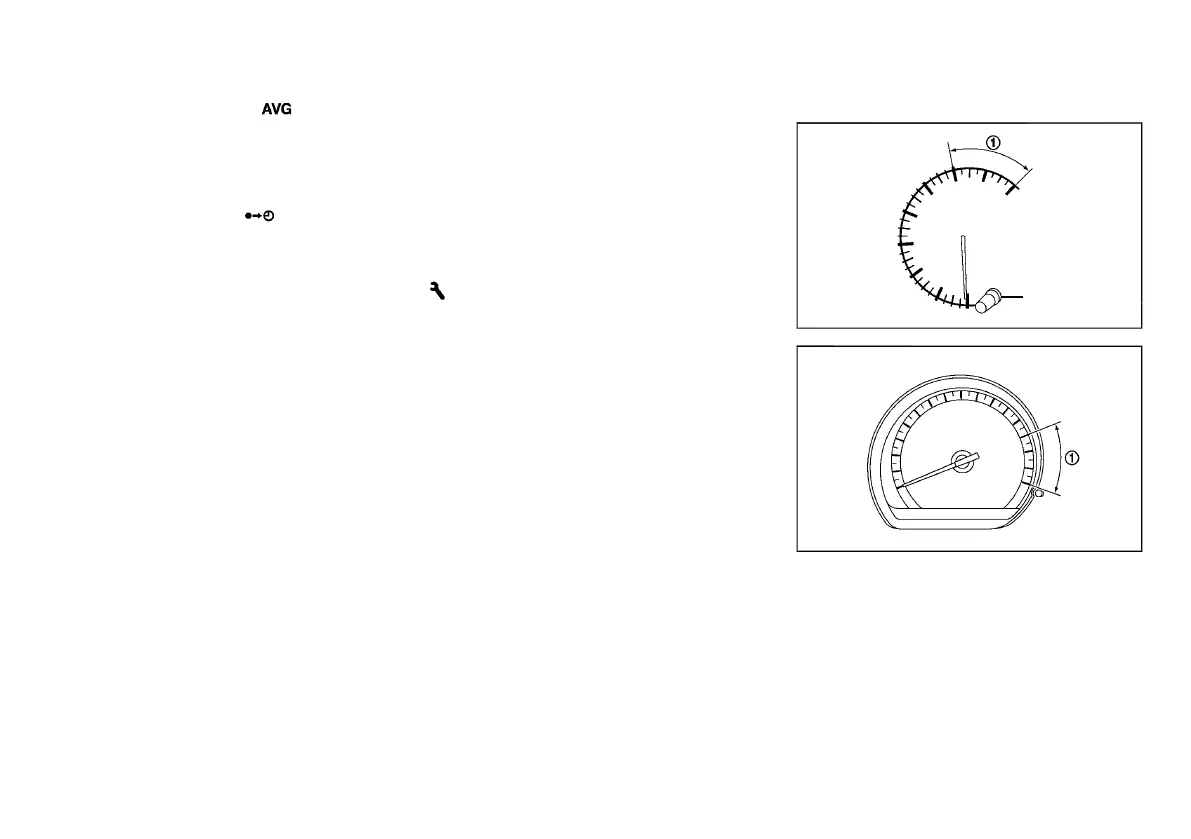
The tachometer indicates the engine speed in revolu-
tions per minute (rpm).
Do not rev the engine into the red zone
*
1
.
Condition:



 To Next Page