m
or
m
Scrolling switch
Preset station change (Radio mode):
Push the up/down scrolling switch (
or ) for less
than 1.5 seconds to select one of the preset radio
stations.
SEEK tuning (Radio mode):
Push the up/down scrolling switch (
or ) for
more than 1.5 seconds to seek for the next or previ-
ous radio station.
Track up/down (or other audio sources):
Push up to skip to the next track, or push down to
repeat the current track, or push (down/up) several
times to skip through or skip back the tracks.
NOTE
For details about the use of the steering wheel
switches for phone control. see “NISSAN Con-
nect™ (where fitted)” earlier in this section or
“Mobile phone integration (FM-AM radio with CD
player)” earlier in this section.
BLUETOOTH
®
MOBILE PHONE
FEATURE
WARNING
Whilst driving, using the mobile phone is ex-
tremely dangerous because it significantly im-
pairs your concentration and diminishes your re-
action capabilities to sudden changes on the
road, and it may lead to a fatal accident. This
applies to all phone call situations such as when
receiving an incoming call, during a phone con-
versation, when calling through the phone book
search, etc.
CAUTION
Certain country jurisdictions prohibit the use of
the mobile phone in the car without hands-free
support.
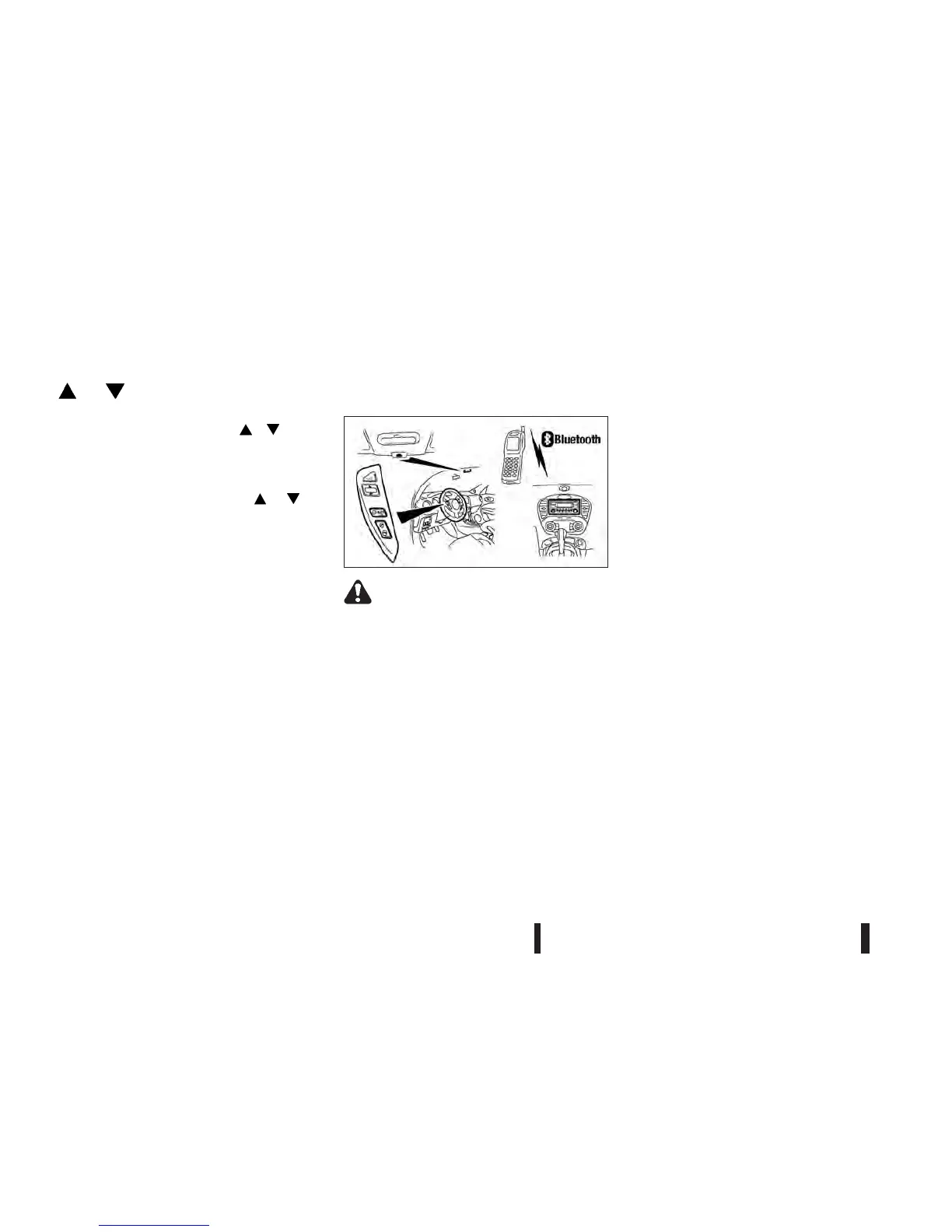
This chapter provides information about the NISSAN
hands-free phone system using a Bluetooth
®
con-
nection.
Bluetooth
®
is a wireless radio communication stan-
dard. This system offers a hands-free facility for your
mobile telephone to enhance driving comfort.
In order to use your mobile phone with the
Bluetooth
®
of the audio system, the mobile phone
must first be setup. For details, see
“BLUETOOTH® settings” later in this section or
“FM AM radio with CD player (— where fitted)” ear-
lier in this section. Once it has been setup, the
hands-free mode is automatically activated on the
registered mobile phone (via Bluetooth
®
) when it
comes into range.
A notification message appears on the audio display
when the phone is connected, when an incoming
call is being received, as well as when a call is initi-
ated.
When a call is active, the audio system, microphone
(located in the ceiling in front of the rear view mir-
ror), and steering wheel switches enable hands-free
communication.
If the audio system is in use at the time, the radio,
CD, or AUX source mode will be muted and will stay
muted until the active call has ended.
The Bluetooth
®
system may be not be able to con-
nect with your mobile phone for the following rea-
sons:
•
The mobile phone is too far away from the ve-
hicle.
•
The Bluetooth
®
mode on your mobile phone has
not been activated.
NAA1359
MOBILE PHONE INTEGRATION
(FM-AM radio with CD player)
4-40 Heater and air conditioner, and audio system



 To Next Page