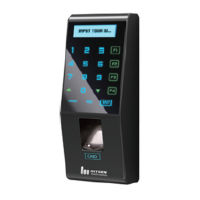
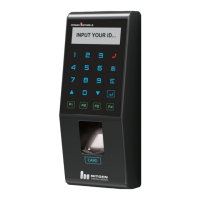
※ Install the product in the following order:
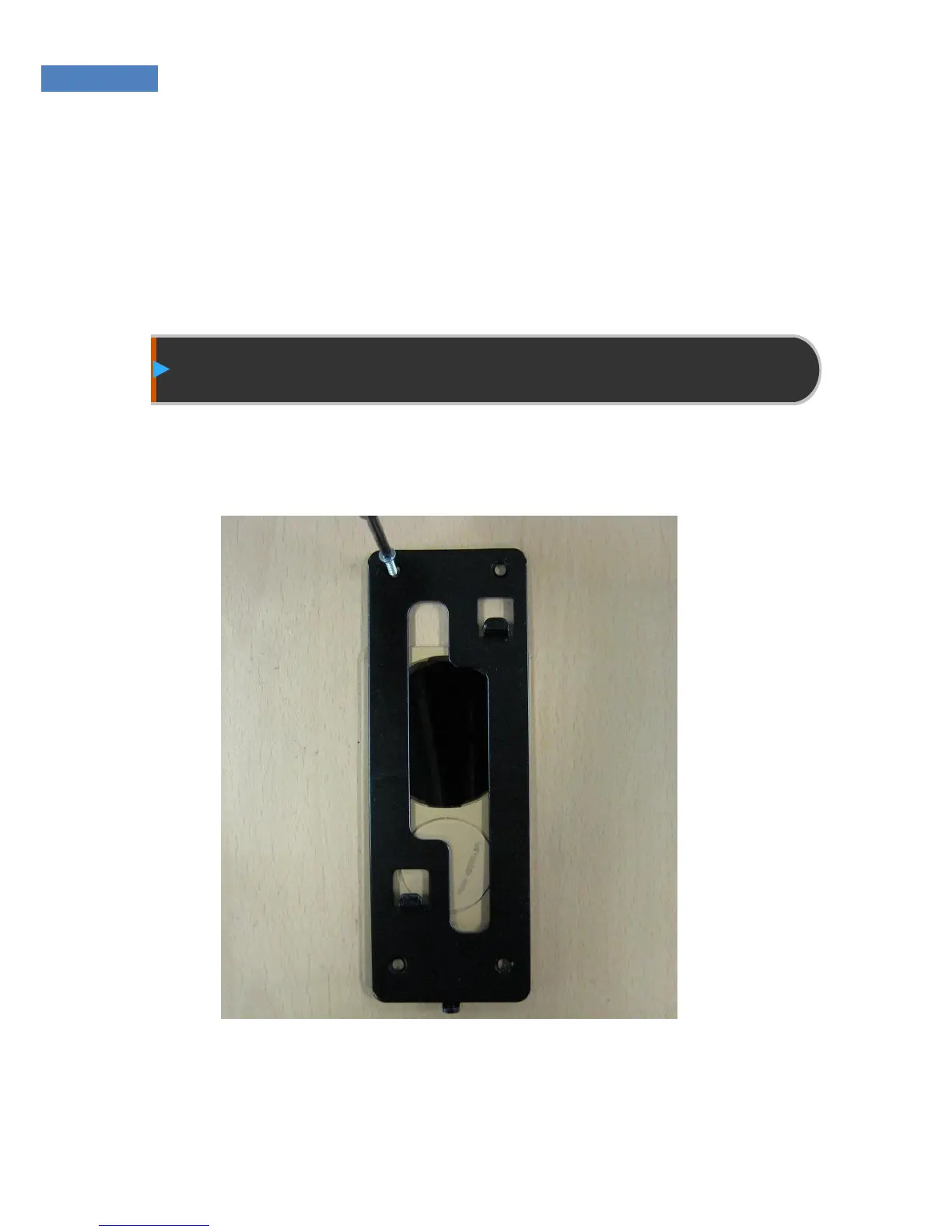
① Install the fixing bracket.
② Install other devices (such as lock and door switch).
③ Connect the external cable.
④ Fix the terminal.
Installation of Fixing Bracket
① Select a suitable installation location, and fix the fixing bracket
with the four bolts provided with the product.
Figure4.1 Installation of Fixing Bracket


 To Next Page