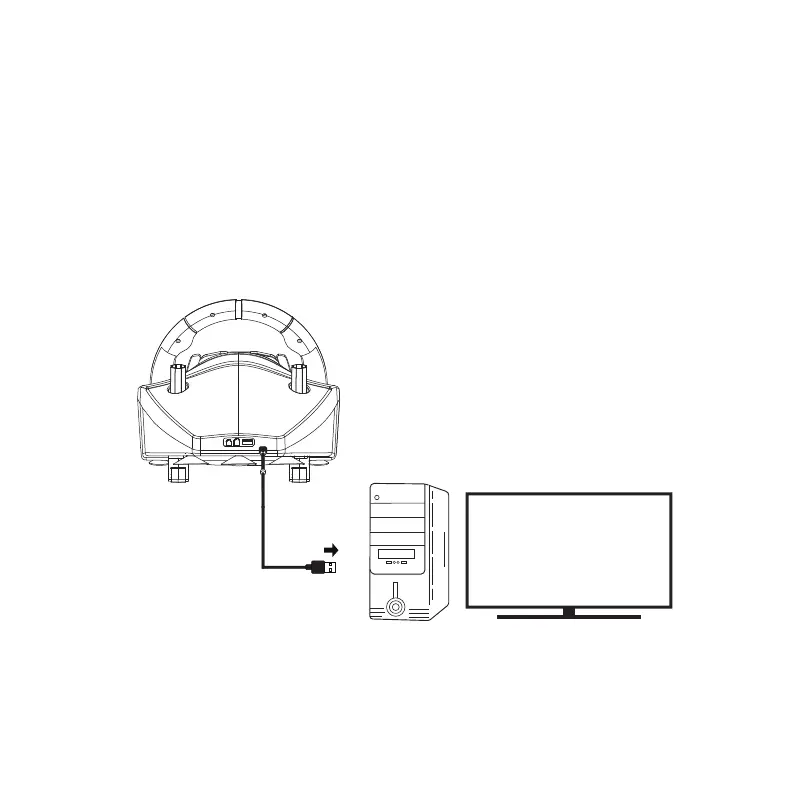
PC D-Input setup
From D-Input is possible to switch to X-Input pressing the
button 13 (Home) for few seconds until the LED light
changes color to orange.
Note :
After you have setted the wheel and gear shifter as indicated in page 2, connect
the wheel to the PC’s USB port.
The wheel’s LED automatically switch on purple colour.
At this point, the wheel is ready. Play the game and customize your in-game
setup, following the “PC D-Input buttons layout” as displayed in page 11.
(1)
(2)
(3)
Page 10


 To Next Page