25Cleaning & maintenance
DE
GB
FR
NL
PL
RU
CAUTION
Clean the brewing unit before every clean-
ing program, but at least once per month.
Otherwise, the warranty can be void.
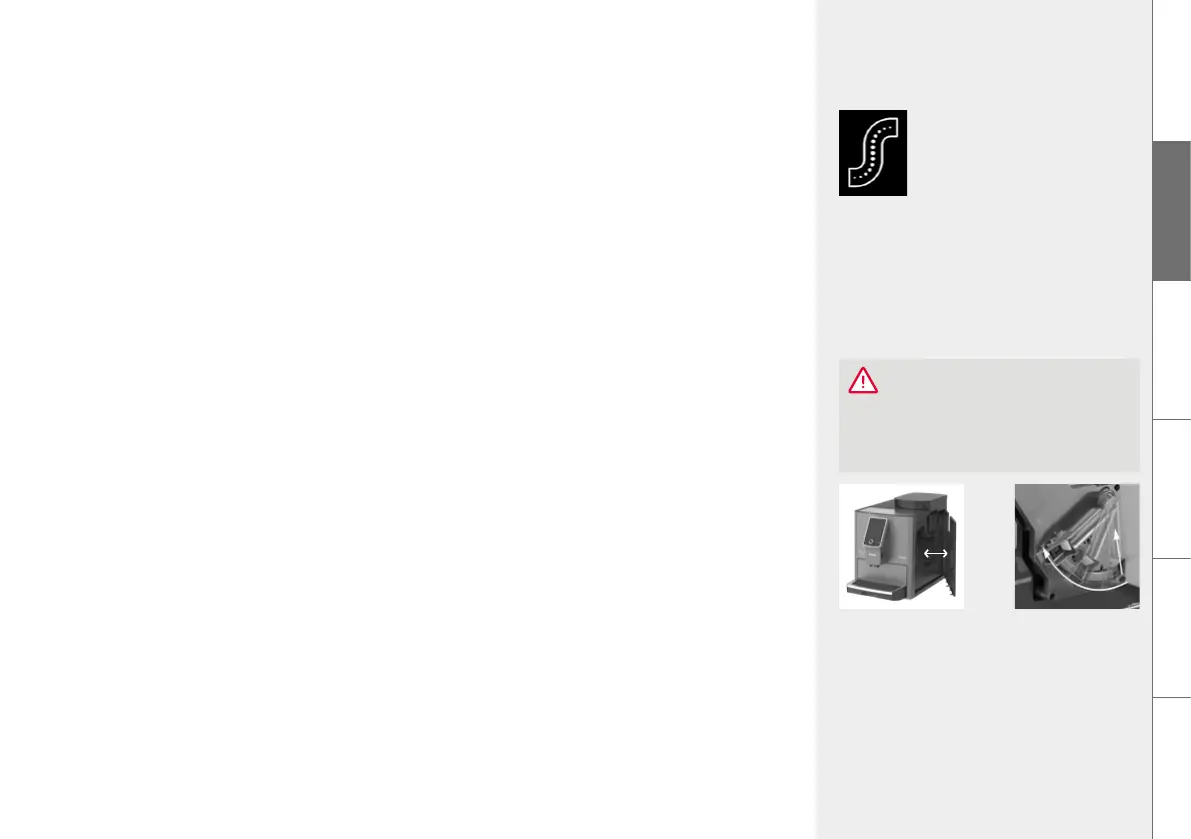
Unlock the brewing
unit
Open / close the
service door
Select and confirm the instruction with the rotary dial / by touching or
In the MAINTENANCE menu, select the menu option DESCALE SYSTEM
Put a sufficiently large container (≥ 0.7 l) under the height-adjustable outlet
Follow the instructions on the display up to the end of the program and confirm each
time with the rotary dial / by touching
The machine then heats up and is ready for operation again.
8.6. Remove & clean brewin unit
The brewing unit should be removed and cleaned under running water as needed and before
each cleaning program. Please never use detergent, but only pure cold water!
Open the service door on the right side of the housing (gently pull the unlocking device
inside the handle forward, then carefully remove the service door from the housing)
Unlock the brewing unit (press the red switch upward and turn the handle to the left up
to the stop and to lock)
Carefully remove the brewing unit with the handle
Clean the brewing unit under cold, running water and then let it dry
Carefully insert the brewing unit again and lock it (hold down the red switch and turn the
handle to the right up to the stop and to lock it)
Close the service door again (guide pins on the rear of the service door into the recesses,
then press the service door until it locks in place)
DESCALING
SYSTEM


 To Next Page