EasyManua.ls Logo

Nivus NivuSonic Clamp On - User Manual

Nivus NivuSonic Clamp On
110 pages
Print Icon
To Next Page IconTo Next Page
Loading...
Instruction manual
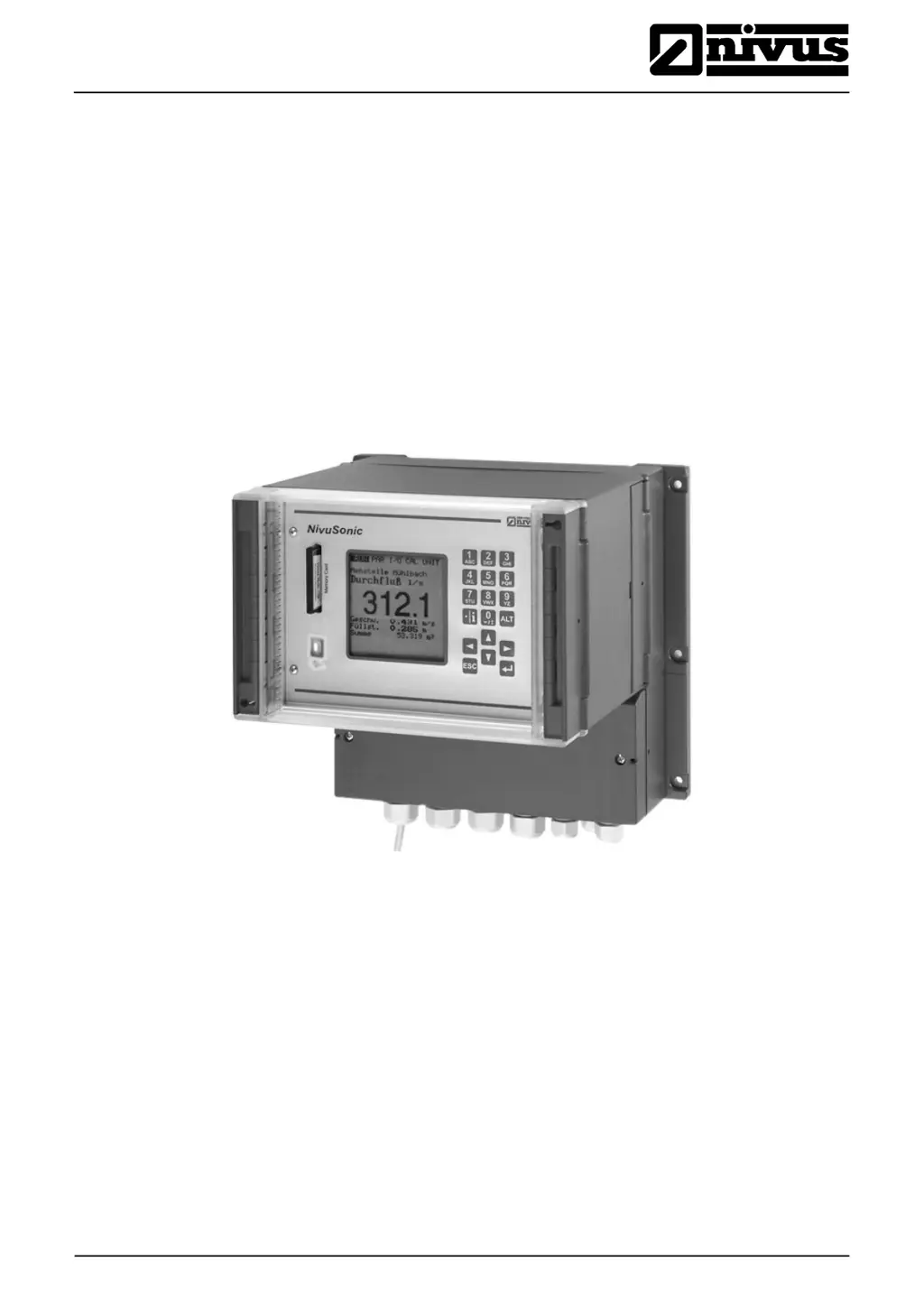
NivuSonic Clamp on
®
NivuSonic CO - Rev. 00 as of 08.12.2010 Page 1
Instruction Manual for Measurement System
NivuSonic Clamp On incl. accompanying Sensors
(Original Instruction Manual – German)
Valid as of Firmware V2.00
NIVUS GmbH
Im Taele 2
75031 Eppingen, Germany
Phone +49 (0)72 62 - 91 91 - 0
Fax +49 (0)72 62 - 91 91 - 999
E-mail: info@nivus.com
Internet: www.nivus.de

Table of Contents

Questions and Answers

  • K
    Katherine GonzalesAug 21, 2025
    What to do if Nivus Measuring Instruments screen is black or flickering?
    • G
      gwilliamsAug 21, 2025
      If the screen of your Nivus Measuring Instruments is black or flickering, begin by checking the power supply connection and ensuring the power supply voltage is correct. Also, check the switch position on the connection board and verify that the power supply type (AC or DC) matches the transmitter type. Ensure you are using a NIVUS memory card with the permissible maximum capacity. If problems persist, send the card to NIVUS for inspection.
  • T
    tstephensAug 30, 2025
    How to fix Display Error Sensor >X< on Nivus NivuSonic Clamp On?
    • J
      Jorge BrandtAug 31, 2025
      To resolve a 'Display Error Sensor >X
  • M
    margaret56Nov 10, 2025
    Why Nivus Measuring Instruments show no flow indication (>0< or >----
    • M
      Monica CrawfordNov 10, 2025
      If your Nivus Measuring Instruments are not showing any flow indication, it could be due to several reasons. First, check the connection between the sensor cable and the terminal strip, including connection boxes and any extensions, ensuring they are correctly connected and free of moisture. Also, verify the sensor installation for correct placement and alignment. Check for sufficient signal strength in the I/O Menu and apply coupling paste to the sensors if needed. In addition, inspect the transmitter by checking the error memory and addressing any error messages by checking cables, plugs, sockets, and sensor installation. For a 'CPU Error,' consult NIVUS service personnel and investigate the failure in the RUN – Trend menu. Finally, negative flow direction can cause this, so check indivi...

Nivus NivuSonic Clamp On Specifications

General IconGeneral
CategoryMeasuring Instruments
TypeClamp-On Ultrasonic Flow Meter
Operating Temperature-20 °C to 60 °C
Dimensions250 x 50 mm
Storage Temperature-40 °F to 158 °F (-40 °C to 70 °C)

Related product manuals