5
Listening To Your Music
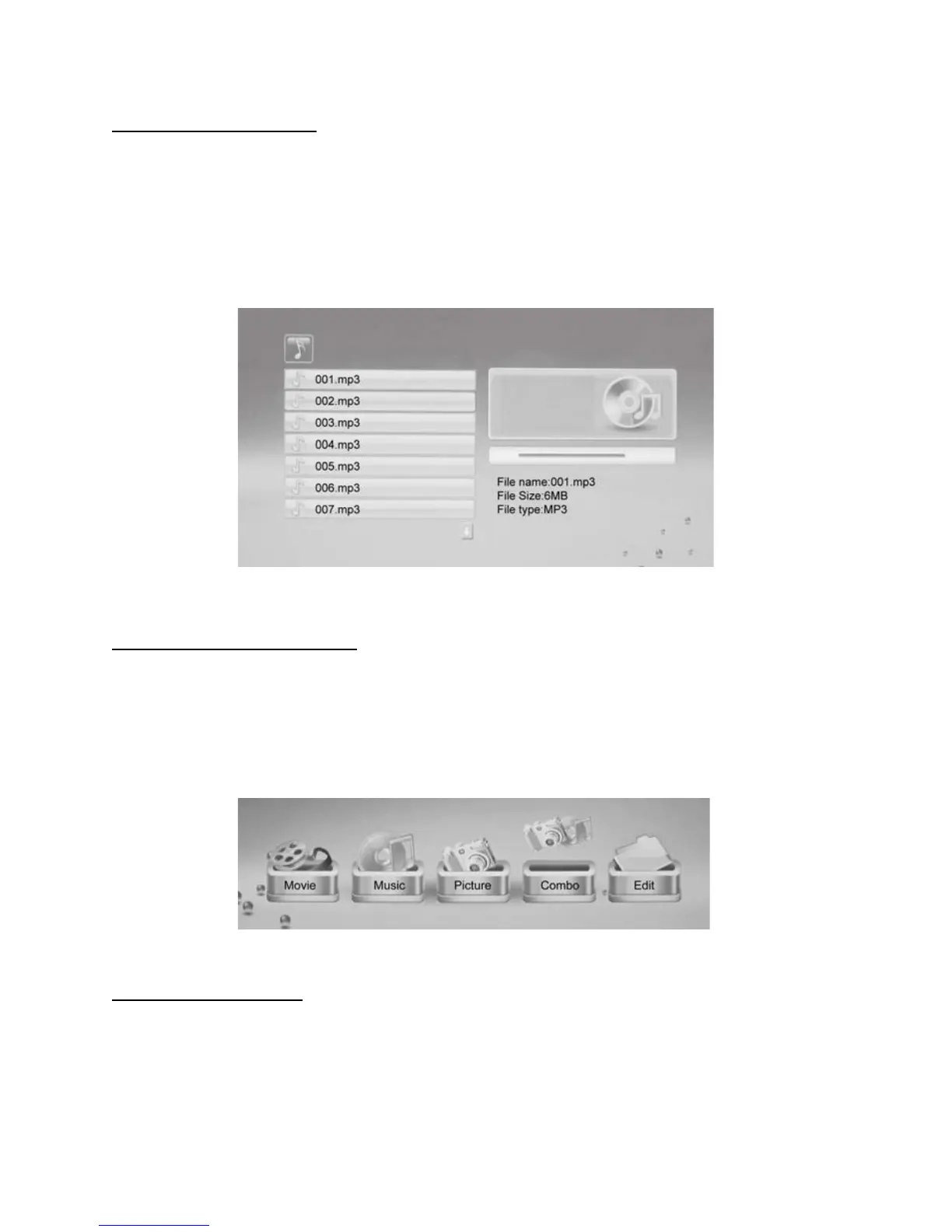
This Digital Photo Frame allows you to listen to MP3 files only.
Select the Music icon from the Menu, then press ENTER. Your Music files will list on the
screen.
Press to choose the track you want to listen to and press ENTER to play.
Note: Press Vol +/- on the remote control to increase or decrease the volume.
Combining Photo with Music
The ‘Combo’ Function on this Digital Photo Frame allows you to tailor your own folders of
combined Photos and Music to play on the frame. So, for example, this means you can run a
slideshow that only plays your Summer Vacation Photos with a selected soundtrack of MP3 files
you have chosen.
To Create a ‘Combo’ File:
1) Put all your desired Photos (eg, ones of your Summer Vacation in 2011) into a folder (on
your PC or MAC). Now add your chosen MP3 files into the same folder. Name the folder.



 To Next Page