6
2) Now transfer your folder onto your Memory Card or USB Flash Drive.
To Play a ‘Combo’ Collection:
1) Choose your device on the frame, ie USB, SD etc and press ENTER.
2) Now select ‘Combo’ and press ENTER.
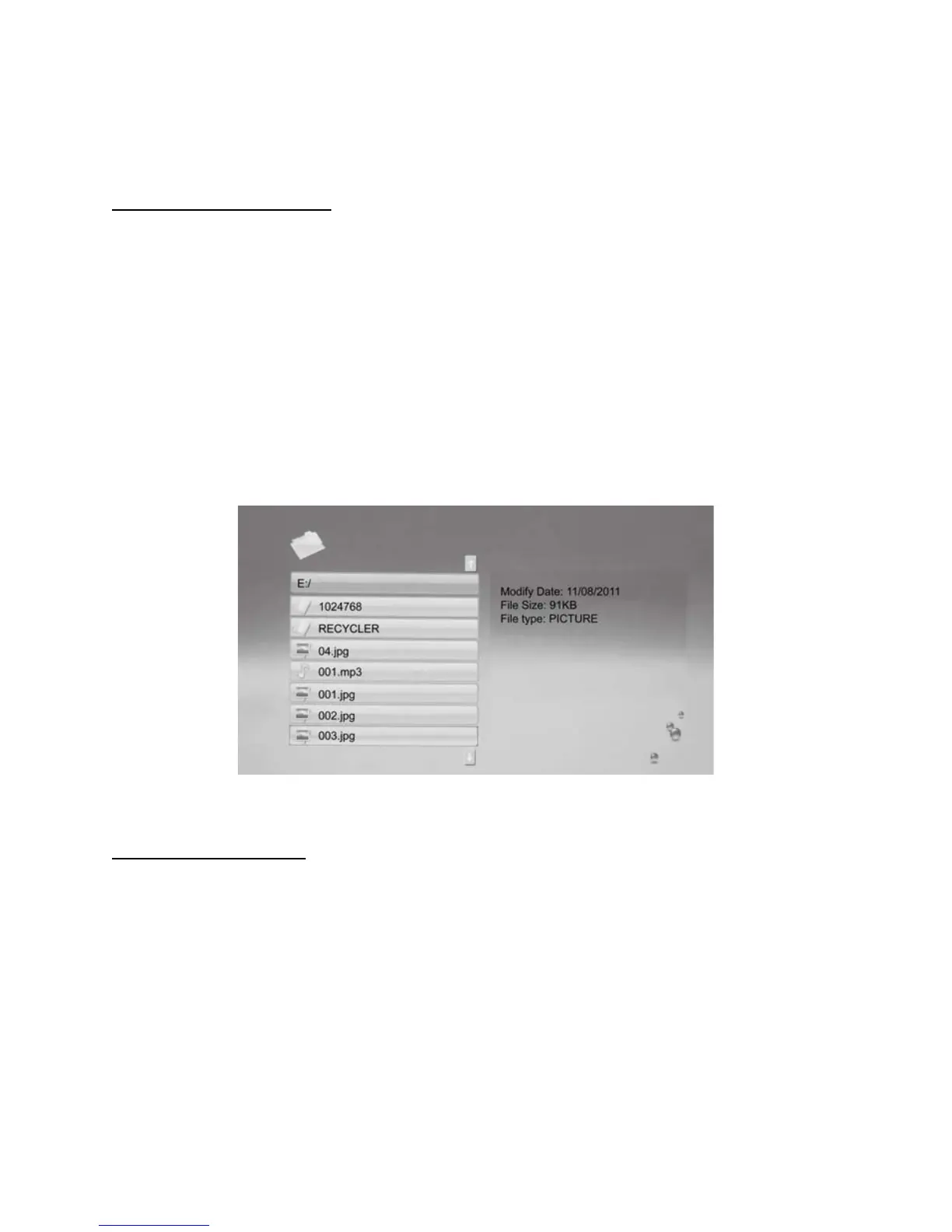
3) You will see your folder or folders. Highlight the folder you wish to play, then press
ENTER twice. Your tailored slideshow will start to play.
Note: If you have individual Photo and Music files that are not in folders, but appear in the
root ‘Combo’ folder, when you select any individual picture and press ENTER, a slideshow will
commence from this image and play MP3 files from the root folder also. Note, it will play the
first MP3 track from the collection, then cycle through the rest, if there are any.
Clock/Alarm/Calendar
1) To set the Time, press the ‘Setup’ button on the Remote Control. Scroll down the
screen, until ‘Time’ is highlighted. Now, using the ඔ>ඖ arrows, you can set
the time according to
YEAR/MONTH/DAY/ HOUR: MINUTE
Press ENTER to save these changes.



 To Next Page