User Operation and Controls Section 2
Tone
Tone
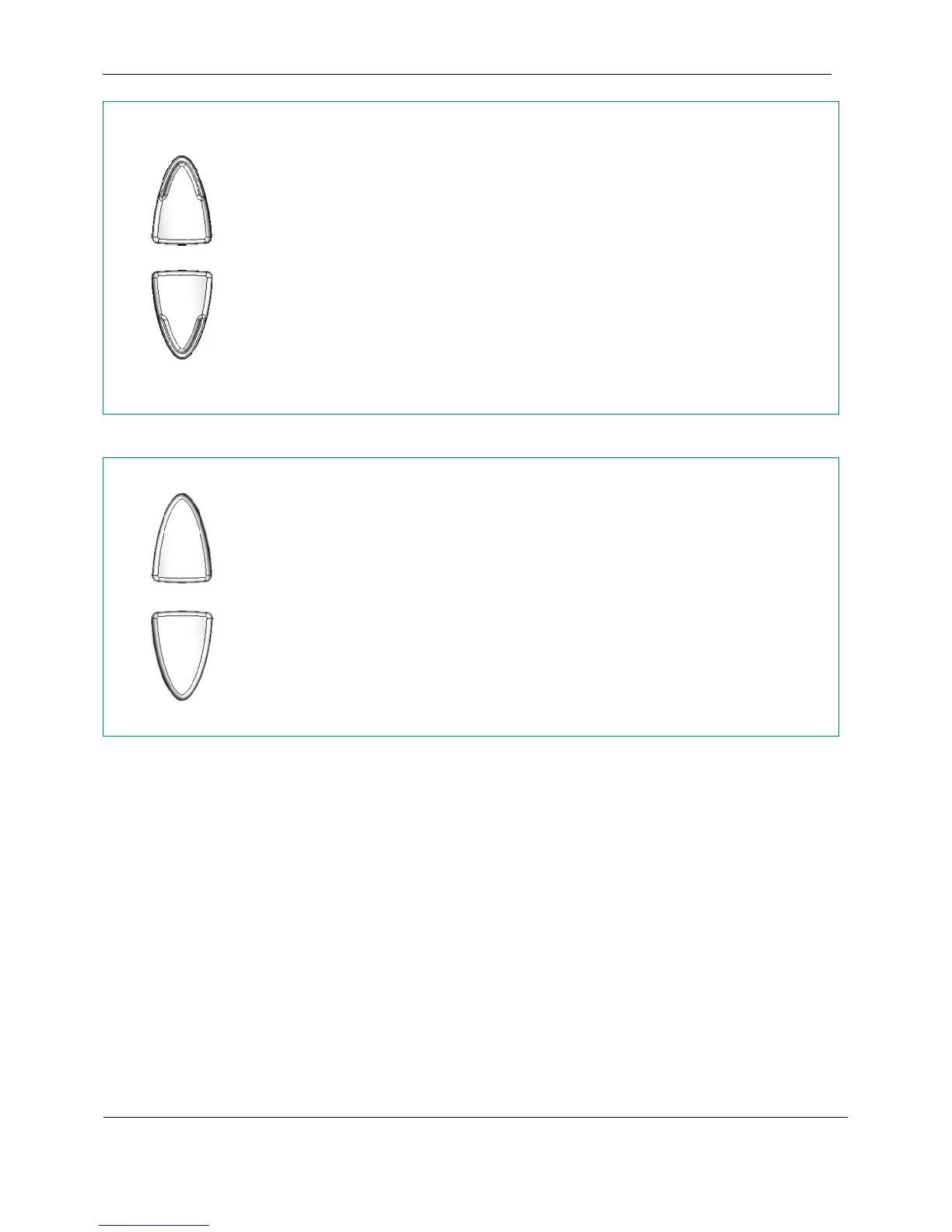
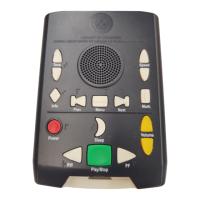
Pressing the Tone Up or Tone Down buttons adjusts the tonal quality of the player
audio. The treble (high frequencies) can be boosted by up to 10 dB with the tone up
control, and the bass (low frequencies) can be accentuated by the same amount with the
tone down control (compared to the mid setting, which is flat). At the extreme Tone Up
setting, there is a 10 dB boost in treble and a 10 dB cut in bass. An analogous effect
occurs at the extreme Tone Down setting.
A distinct double beep sounds when the tone is adjusted to maximum or minimum to
inform the user no more adjustment is available. A different beep and announcement
sound at the neutral tone setting.
The tone adjustment is only active when a book cartridge is inserted. When a book
cartridge is inserted for the first time, the player sets the tone level to neutral. The player
remembers the setting for each book so that the tone setting for that book is recalled when
the book cartridge is reinserted.
Speed
Speed
The speed of playback is adjustable using the Speed Up and Speed Down buttons. The
speed is adjustable from one half to three times normal. That is to say if a book took a
narrator 7 hours to narrate, it would take 2 hours and 20 minutes to render at the fastest
setting. The pitch of the audio at all speed settings remains the same.
A distinct double beep sounds when the speed is adjusted to maximum or minimum to
inform the user no more adjustment is available. A different beep and announcement
sound at the normal speed setting.
The speed adjustment is only active when a book cartridge is inserted. When a book
cartridge is inserted for the first time, the player sets the speed level to normal. The player
remembers the setting for each book so that the speed setting for that book is recalled
when the book cartridge is reinserted.
February 2010 Digital Talking-Book Player 18
Library Guide


 To Next Page