6
13.
Change participation status from active mode to
observer mode to indicate that you don’t wish to
be communicated with directly. This is displayed
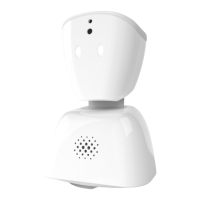
with blue lights atop AV1’s head and can quickly
be switched back to active mode by tapping the
happy emoji.
14.
Ask or answer a question by tapping the raise hand
icon, this will activate a white light sequence (blue
when in observer mode) atop AV1’s head, which
will notify the teacher and fellow students.
15.
At the end of the day you can quickly and easily
end your AV1 session by tapping the phone icon
followed by the red hangup icon.
Contact information for support
Have any questions that we didn’t cover here? Get
in touch and we’ll be happy to help.
Visit our support website:
support.noisolation.com
Version 3.0
User manual applies to model AV1b
CAUTION
Risk of explosion if battery is replaced by an
incorrect type. Dispose of used batteries according
to the instructions.


 To Next Page