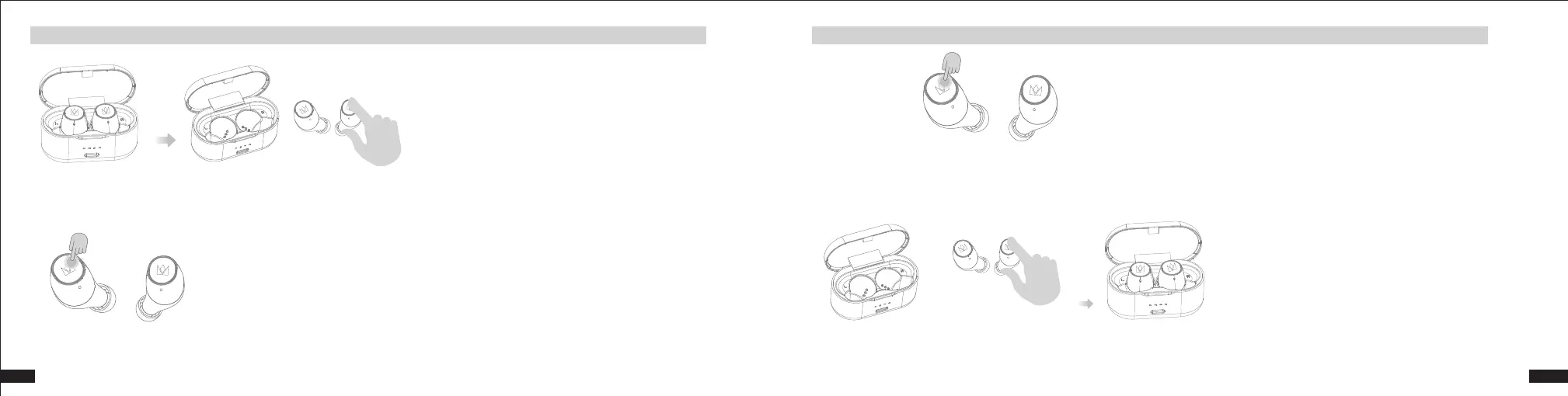
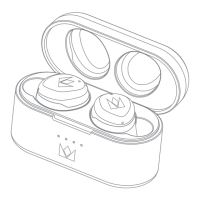
The earbuds will power on automatically when removed from the charging case, if the charging case has a sufficient charge.
(The white indicator light will blink for one second to indicate that the earbuds are in a “power on” state.)
To manually turn the earbuds on, press the MFB button lightly to boot up.
To turn off the earbuds, press the MFB button for 3 seconds until you hear a “beep” sound twice.
If the charging case has a sufficient charge, the earbuds will automatically turn off when placed in the charging case.
5
EN
EN
4
Power On
Power Off


 To Next Page