7
EN
EN
6
Pairing Procedure
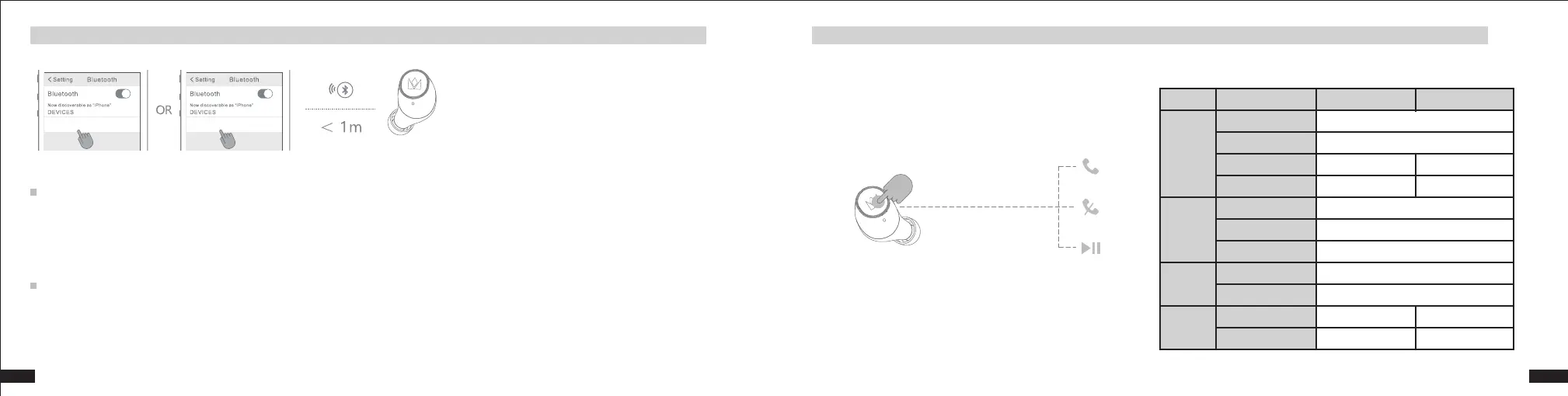
The first time you use your earbuds with your smartphone, you will need to pair them with your smartphone. Once paired, they will connect automatically each time they are booted up.
Pairing
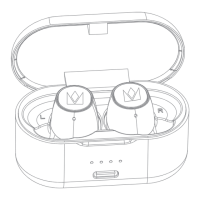
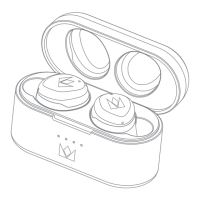
1.Remove your two earbuds from the charging case. They will power on automatically, and will enter pairing mode, with orange and white indicator lights flashing alternately.
2.Enable Bluetooth on your smartphone, and search for “NOBLE Falcon_L/R” in available Bluetooth devices. Once found, click “NOBLE Falcon_L/R” to initiate the pairing.
3.After pairing, the connection interface of the second earbud should appear on your smartphone. Click it to confirm and all settings will be completed.
NOBLE Falcon_L/R NOBLE Falcon_L/R
Pairing a new device
1. Remove your two earbuds from the charging case. They will power on automatically and connect to your current device.
2.Disconnect the earbuds from your last connected smartphone by “disconnecting” or “forgetting” or deleting “NOBLE Falcon_L/R” from your smartphone’s Bluetooth device list.
3.Once disconnected, the earbuds will automatically enter pairing mode, with orange and white indicator lights flashing alternately.
4.Enable Bluetooth on your new device, and search for “NOBLE Falcon_L/R” in available Bluetooth devices. Once found, click “NOBLE Falcon_L/R” to initiate the pairing.
5.After pairing, the connection interface of the second earbud should appear on your smartphone. Click it to confirm and all settings will be completed.
Briefly press the MFB button
Model
MUSIC
Phone
Siri
Volume
Function
Play
Pause
Next Track
Previous Track
Answer Call
Hang Up
Reject Call
Enable
Disable
Up +
Down -
-
Single Click or Put in Charging Case
Single Click
Single Click
Single Click
Three Click
Double Click
Double Click
Three Click
Press 1 Second
Press 1 Second
Press 1 Second
-
-
-
L R
How to Pair
Button Operation


 To Next Page
 Loading...