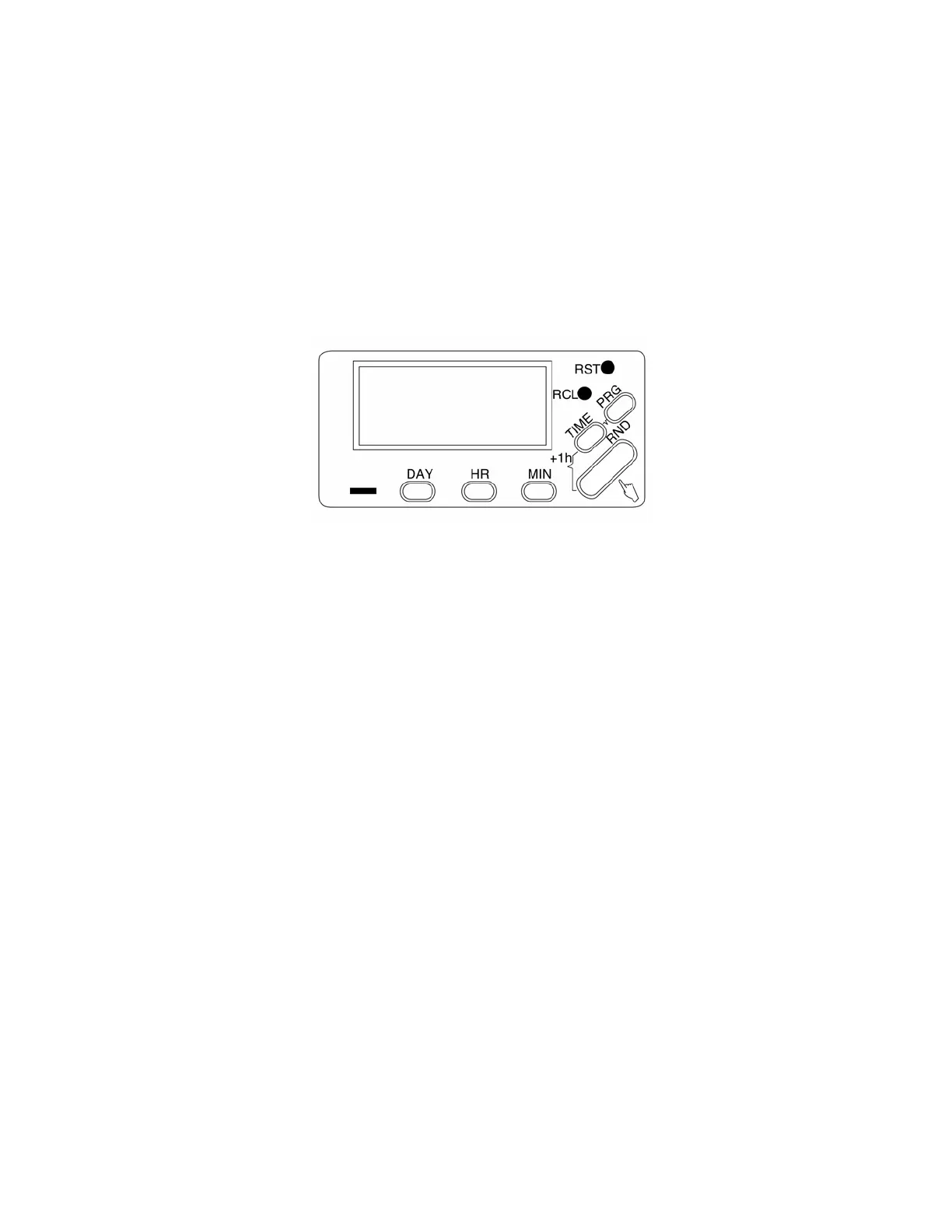
NOTE: Holding down the DAY/HR/MIN buttons for more than two seconds will
give a fast run through.
3 PROGRAMMING (PRG)
The timer allows you to program 6 ON/OFF time periods. To enter the program
mode push the PRG button (do not hold it down).
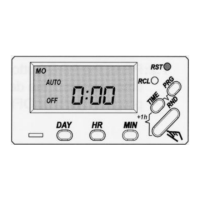
The display will look as follows:
The timer is waiting for the first programmed ON instructions. Set the day(s) you
require by pressing the DAY button.
Each push of the DAY button will cycle through the following options:
1. All 7 days of the week
2. Each separate day
3. Week days only
4. Weekend
5. Monday to Saturday
6. Monday, Wednesday, Friday
7. Tuesday, Thursday, Saturday
NOTE : Setting the heater to turn ON and OFF for one of the above options uses
only one of the six ON/OFF program time periods available.
The day(s) that the timer will come on will be shown at the top of the display.
Keep pushing the DAY button until you have selected the setting that you wish to
use.
Next, set the time you wish the timer to switch on by pushing the HR and MIN
buttons. This timer has a 24 Hour display. Remember, 13:00 corresponds to
1:00PM in the afternoon.
MO TU WE TH FR SA SU
PRG
1ON --:--


 To Next Page