4
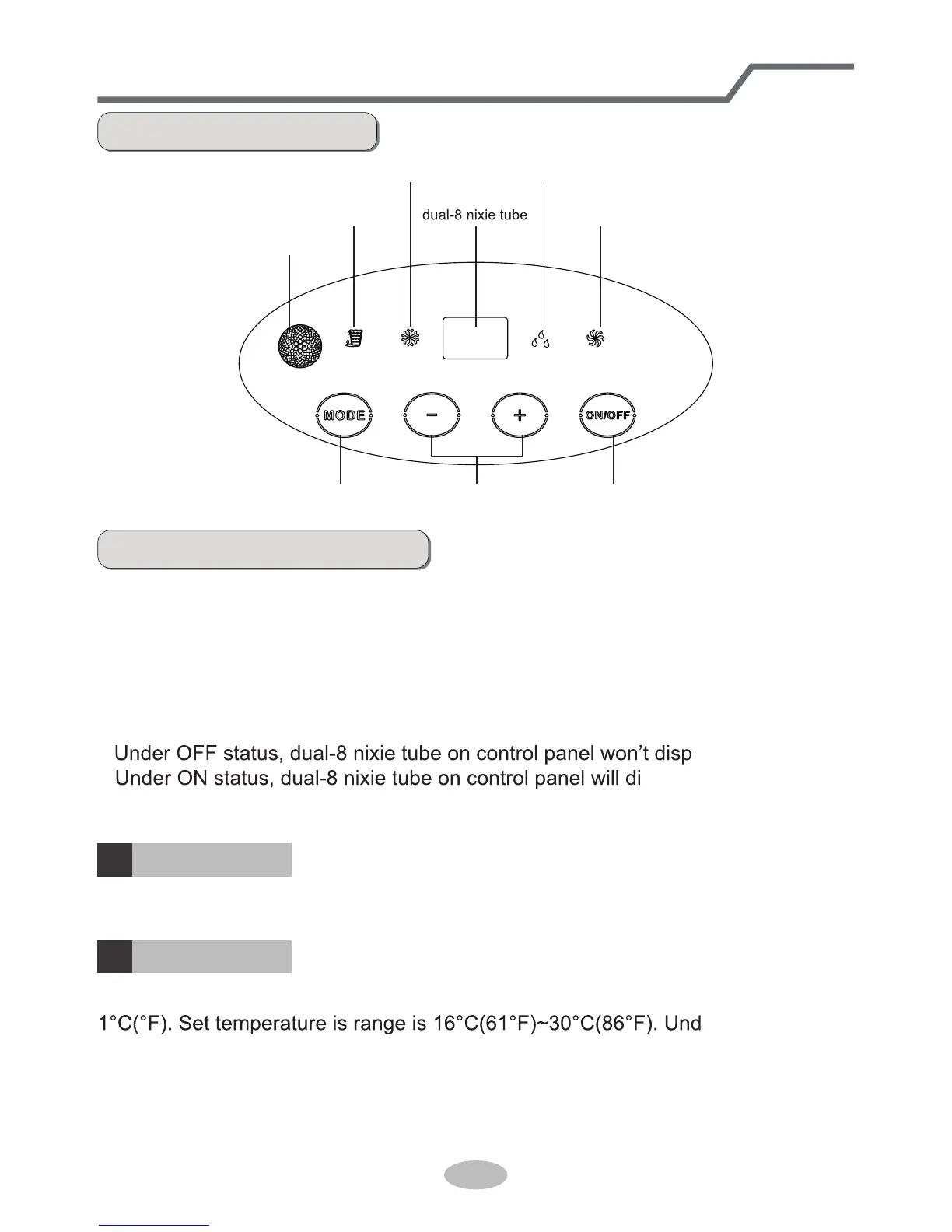
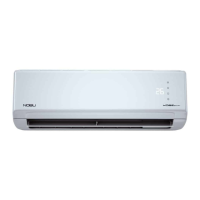
Operation introduction for control panel
Name of control panel
ON/OFF buttonMODE button + / - button
fan mode indicator
dry mode indicatorcool mode indicator
signal receiving window
water full indicator
Operation of control panel
Note:
●
After putting through the power, the air conditioner will give out a sound. After
that, you can operate the air conditioner by the control panel.
●
Under ON status, after each pressing of the button on control panel, the air
conditioner will give out a sound. Meanwhile, corresponding indicator on control
panelwill be bright.
●
lay.
splay set temperature
under cooling mode, while it won’t display under other modes.
Press this button can turn on or turn off the air conditioner.
Under cooling mode, press “+” or “-” button to increase or decrease set temperature
er auto, drying
or fan mode, this button is invalid.
ON/OFF button
+ / - button
1
2



 To Next Page