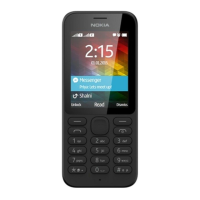
Nokia 110 (2024) User Guide
2 Get started
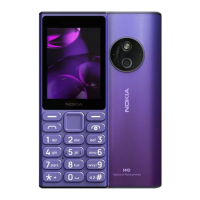
KEYS AND PARTS
Your phone
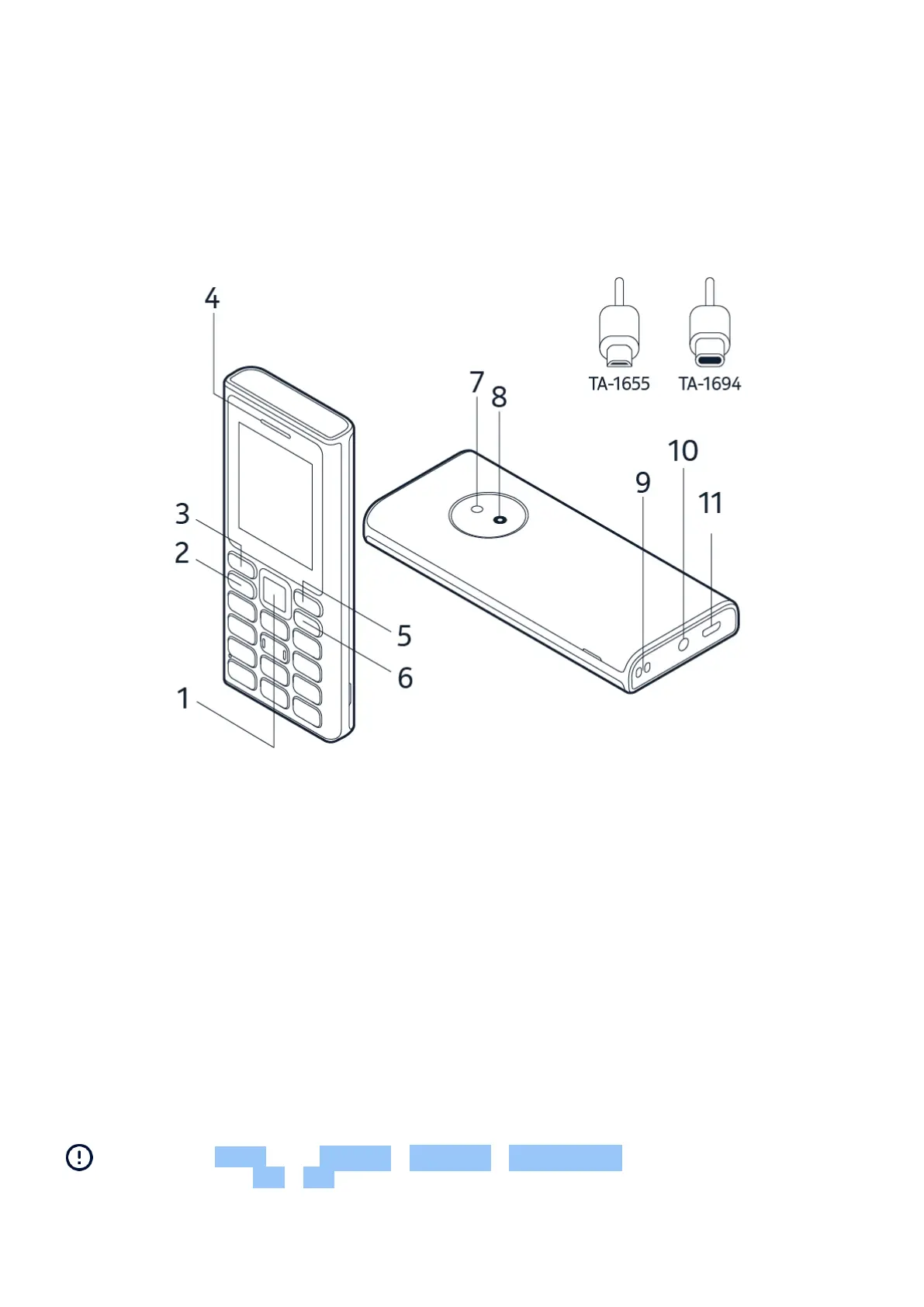
This user guide applies to the following model: TA-1655 and TA-1694.
1. Scroll key
2. Call key
3. Left selection key
4. Earpiece/Loudspeaker
5. Right selection key
6. Power/End key
7. Flashlight
8. Camera
9. Lanyard attachment slot
10. Headset connector
11. USB connector
Some of the accessories mentioned in this user guide, such as charger, headset, or data cable,
may be sold separately.
Note: You can set the phone to ask for a security code to protect your privacy and personal
data. Select Menu > > Security > Keyguard > Security code . Make up a code with 5-8
digits, and select OK > On . Note, however, that you need to remember the code, as HMD
Global is not able to open or bypass it.
TM and © 2024 HMD Global. All rights reserved. 5


 To Next Page