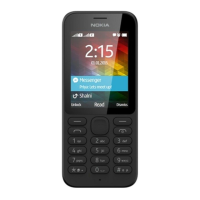
Nokia 110 (2024) User Guide
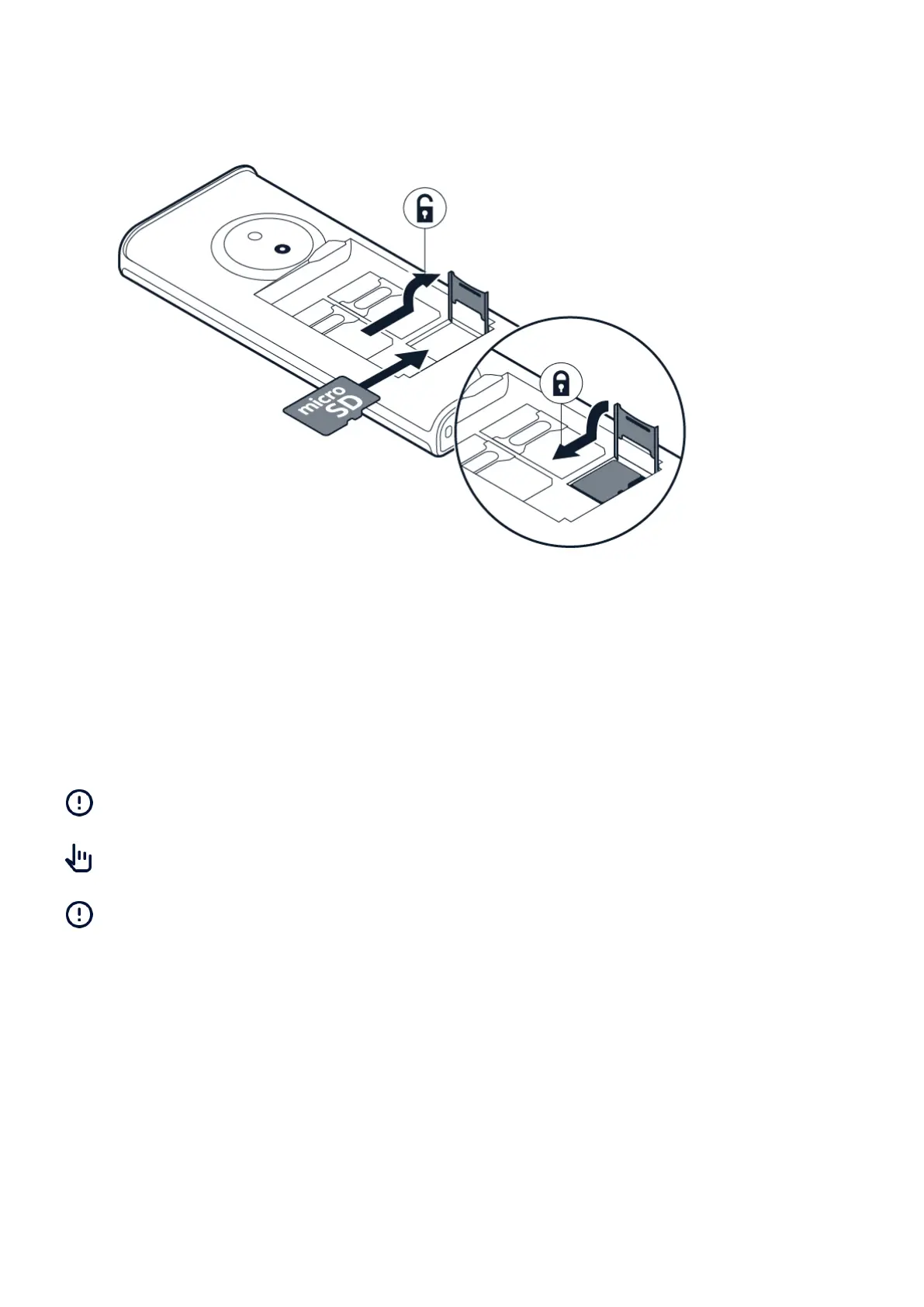
Insert the memory card
1. Slide the memory card in the memory card slot.
2. Put back the battery.
3. Put back the back cover.
Use only compatible memory cards approved for use with this device. Incompatible cards may
damage the card and the device and corrupt data stored on the card.
Important: Do not remove the memory card when an app is using it. Doing so may damage
the memory card and the device and corrupt data stored on the card.
Tip: Use a fast, up to 32 GB microSD memory card from a well-known manufacturer.
Note: Pre-installed system software and apps use a significant part of memory space.
Switch on your phone
Press and hold .
CHARGE YOUR PHONE
Your battery has been partially charged at the factory, but you may need to recharge it before
you can use your phone.
TM and © 2024 HMD Global. All rights reserved. 9


 To Next Page