Attach a strap
Straps may be available separately.
Basic use
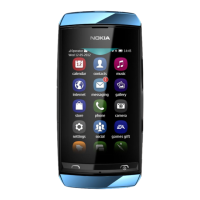
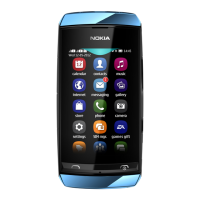
Your touch screen phone
Change settings quickly
Rather than going into the phone menus, in most views, you can quickly change some
settings by swiping down from the top of the screen.
You can:
• See if you have missed calls or unread messages
• Change the profile, for example, to silence your phone
• Open the music player, for example, to pause the currently playing song
• Open or close mobile data internet connections
• Switch Bluetooth on or off
• Switch to another SIM
Use the touch screen
To use your phone, tap or tap and hold the touch screen.
Basic use 13


 To Next Page